6
batteries.
o Dimmed red light = Low power, please recharge.
• Source button.
o Single press = Switch between ‘Line in’ and ‘Bluetooth‘ input. The
speaker will always turn on at the latest setting, and if it was
Bluetooth, it will connect to the latest device.
o Double click = Disconnect connected device.
o Long press (3 seconds) = Connect to another BOOMit in wireless
stereo. If connected already and you long press ‘Source’ you will
disconnect the other BOOMit.
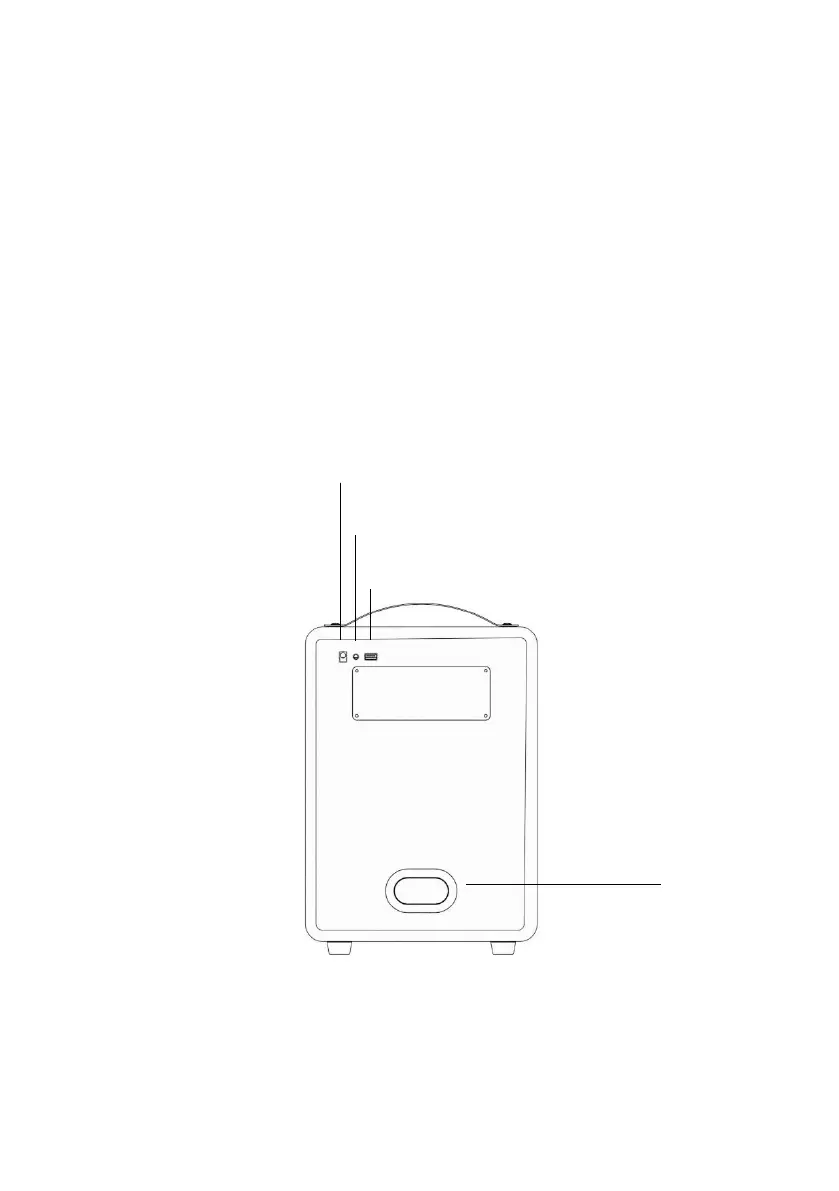
Rear:
• Charging plug: Connector for charging your speaker. Always use the
supplied charger.


 To Next Page