44
ENGLISH
Water menu
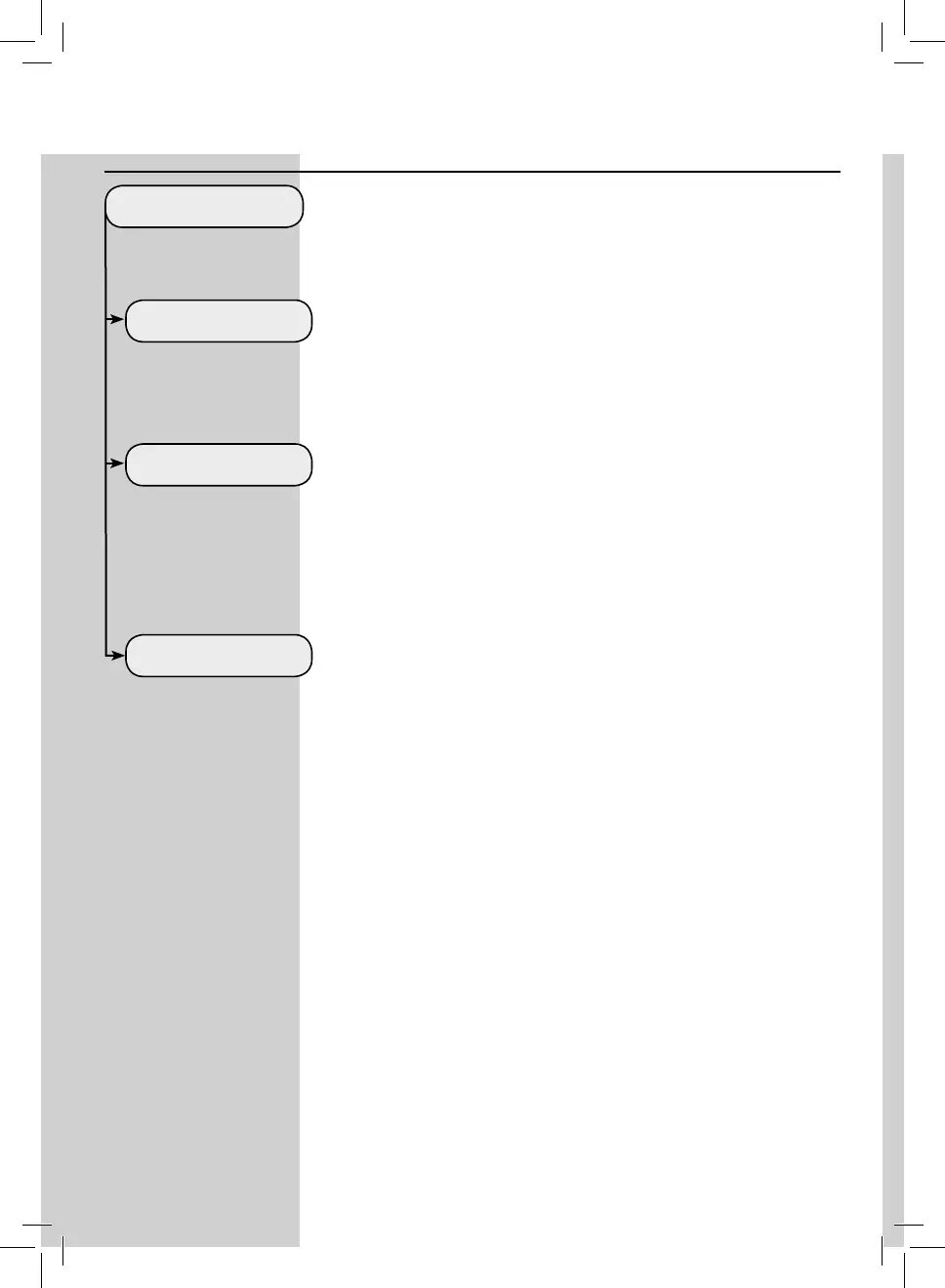
The WATER MENU allows adjusting water parameters for optimal co ee.
WATER MENU
HARDNESS
ENABLE FILTER
ACTIVATE FILTER
Under HARDNESS, you can set the level of water hardness.
To measure water hardness, refer to chapter “MEASURING AND PROGRAM-
MING WATER HARDNESS”
By enabling the lter, the machine noti es the user when the water lter
needs to be replaced.
OFF: warning disabled.
ON: warning enabled (the warning is automatically set when the lter is
activated).
To activate the lter after its installation or replacement. Refer to the chap-
ter “INTENZA+ Water Filter Installation”.



 To Next Page