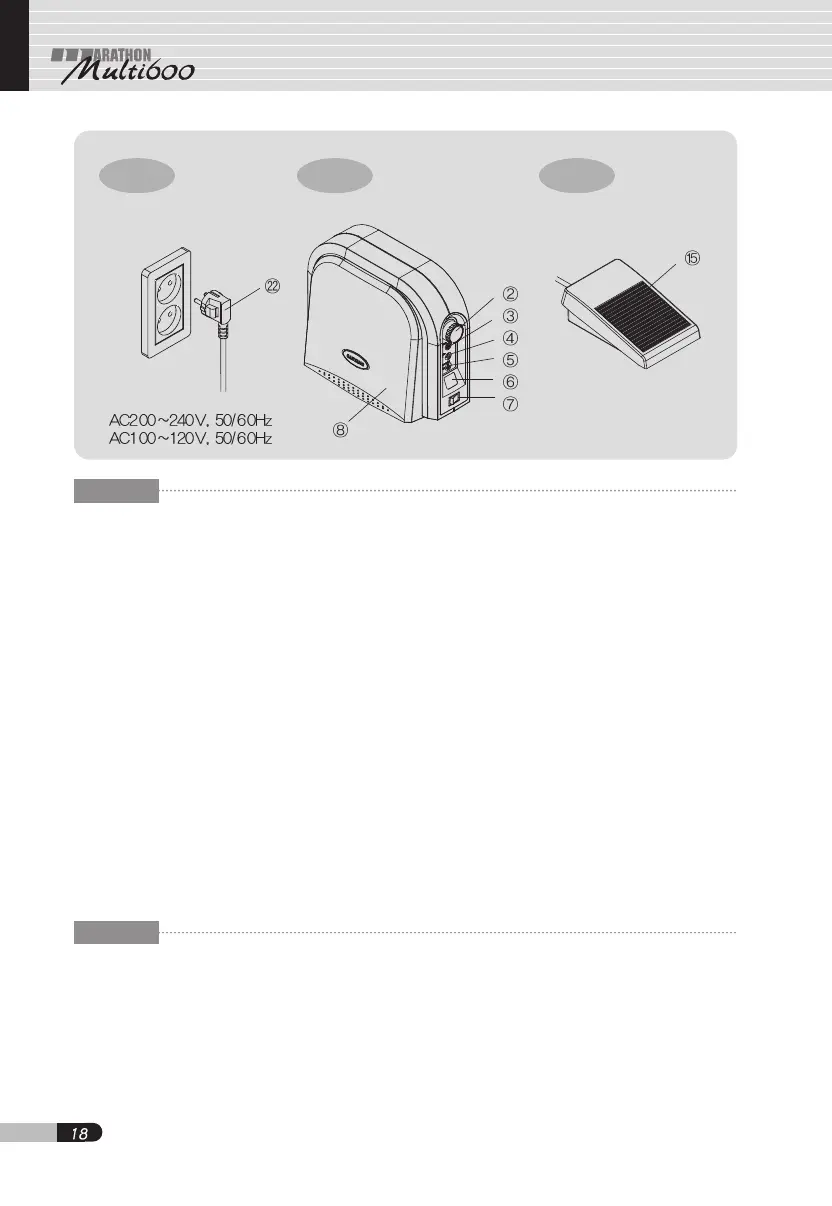
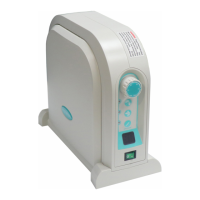
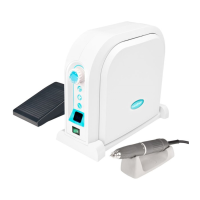
Fig-16 Fig-17 Fig-18
ENG
7. How to operate
7.1 Procedures
a. Plug the power cord into an electric
outlet.
b. Set speed control knob ② to the slowest
position.
c. Turn on power switch ⑦.
d. Press motor switch ⑤ to run the motor.
e. Set speed control knob ② to the desired
speed.
f. Press hand/foot selector switch ③ if it is
necessary to control the motor speed,
using foot pedal ⑮ or knee control panel
⑧.
g. The motor stops by pressing again
motor switch ⑤.
CAUTION
1. Wear safety glasses and mask
whenever doing cutting or grinding
works.
2. Do not exceed the maximum operating
speed(50,000RPM) of the unit because
its operation at too high speed may
result in damage to the unit, as well as
personal injury.
3. Never try to touch the chuck handle
while the motor is in operation.
4. Special care must be taken not to drop
the motor handpiece or control unit on
the floor.
5. Before turning off the power switch, it is
surely required to make sure that the
motor has been stopped by pressing the
run switch.
6. Unplug the power cord when the unit is
not in use.
JPN
7. 操作
7.1 操作手順
a. 電源コ-ド プラグを電源コンセントに連
結します°
b. 回轉數調整ハンドル ② を最低の位置に置き
ます°
c. 電源スイッチ ⑦ をONします°
d. モ-タスイッチ⑤を押壓すればモ-タが回りま
す°
e. 回轉數調整ハンドル②を回し望むモ-タ回轉
數を設定しなさい°


 To Next Page