INTEGRA/-S/-G/-GS User Manual WEB GUI
SAF Tehnika JSC
Modifying basic system parameters
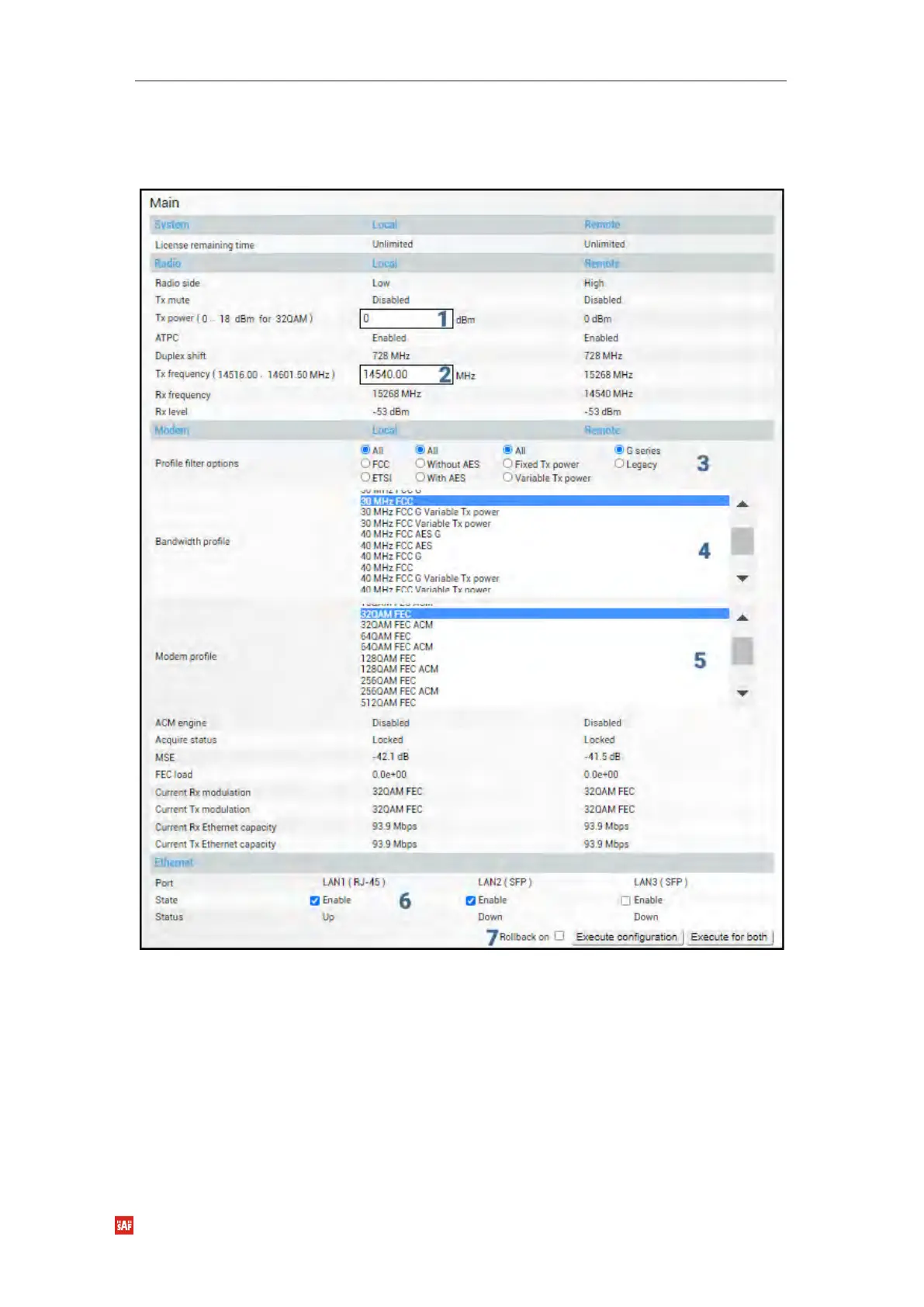
To proceed with the initial configuration, press the MODIFY button and the entry fields will
appear for adjustable values:
The available range depends on the radio model and selected modulation. The actual range
will be indicated in the brackets. If a Variable Tx power bandwidth profile was selected, the
available range is the maximum Tx power at 4QAM modulation when ACM downshift occurs.
The available range depends on the frequency band, subband, radio side, and channel
bandwidth selected. The actual range will be indicated in the brackets.
Tx frequency range indicates the range of central frequencies for the configured channel
bandwidth.



 To Next Page