INTEGRA/-S/-G/-GS User Manual WEB GUI
SAF Tehnika JSC
Allows modifying parameters in the main window. If none can be modified, the MODIFY
button appears inactive. After modification, the SAVE button becomes active and indicates a
number of unsaved changes as well as their type (when moving the cursor over the button).
The LOGOUT button will log out from the current session.
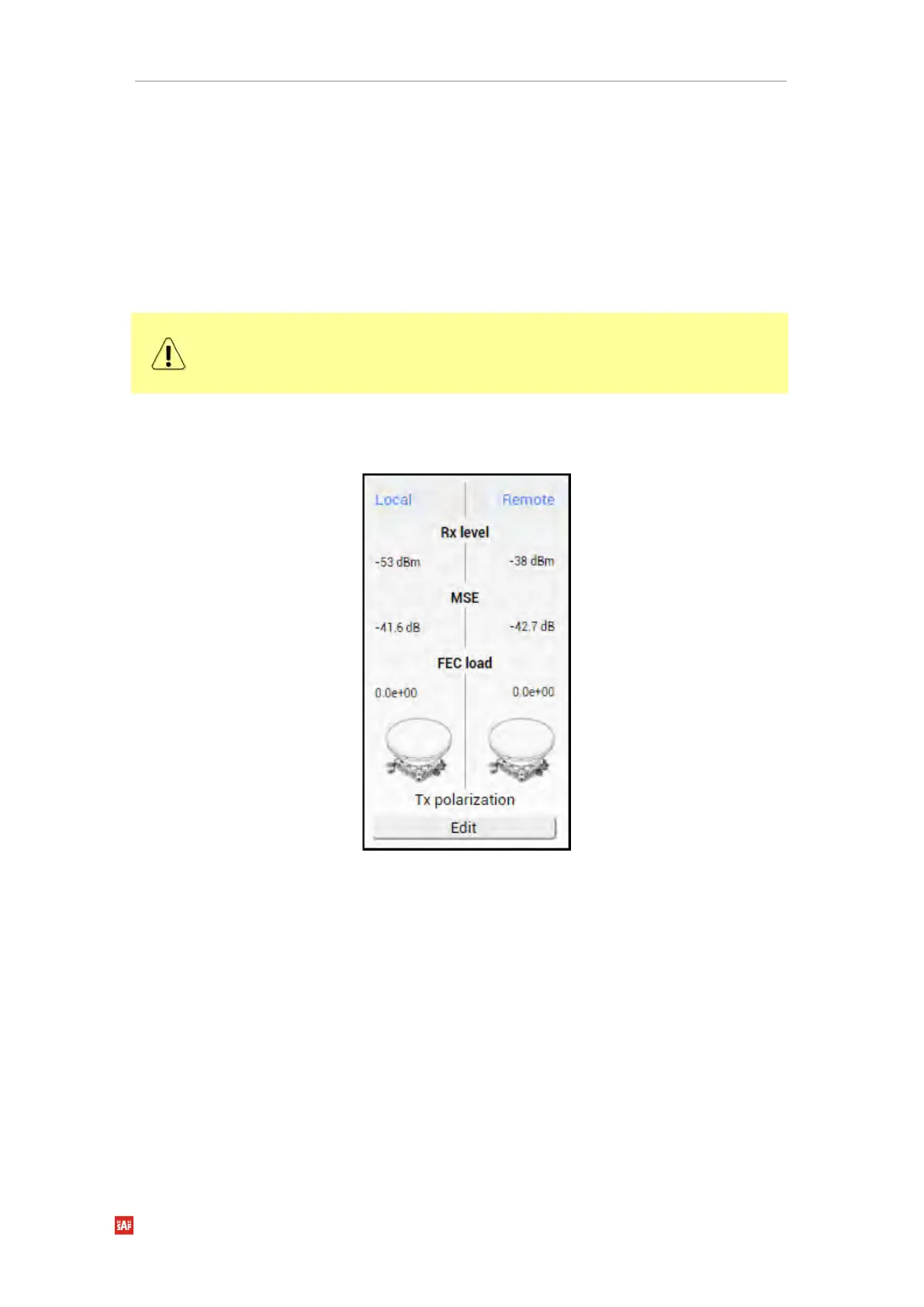
Shows one to four (default value – three) selected parameters of the local and remote
systems, as well as Tx polarization (as read from the internal accelerometer).
Values appear in red color in case of exceeding alarm threshold values Performance →
Alarm → Alarm threshold configuration or in case of a warning (e.g. if loopback is active).
Values appear in orange color in case alarm threshold values were exceeded during the last
15 seconds.
The two square indicators show the number of active alarms on local and remote radios.
The indicator is colored green if no alarms (“0”) are present, otherwise, it is colored red.


 To Next Page
 Loading...
