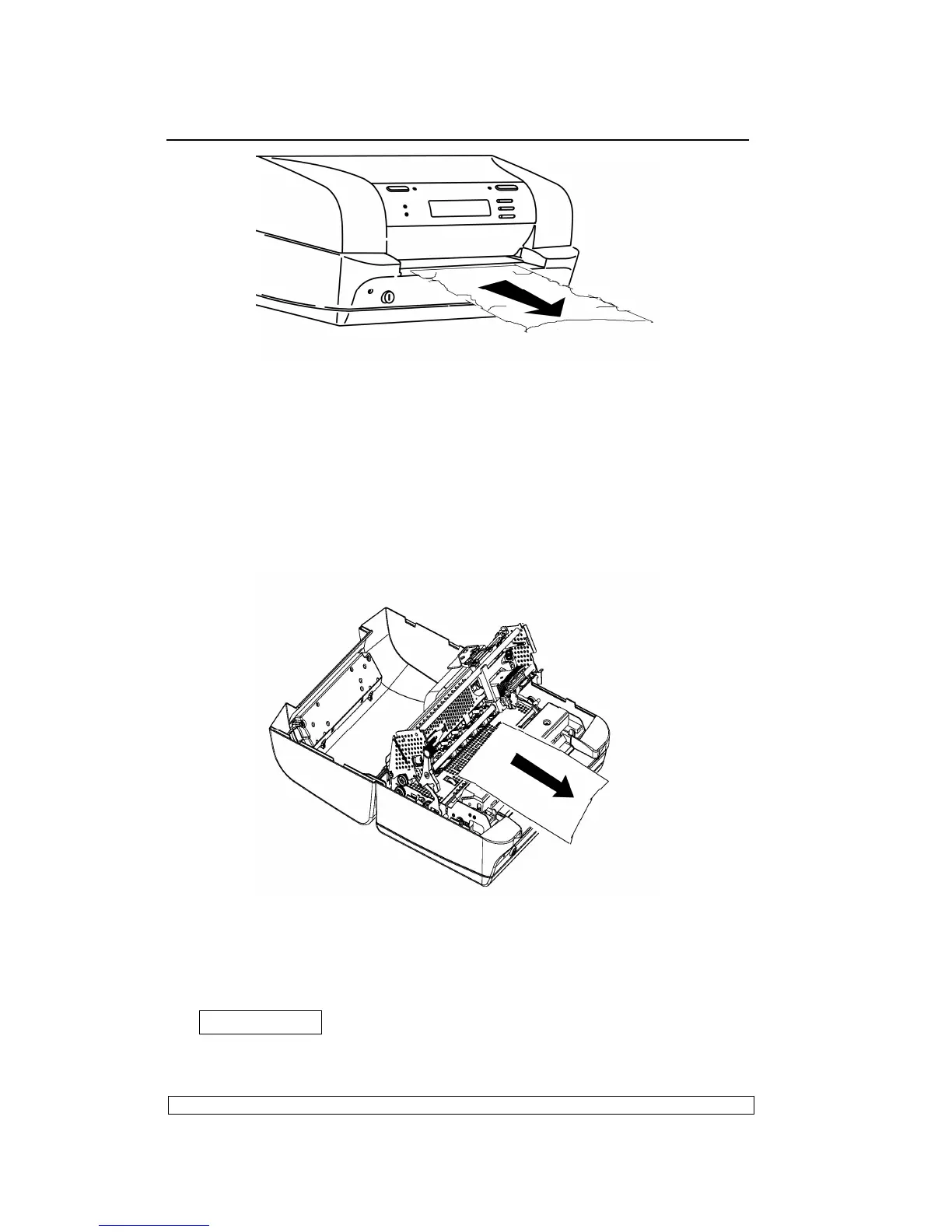
Fig. 2-13 Removing the Document from the Front Feed Slot
2.6.5.2. PAPER JAMS INSIDE THE PRINTER
Proceed as follows to remove a document from inside the printer:
- Open the cover without powering off the machine.
- Lift the upper mechanical assembly by using the upper mechanical
assembly lifting green lever.
- Remove the jammed document by carefully pulling it from the printer.
Fig. 2-14 Removing a Document from Inside the Printer
If pieces of paper are jammed in inaccessible areas inside the machine,
proceed as follows to remove them:
1) Open the cover and power on the printer while pressing the
FEED/EJECT▲ button. The pieces of paper will move
forwards/backwards so that the jam can be cleared.
2) Power off the machine and close the cover before powering it back on



 To Next Page