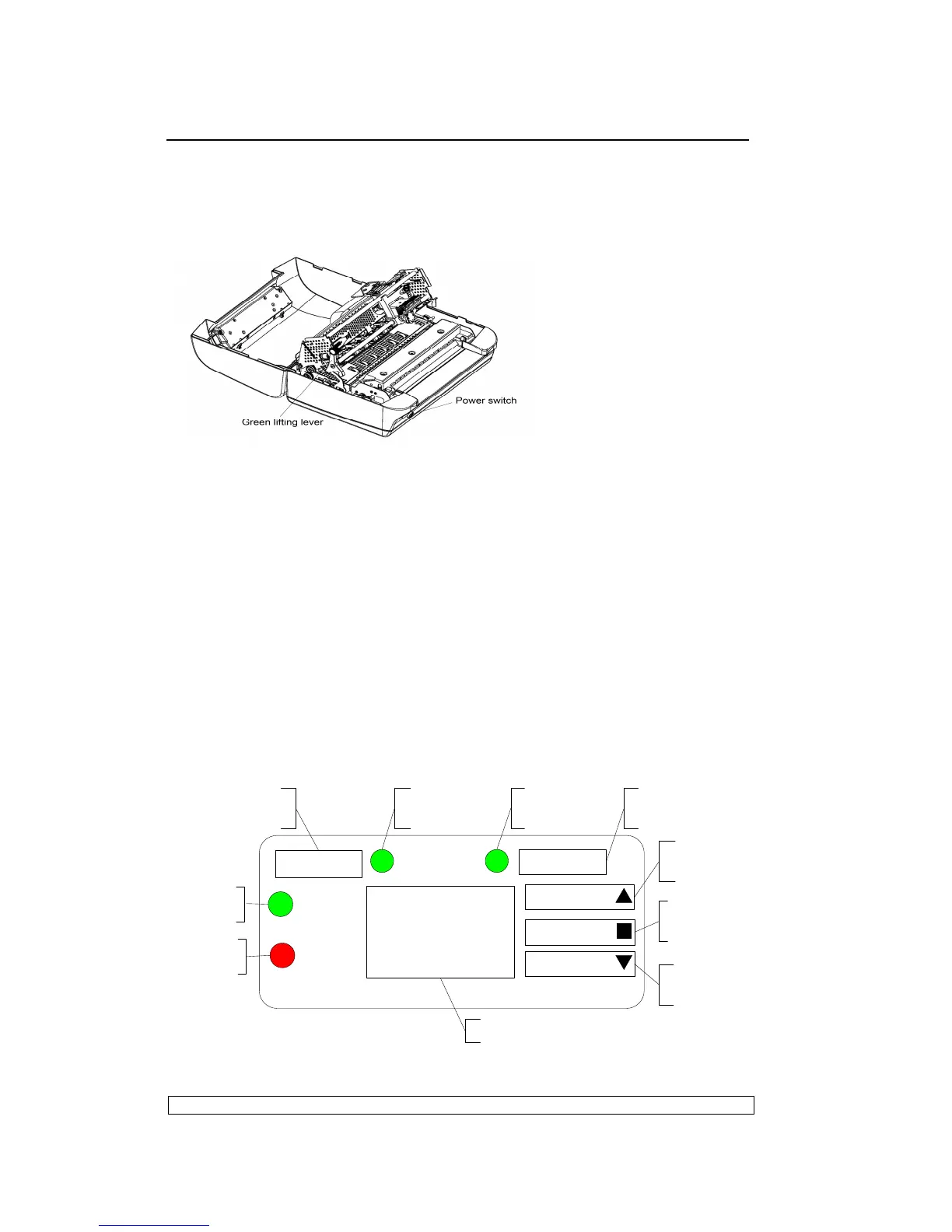
can access the internal paper path so that paper jams can be cleared and the
r
ibbon cartridge
replaced without needing to power off the printer.
To access this lever, lift the printer cover about 45 degrees until it stops.
Fig. 1-5
Note: The max. open angle of top cover is 9
0°, for a better view the open angle
is 180°in the figure above
1.8.3. LCD OPERATING PANEL
The HMI (Human-machine interface) of the PR9 is mainly consisted of the
operating panel (it has 5 keys, 4 LEDS and 160*32 LCD). You can access the
different machine states、operating guide and etc. By powering on the printer, you
can select and finish a serials of operations including off-line operation, off-line
printing, menu setup and so on by pressing key. The PR9 offers more friendly HMI
and it make the operation easier and humanization.
1.9. LCD PANEL
1.9.1. OPERATING PANEL
STATION 1
STATION 2
2
READY
1
ON
3 4
160×32LCD
FEED/EJECT
COMPRESS
STOP
STATION 1
LED
STATION 1
KEY
READY
LED
STATION 2
KEY
STATION 2
LED
FEED/EJECT
KEY
STOP
KEY
COMPRESS
KEY
LCD display
POWER
LED



 To Next Page