can be cleared easily.
2.2. UNPACKING AND INSTALLING THE MACHINE
2.2.1. UNPACKING THE MACHINE
Checking the box contents
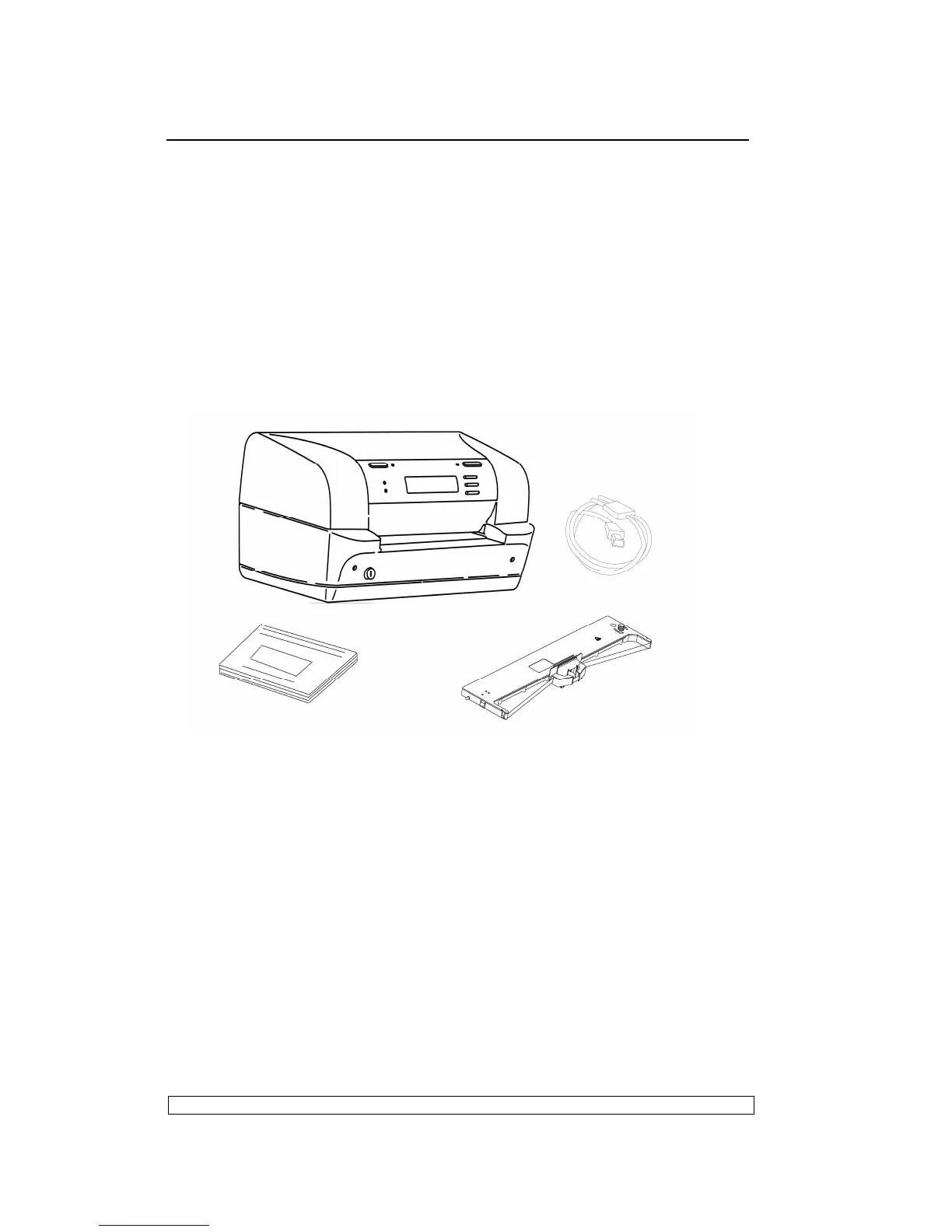
The following items should be contained in the packaging:
- PR9 printer
- Power cord
- Operator Manual
- Ribbon cartridge
Fig. 2-1 Package Contents
Unpacking and Setting-Up the Printer
- Remove the machine from its protective bag.
- Open the printer's top cover completely.
- Remove the soundproofing that are located the right and left side of the
upper mechanical assembly and under the printhead belt
- Remove the two retains with the yellow label that lock the print belt
- Quickly check that the printer was not damaged during transportation.
- Install the ribbon cartridge
- Close the machine.



 To Next Page