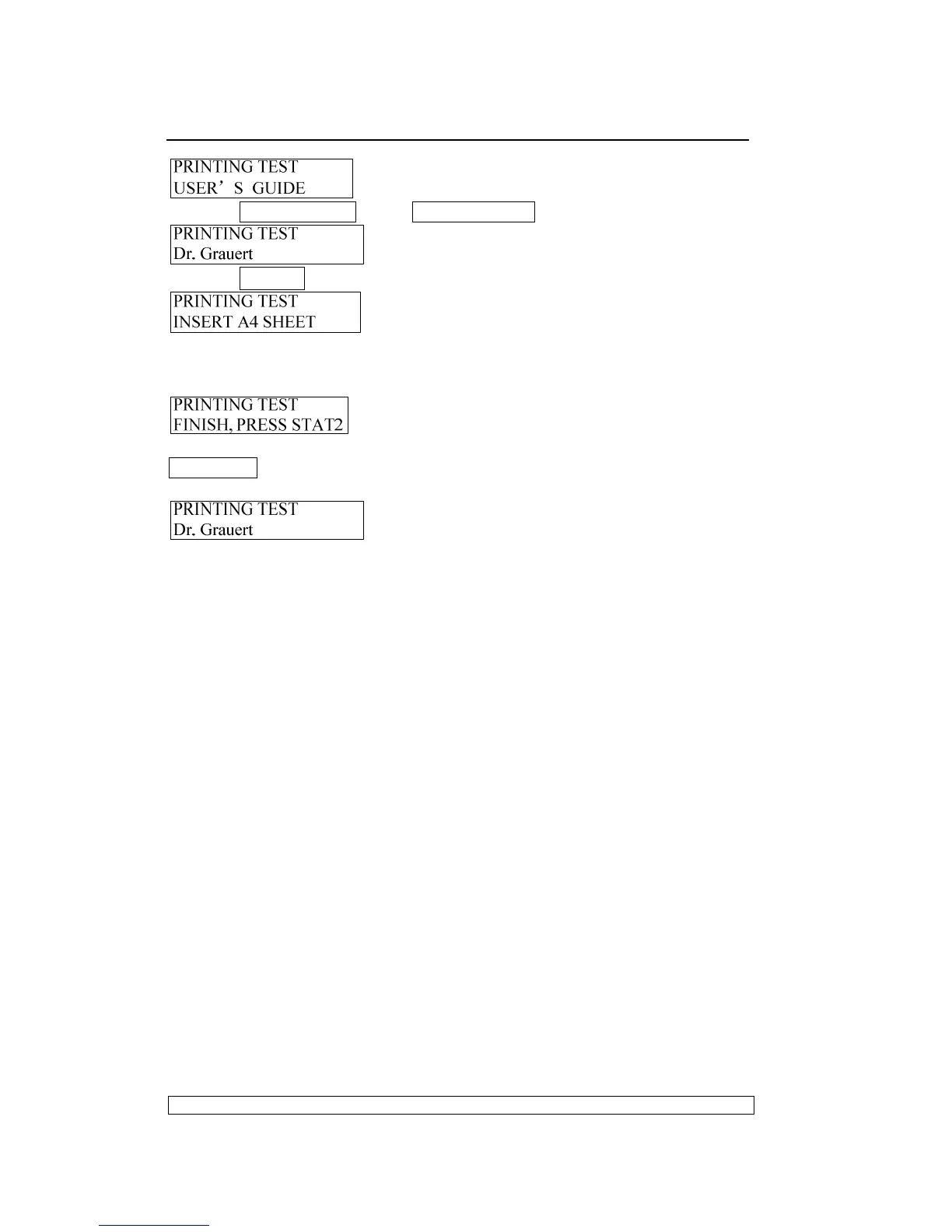
Pressing COMPRESS▼ key or FEED/EJECT▲ key until the LCD shows:
Pressing STOP▉ key to accept, LCD shows:
After inserting the paper, it will feed the paper automatically and begin
printing, after finishing printing, the paper will be ejected automatically, LCD
shows:
And now, if you insert paper again, the printer will print it again; if you press
STATION 2 key, it will exit Dr. Grauert Printing and enter the item selection
of Printing Test, LCD shows:
Now you can select other operations you want.
The sample of ASCII Character set printing test:



 To Next Page