alignment print.
Classification :
RESULT OF ALL SPEED
HSD 10CPI
DRAFT 10CPI
DRAFT 12CPI
HSD 17.1CPI
DRAFT 17.1CPI
NLQ 10CPI
NLQ 12CPI
LQ 10CPI
NOTICE :
Before adjusting bidirection, you’d better select the “RESULT OF ALL
APEED”, print all the result of all modes and check it, then do the
adjustment according your requirement.
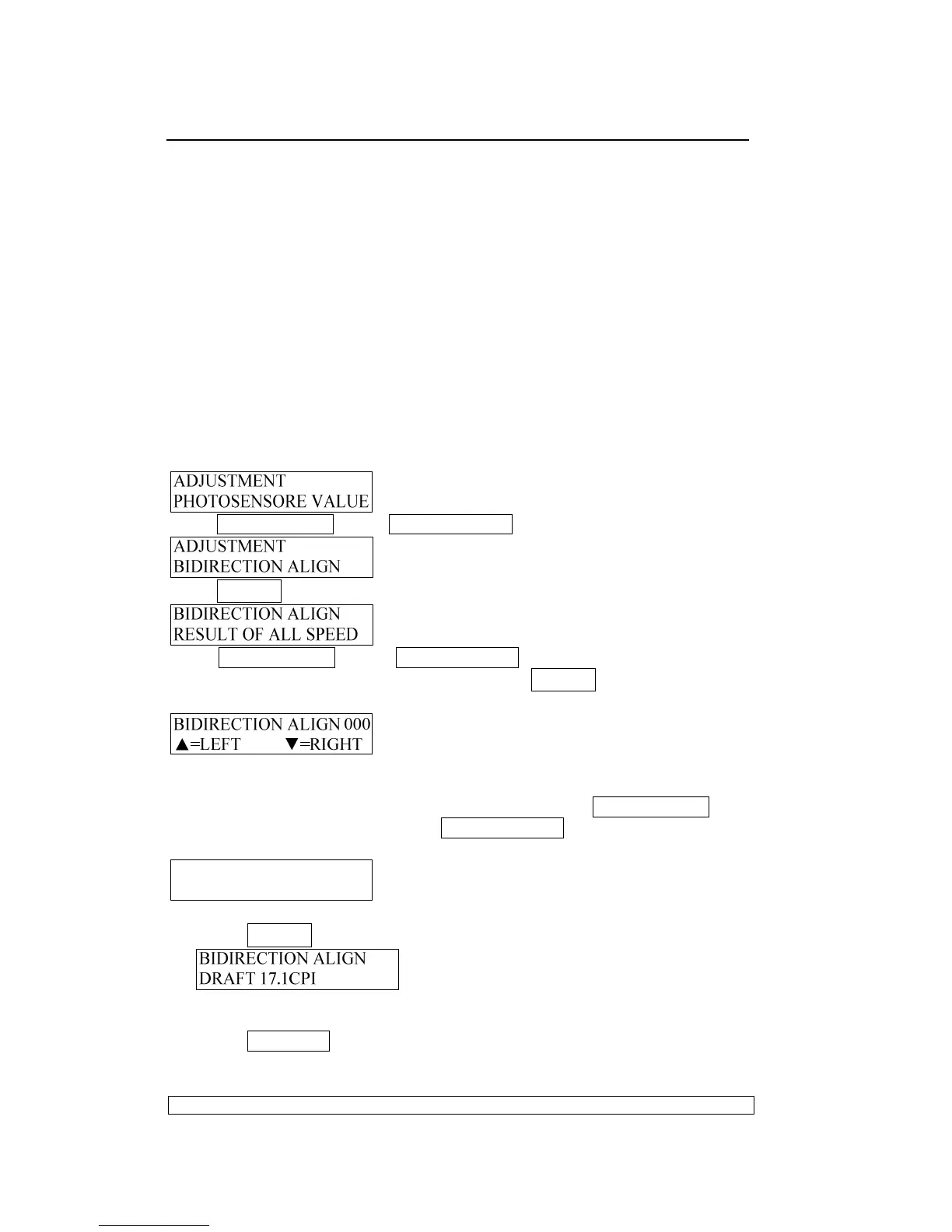
Entering the adjustment, LCD shows:
Press COMPRESS▼ key or FEED/EJECT▲ key until the LCD shows:
Press STOP▉ key to accept, LCD shows:
Press COMPRESS▼ key or FEED/EJECT▲ key until the LCD shows the
CPI and quality which you want to align, press STOP▉ key to accept, and
LCD shows:
If you want to see the print effect, insert A4 sheet, the printer will feed the
paper automatically, print the effect and eject the sheet automatically, You
can select according your requirement by pressing COMPRESS▼ key
(means moving leftwards) and FEED/EJECT▲ key (means moving
rightwards) , then you can start to adjust , the LCD will show :
BIDIRECTION ALIGN 003
▲=LEFT ▼=RIGHT
After select the value you want,
Press STOP▉ key to accept , it will be saved , LCD show :
Now you can select other operations you want.
Press STATION2 key, it will leave from the bi-direction align printing and
enter the classified selection of adjustment , LCD shows :



 To Next Page