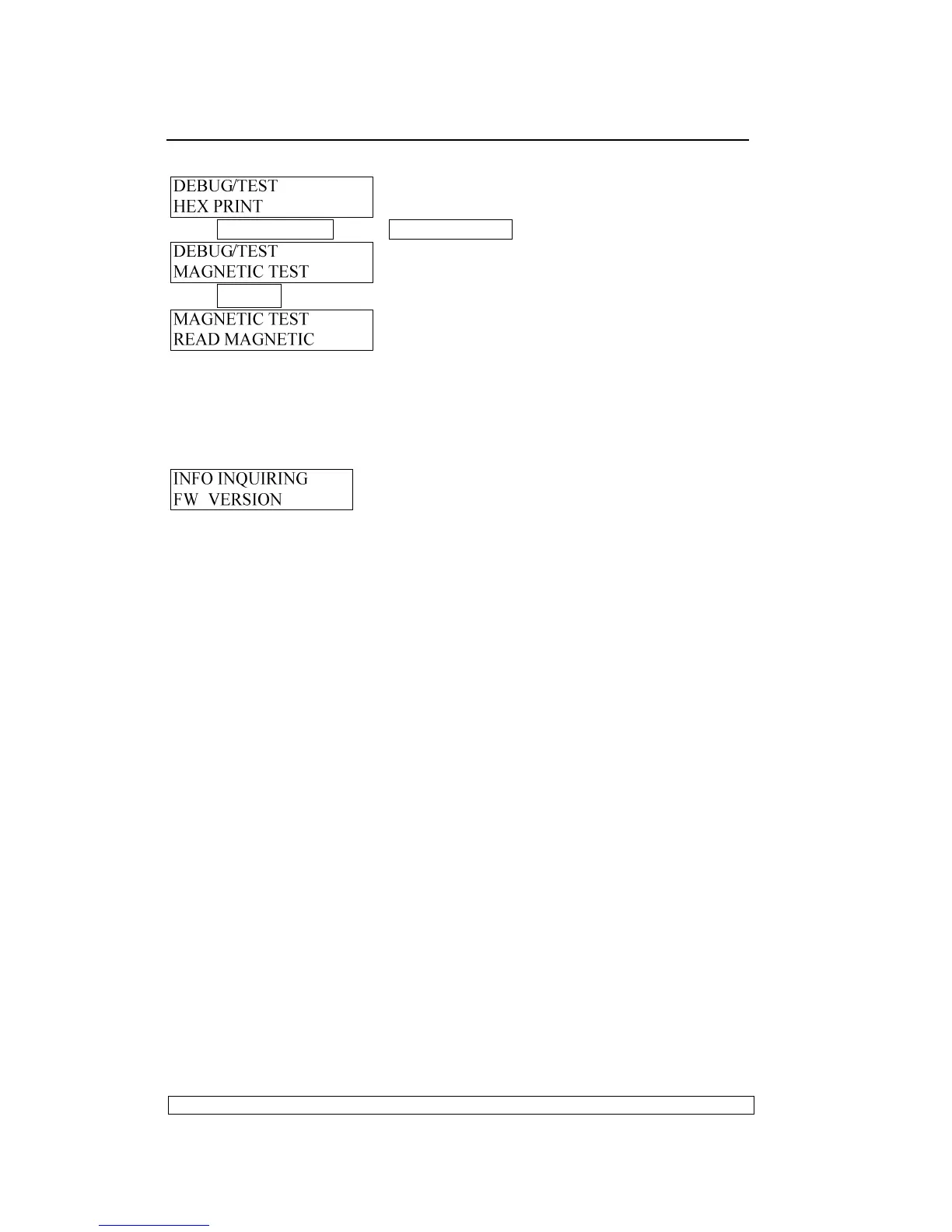
Entering the debug/test, LCD shows:
Press COMPRESS▼ key or FEED/EJECT▲ key until the LCD shows:
Press STOP▉ key to accept, LCD shows:
And now, you can select read or write magnetic stripe in different track and
BPI
3.3.6. INQUIRY INFORMATION
Entering the off-line operation, LCD shows:
Then you can start to inquiry.
3.3.6.1. INSTRUCTION
◇
◇◇
◇
FW VERSION:
version, special emulation, (such as: IBM9068, SHINKO,
HITACHI etc ) , special version ID and FPGA version.
◇
◇◇
◇
HARDWARE CONFIGURE:
Chinese character set, horizontal magnetic
stripe, USB card, parallel card, SPROCKET, SCANCER etc.
◇
◇◇
◇
PRINTER ID:
there is a unique identify ID for each printer.
EXIT the off-line operation:
If you want to exit the off-line operation, pressing down “STATION2” and
“COMPRESS “ keys simultaneously, printer will enter the on-line mode.
NOTE:
If selecting “SAVE PARAMETERS” in “MENU SETUP” and confirming,
the printer will finish saving and restart
If having entered “ADJUST”, when you exit off-line operation, the printer
will restart also.



 To Next Page