EasyManua.ls Logo

Safer PR90 - Document Printout Faults

Safer PR90
112 pages
Print Icon
To Next Page IconTo Next Page
To Previous Page IconTo Previous Page
Loading...
Globalis International
PR9 SERVICE MANUAL
-
VER1.1
Page
89
of
112
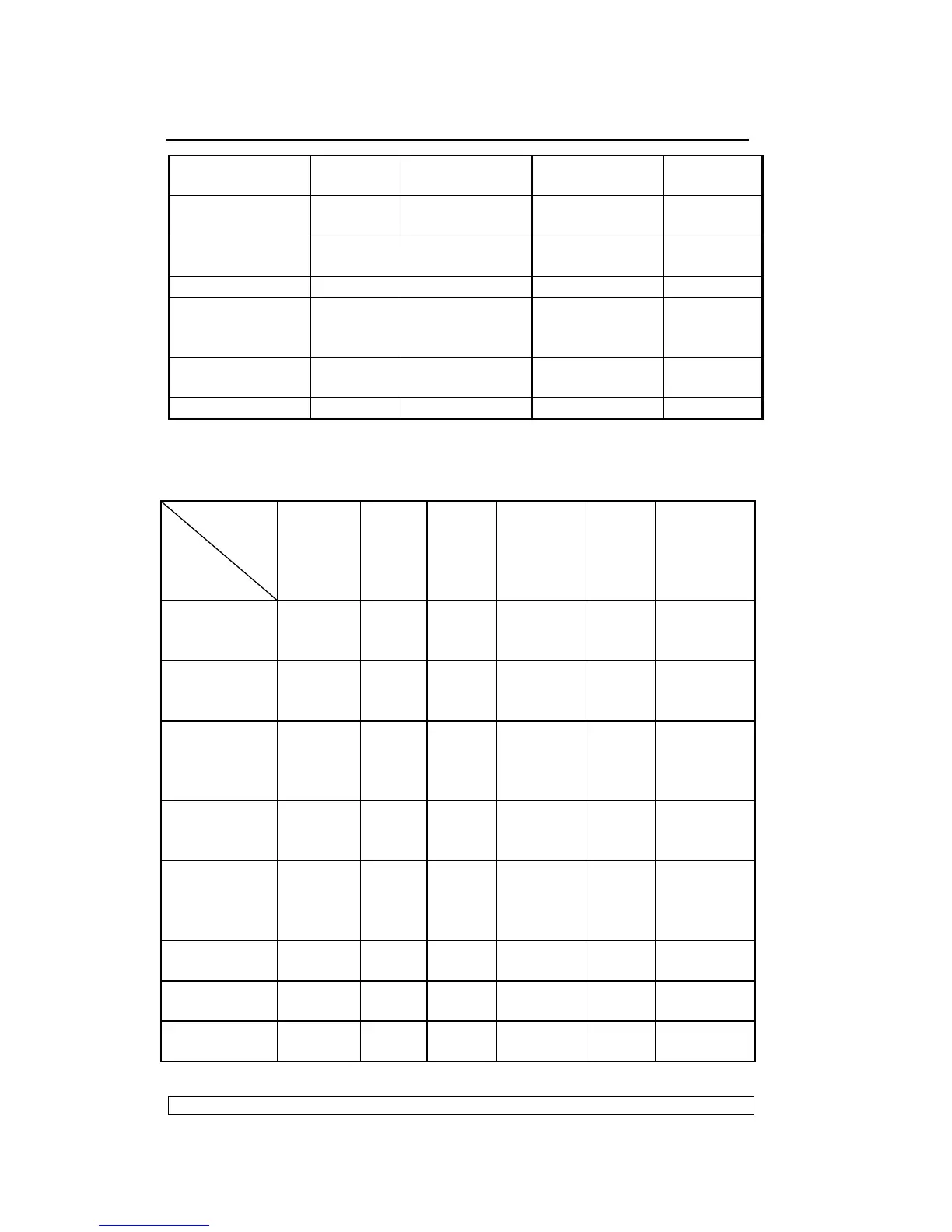
Faulty front
photosensors
X
Faulty carriage
photosensor
X
Printer cover
open
X
Jammed paper X
Interface
connection
problems
X
Interface cable
problems
X
Incorrect set-up X
4.4. DOCUMENT PRINTOUT FAULTS
FAILURE
POSSIBLE
CAUSE
does not
print
Failed
printing
Stained
printing
Incomplet
e
printing
Incline
printing
Deformed
printing with
irregular
spacing
Ribbon
cartridge not
installed
X X
Ribbon to be
replaced
(finished)
X
Ribbon
cartridge
fitted
incorrectly
X X X
Incorrect
set-up
parameters
X X
Obstruction
along the
carriage
stroke
X X
Closing
levers open
X X X X
Faulty
printhead
X X
Faulty paper
photosensor
X