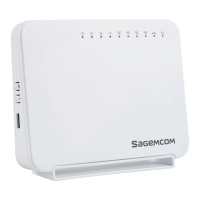
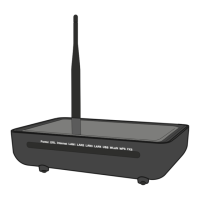
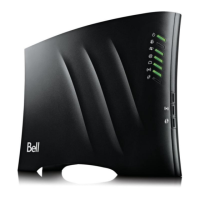
F@ST 1704N
14
Router supervision
You can monitor the router’s activity and status using the following sources:
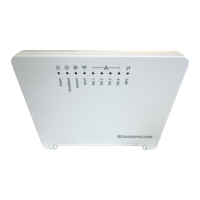
• status of the LEDs on the front and left panels of the router,
• using the router’s built-in "DSL Router" HTTP controller, available in the HTTP
configuration tool, accessible at http://myrouter or http://192.168.1.1.
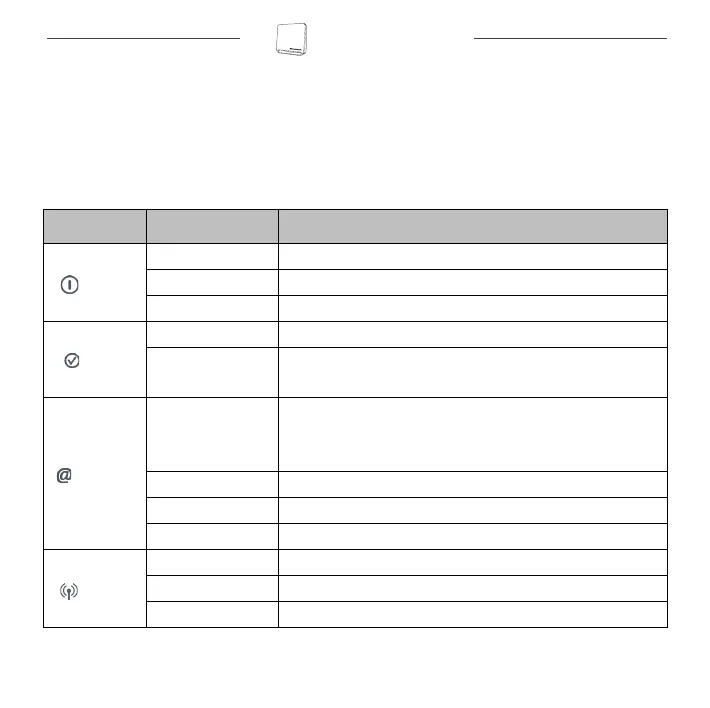
Status of the LEDs on the front panel
LED Status Meaning
Power
Off Power Off
Green Power On
Red Router in rescue mode
ADSL
Green steady ADSL Up
Green blinking
• ADSL Synchronisation in progress or
• down
Internet
Off
• Power Off or
• The Internet account must be configured or
• Bridge mode
Green steady The Internet account is configured
Green blinking Tx/Rx traffic
Red Invalid or unauthorised Internet account
WLAN
Off Wi-Fi deactivated
Green steady Wi-Fi activated
Green blinking Wi-Fi Tx/Rx traffic
QIG 253515865 Fast 1704N_EN USA-CA.book Page 14 Vendredi, 21. septembre 2012 10:49 10


 To Next Page