EasyManua.ls Logo

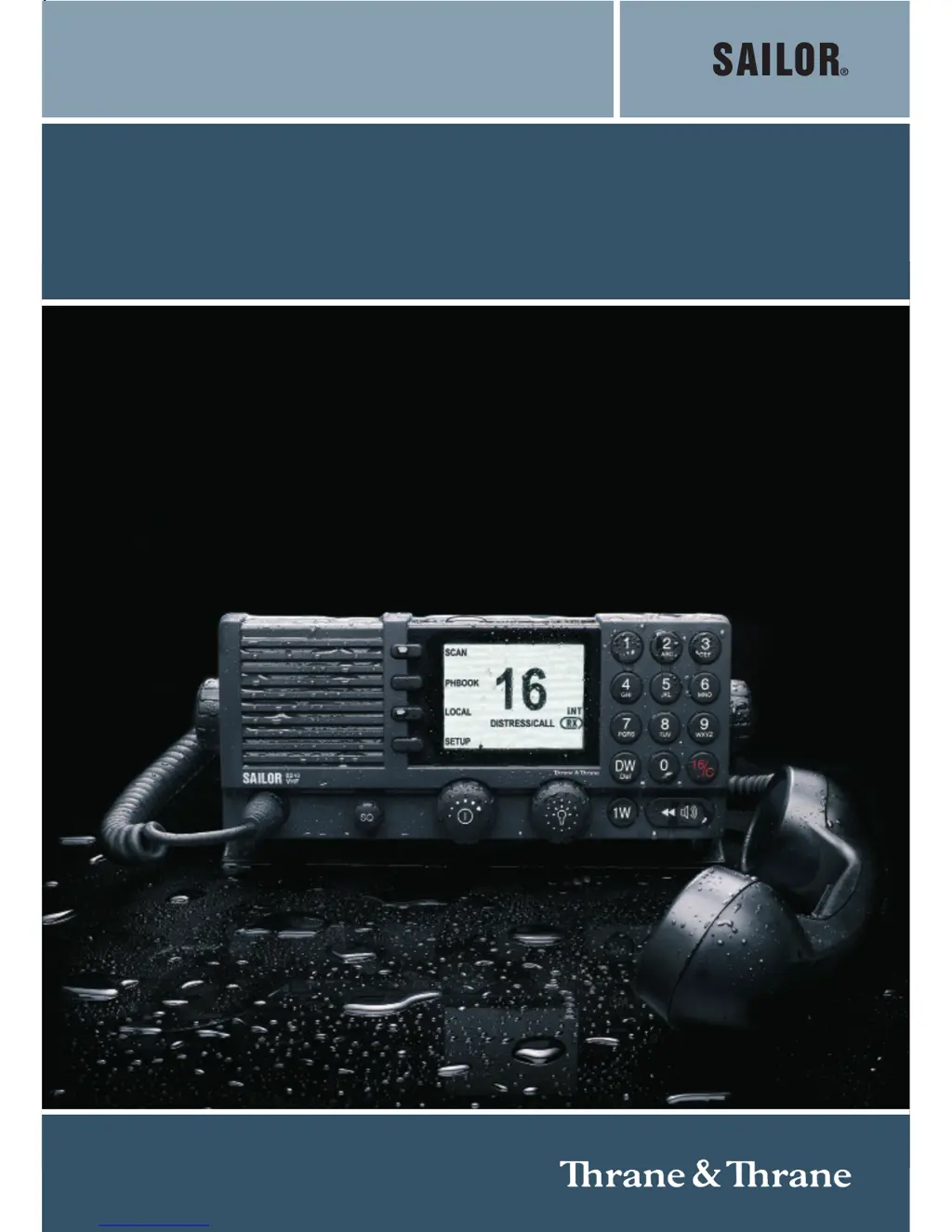
Sailor 6248 VHF - User Manual

Sailor 6248 VHF
62 pages
Print Icon
To Next Page IconTo Next Page
Loading...
USER MANUAL
SAILOR 6248 VHF
www.busse-yachtshop.de | info@busse-yachtshop.de

Other manuals for Sailor 6248 VHF

Questions and Answers

  • M
    Megan PerryAug 1, 2025
    What to do if the DSC operation is not working on my Sailor Transceiver?
    • C
      Christina FernandezAug 1, 2025
      The DSC operation requires the MMSI number to be entered into the VHF radio. This is necessary for the DSC function to work. Refer to Entering the MMSI number on page 3-2 for further details.
  • S
    Sandra RodriguezAug 7, 2025
    Why GPS is not working on my Sailor Transceiver?
    • G
      gibsonlaurenAug 7, 2025
      The automated GPS update may be lost due to missing data, broken cabling, or a failure of the GPS/position source. Refer to the installation section in the back of this manual for installation and connection details. Until the automatic position update from GPS/position source is restored position and time must be entered manually when prompted by a (four hour) timer in VHF. You can verify the position data in the DSC SETUP, Position Info. If data is present Lat/Lon/UTC will be displayed.
  • R
    Robert MorseAug 12, 2025
    How to fix Sailor Transceiver that will not turn on?
    • W
      wilkinsearlAug 12, 2025
      Check if power is present. Also, inspect the fuse located in the power connector. If connected to a power supply, verify its performance.
  • W
    William CareyAug 19, 2025
    What to do if I entered the wrong MMSI number on my Sailor Transceiver?
    • K
      kimberlyleonAug 19, 2025
      If a wrong number has been entered and stored, or if there is a requirement to change it, contact your authorized dealer.
  • J
    Jacob GregoryAug 25, 2025
    How to troubleshoot no communication on Sailor Transceiver?
    • B
      Brian GarciaAug 25, 2025
      Check the antenna installation, antenna cable, and the handset/hand microphone and cable.

Summary

Safety Warnings

Grounding and RF Exposure Safety

Covers proper grounding and maintaining safe distances from RF sources.

Emergency Calls

Making an Emergency Call

Step-by-step guide for distress calls on Channel 16.

Chapter 1: Introduction

Front Panel Controls and Display

Details the radio's controls, buttons, and display elements.

Chapter 2: Operation

VHF Radio Communication Procedures

Guides on making and receiving calls, including channel 16 usage.

Watch and Scan Functions

Explains dual/triple watch and channel scanning features.

Setup Options Overview

Details various setup pages (Radio, Channel, Power, System, Controller).

Chapter 3: Service & Maintenance

Support and Troubleshooting

Guidance on getting support and using the troubleshooting guide.

Replacing Fuses

Step-by-step guide for replacing fuses in the power connector and converter.

Warranty and Return Procedures

Details warranty claims, returning units for repair, and repacking.

Appendix A: Specifications & Approval

Appendix B: Maritime Channels

Sailor 6248 VHF Specifications

General IconGeneral
Channel Spacing25 kHz
Temperature Range-25°C to +55°C
Transmitter Output Power (Low)1W
Output Power25 W
Operating ModesSimplex, Semi-Duplex
Receiver Sensitivity-119 dBm (0.25 μV)
Modulation16K0G3E
Number of Channels55 International Channels

Related product manuals