4
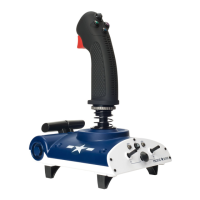
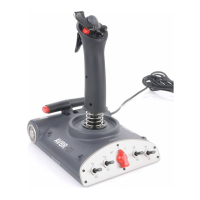
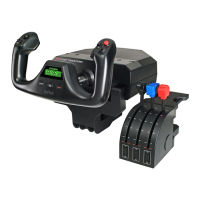
PACIFIC AV8R FOR PC
Installation for users of Windows® XP, XP64, Vista and Windows 7 – All version
Insert the Pacic AV8R USB cable into one of your PC’s USB ports. Follow the device
installation wizard to complete the installation of the new USB device to the system
Programming your Pacific AV8R FlightStick
The buttons and axes of your stick are all programmable using ST programming
software. To download the software, go to www.saitek.com/uk/down/drivers.php, select the
Pacic AV8R FlightStick from the drop-down menu and download software. Download the ST
manual and follow the onscreen instructions to start programming.
Extra features on your Pacific AV8R FlightStick
Twin Throttles
The PC version of the Pacic AV8R comes with twin throttles, these can be setup to use on
twin engine aircraft or can be used as a throttle and ap axis. To use the twin axis simple
press the Axis Lock button on the left throttle and the left and right throttle will now act
independently, to join the throttle again, simple line up the left and right throttles and press the
throttle lock button, the throttles will now be joined together
Mode Selector
The mode selector allows you to program the same button with 3 different actions, this
advance feature is available after you have downloaded and run the powerful ST programming
software, refer back to the Programming your Pacic AV8R FlightStick section in this manual.


 To Next Page