Need help?
Do you have a question about the Saitek P880 and is the answer not in the manual?
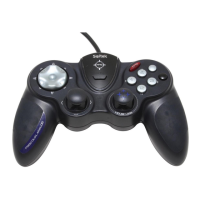
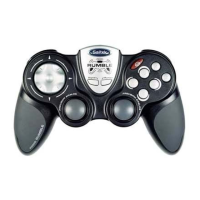
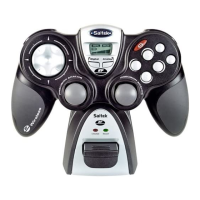
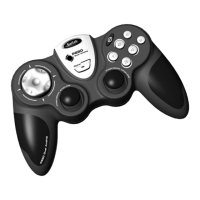
Identifies and labels the main buttons, triggers, D-pad, and analog sticks on the controller.
Step-by-step guide for installing drivers and software for typical Windows XP users.
Instructions for advanced users installing drivers and programming software on Windows XP.
Guides for typical and advanced users installing drivers and software for Windows 2000.
Steps for typical users installing drivers and software on Windows 98 and ME.
Instructions for advanced users installing drivers and programming software on Windows 98/ME.
Information on checking for driver updates and testing controller functionality.
Guidance on enabling and using the controller within games.
Troubleshooting steps if the computer does not recognize the controller or games do not detect it.
Introduction to the SST software for configuring controller functions and creating profiles.
Instructions on how to create and manage controller profiles using the Saitek Smart Technology software.
Information on how to get help from Saitek support, including website resources and contact methods.
Details the warranty period, conditions for coverage, and limitations of liability.
Information regarding FCC rules, compliance, and measures to correct interference.
Details compliance with Canadian standards (ICES-003) for digital apparatus.
 General
| Type | Gamepad |
|---|---|
| Connectivity | Wired |
| Interface | USB |
| Buttons | 10 |
| Analog Sticks | 2 |
| Vibration Feedback | Yes |
| Compatibility | PC |
| D-Pad | Yes |
| Cable Length | 1.8 m |
| Number of Buttons | 10 |

 To Next Page