Need help?
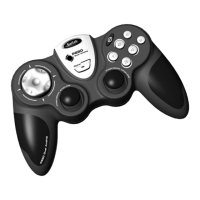
Do you have a question about the Saitek P990 and is the answer not in the manual?
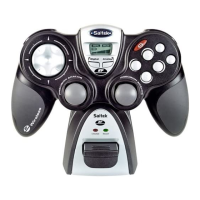
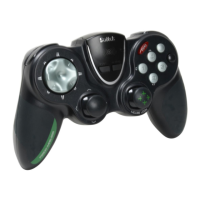
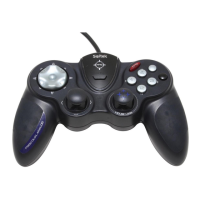
Connect the P990 gamepad's USB plug to a free USB socket on your PC for initial use.
Insert the CD and follow on-screen prompts to install drivers and access online manuals.
Learn how the FPS button simplifies control configuration for PC First Person Shooter games.
 General
| Connectivity technology | Wired |
|---|---|
| Device type | Gamepad |
| Analog thumbsticks | Yes |
| Gaming platforms supported | PC |
| Mac compatibility | No |
| Compatible operating systems | Win XP, XP64, Vista |
| Product color | Black |

 To Next Page