The FPS Gaming Button
1
2
3
4
9
10
6 Top trigger
8 Bottom trigger
5 Top trigger
7 Bottom trigger
D-Pad
11
12
FPS button
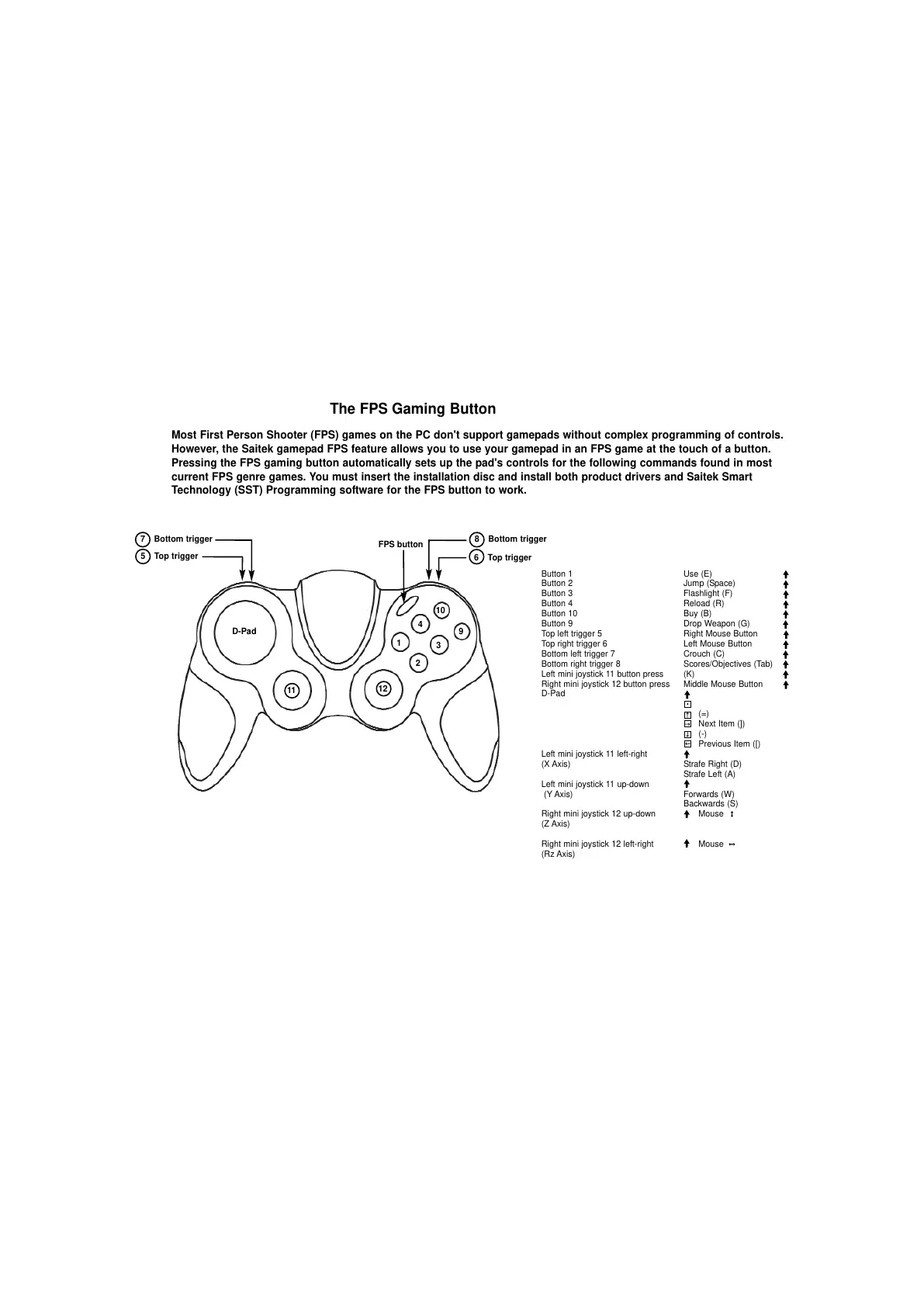
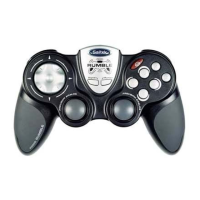
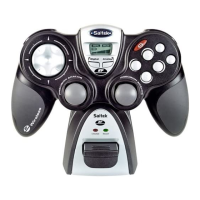
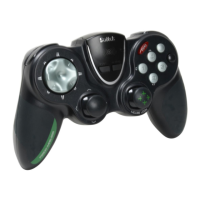
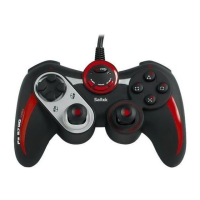
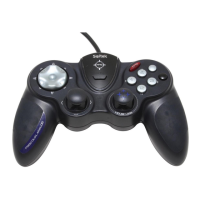
Most First Person Shooter (FPS) games on the PC don't support gamepads without complex programming of controls.
However, the Saitek gamepad FPS feature allows you to use your gamepad in an FPS game at the touch of a button.
Pressing the FPS gaming button automatically sets up the pad's controls for the following commands found in most
current FPS genre games. You must insert the installation disc and install both product drivers and Saitek Smart
Technology (SST) Programming software for the FPS button to work.
Button 1 Use (E)
Button 2 Jump (Space)
Button 3 Flashlight (F)
Button 4 Reload (R)
Button 10 Buy (B)
Button 9 Drop Weapon (G)
Top left trigger 5 Right Mouse Button
Top right trigger 6 Left Mouse Button
Bottom left trigger 7 Crouch (C)
Bottom right trigger 8 Scores/Objectives (Tab)
Left mini joystick 11 button press (K)
Right mini joystick 12 button press Middle Mouse Button
D-Pad
(=)
Next Item (])
(-)
Previous Item ([)
Left mini joystick 11 left-right
(X Axis) Strafe Right (D)
Strafe Left (A)
Left mini joystick 11 up-down
(Y Axis) Forwards (W)
Backwards (S)
Right mini joystick 12 up-down Mouse
(Z Axis)
Right mini joystick 12 left-right Mouse
(Rz Axis)


 To Next Page