10
West clock mark will disappear. Double press the West button
again to turn on the timer to the previously set time, making the
West clock mark reappear.
3. Press and hold down the West button again to set a new timer.
This new timer setting will replace the previously set timer for the
West tank. Please note the timer will flash the previously set time.
Repeat the same for East.
*Please note: Only one timer can be set for each tank. The tank for
which the timer is preset will automatically turn on, turning off
the current tank's mist.
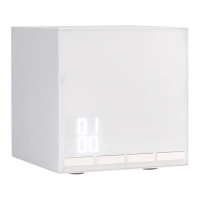
led light display functionality:
The LED light display will be on by default. Press the Light button to
turn the display off. Press the Light button again to turn the clock on.
* Please note: If the Light button is turned off, all other buttons,
except the LED light button, will not work. However, the unit will
continue to function. The aromaTime also retains clock and timer
information whether the light is on or off.


 To Next Page