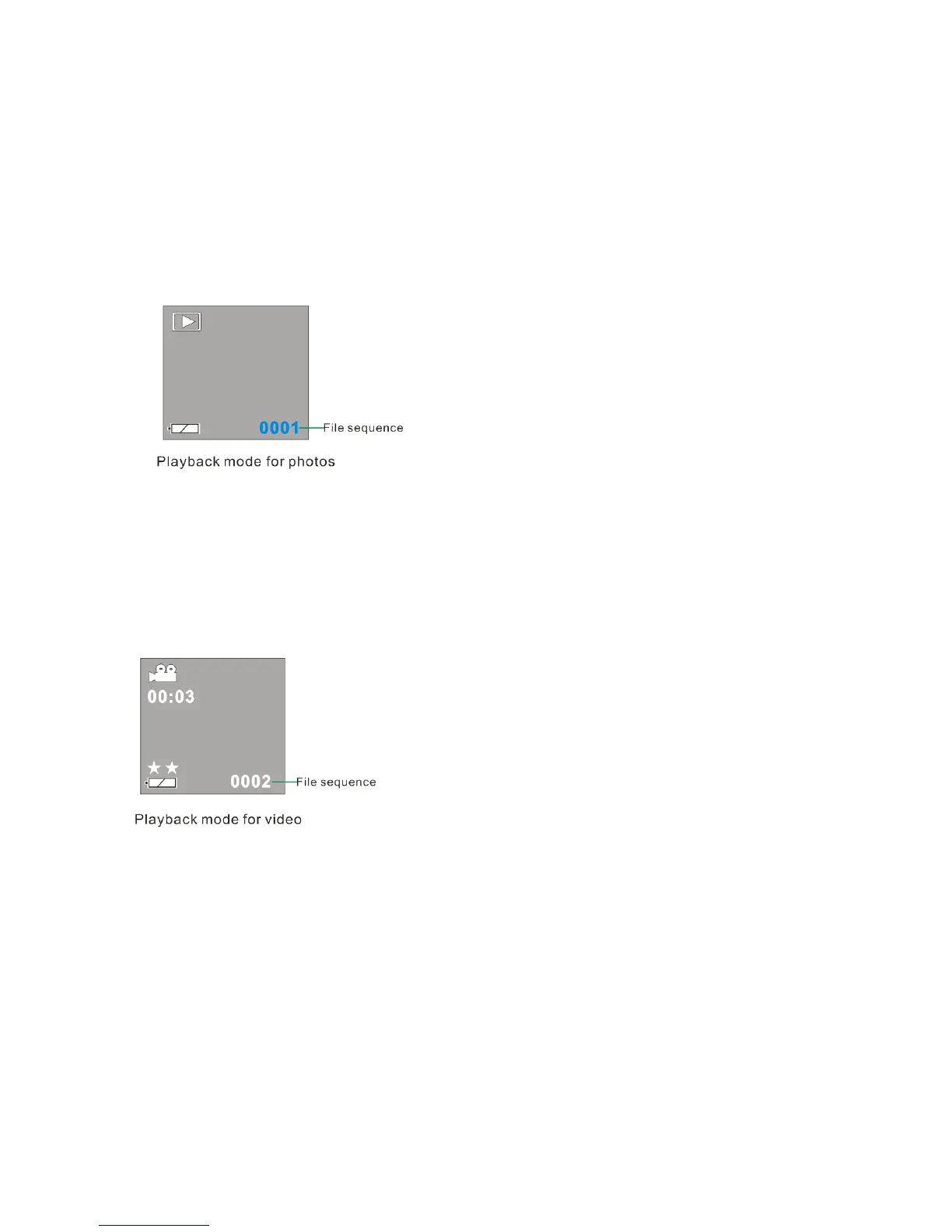
3. To view photos, press the UP or DOWN button.
4. To play back video clips:
Press UP or DOWN button to select an AVI file. The number of video clips or photos taken and their
sequence appear in the bottom right hand corner of the LCD.
5. Press the Shutter button to play back the video clips in your DV camera.
6. Press the Shutter button to stop playing.
14


 To Next Page