Note: Video clips are saved in AVI format.
Deleting current Photo or Video file:
1. Whilst in Playback mode, select a photo you want to delete.
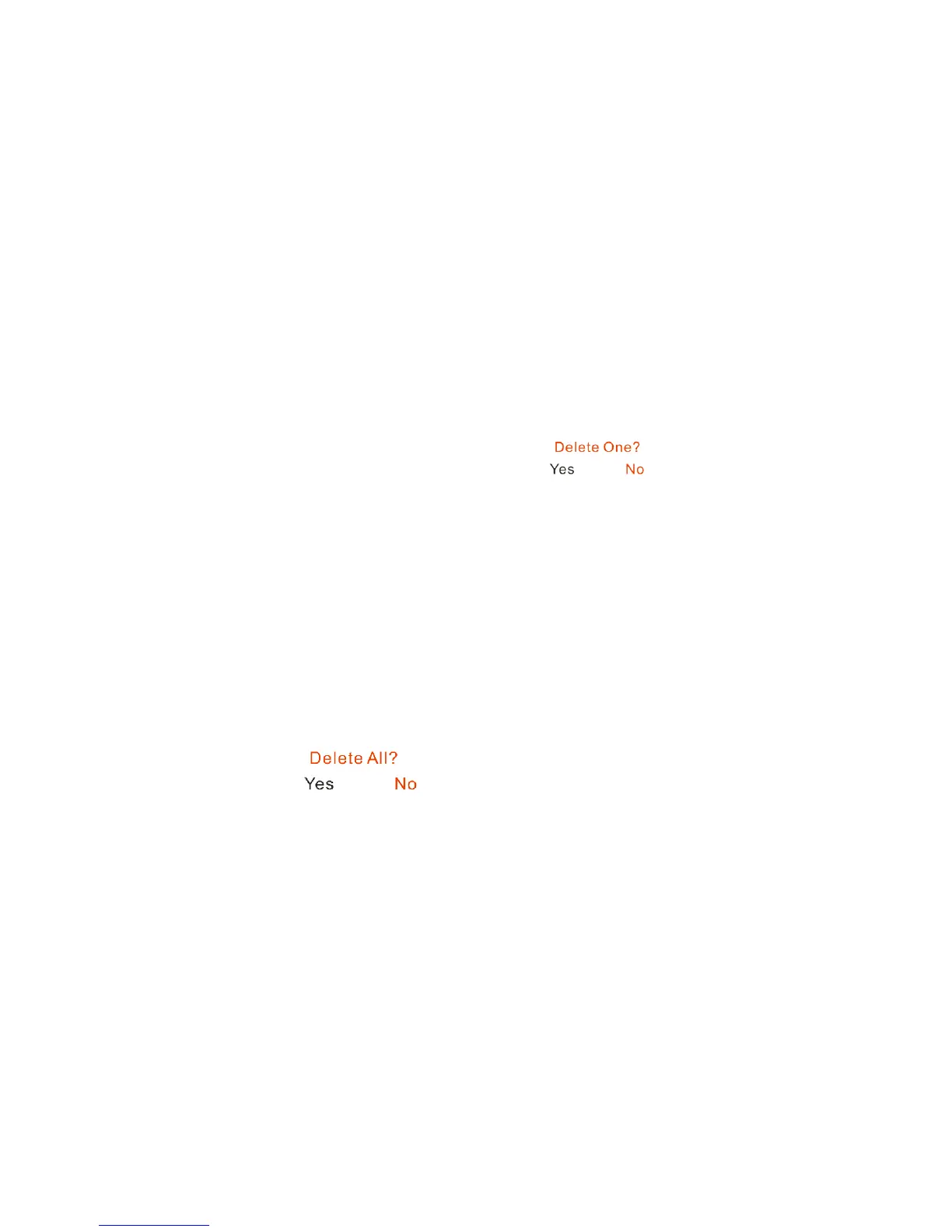
2. Press the Delete button once. The LCD will be shown: .
3. Press UP or DOWN button to select “Yes”.
4. Press Shutter button to confirm the deletion.
Deleting all photos and video files:
1. Press Mode button until you select Playback mode.
2. Press Delete button twice. A appear on the LCD screen.
3. Press UP or DOWN button to select “Yes”.
4. Press Shutter button to confirm the deletion.
15


 To Next Page