Quick Reference Guide
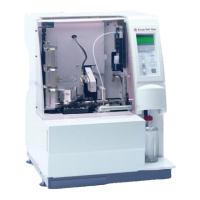
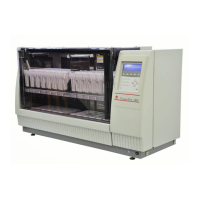
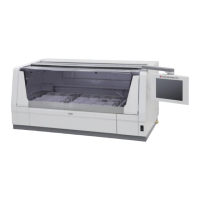
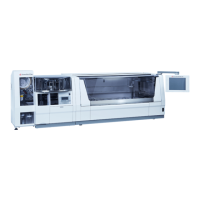
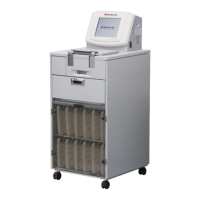
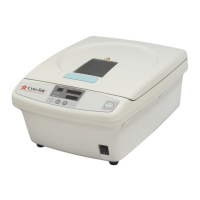
Tissue-Tek® Glas™ g2
Sakura Finetek Europe B.V. | Flemingweg 10a, 2408 AV Alphen a/d Rijn | NL
Phone: +31 (0) 88 592 00 00 | Fax: +31 (0) 88 592 00 01 | sakura@sakura.eu | www.sakura.eu
Start Up
The Tissue-Tek
®
Glas
TM
g2 is a system that dispenses
mounting medium onto stained histopathological and
cytopathological samples on glass slides as well as
coverslipping these samples using cover glasses.
Preparation before cover slipping
Hardware
Placing cover glasses
1. Put cover glass holder in place.
2. Make sure the tab of the cover glass holder fits in the
holder (check on the CG size).
Placing mounting medium
When setting the mounting medium bottle for the
first time, you must fill the discharging channel
with mounting medium.
1. Place the waste bottle below the dispensing
nozzle.
2. Fill the priming bottle with mounting medium.
3. Connect the tip of the introduction tube with
the priming bottle.
4. Squeeze the priming bottle to feed the
mounting media until it reaches the dispensing
nozzle.
5. Remove the priming bottle from the
introduction tube.
6. Set the mounting medium bottle.
7. Tilt the mounting medium tube towards the
front and lift the tube.
8. In order to prevent air bubbles, insert the tube
gently into the bottle.
9. Perform an [initial priming] page 3.3 OM.
10. Press [menu].
11. Highlight [extended prime] and press [enter].


 To Next Page