T-Max® Manager/Plus and T-Max®3A/F/I User’s Guide Page 15
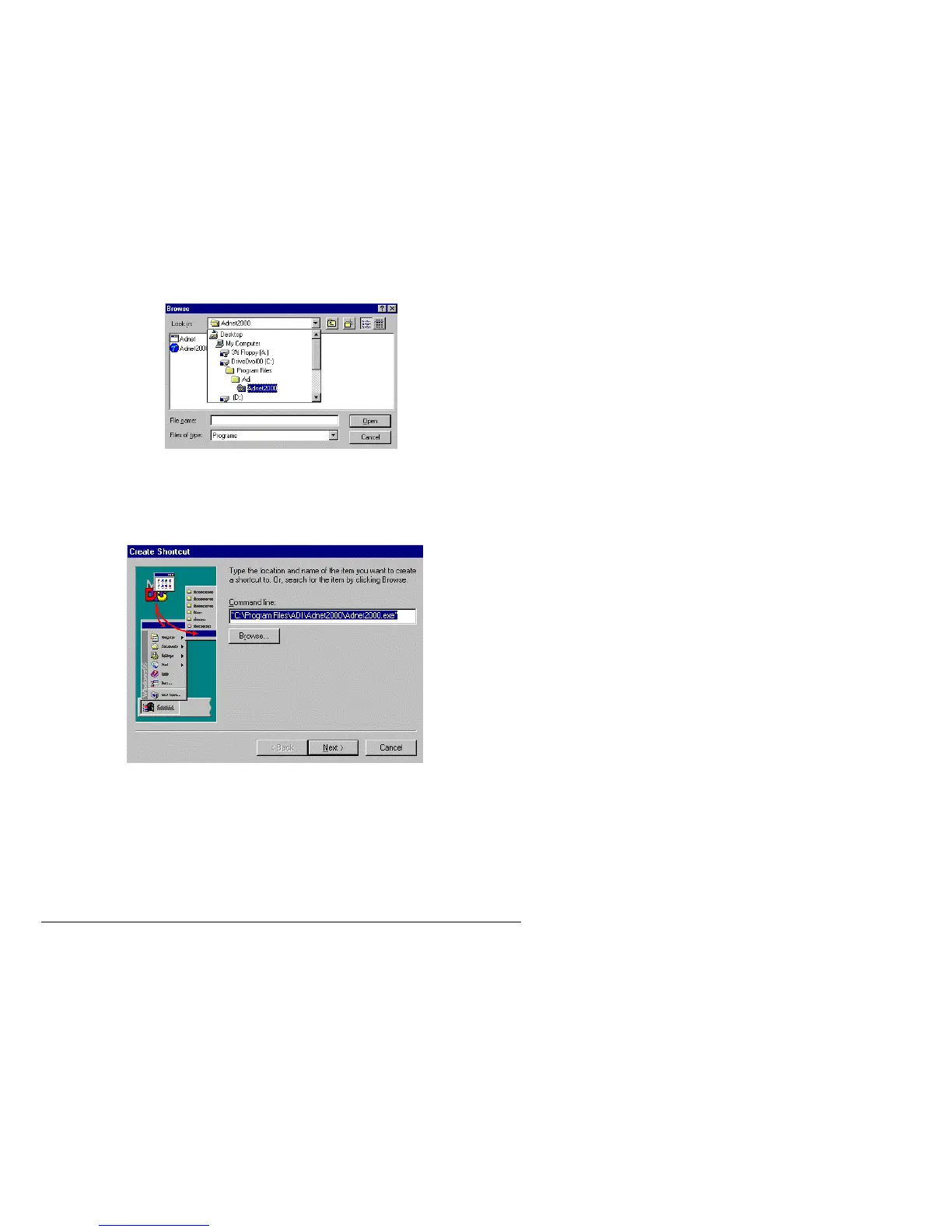
5) Click Browse. A Browse window will appear.
6) Double click the folder that you installed ADNET 2000™ into with your left mouse button.
The factory default folder is c:\program files\adi\ADNET2000. This is the folder the
ADNET 2000™ files will probably be under.
7) Double click the ADNET 2000™ icon with your left mouse button. The Create Shortcut
window will reappear.
8) Click Next with your left mouse button.
9) Click Finished with your left mouse button.
10) The ADNET 2000™ icon will appear where you placed your mouse in Step One.
6.2 Setting Up ADNET 2000™ To Run With a T-Max® Mgr
Make sure ADNET 2000™ is properly installed and the icon is created as described in
Section 1.



 To Next Page