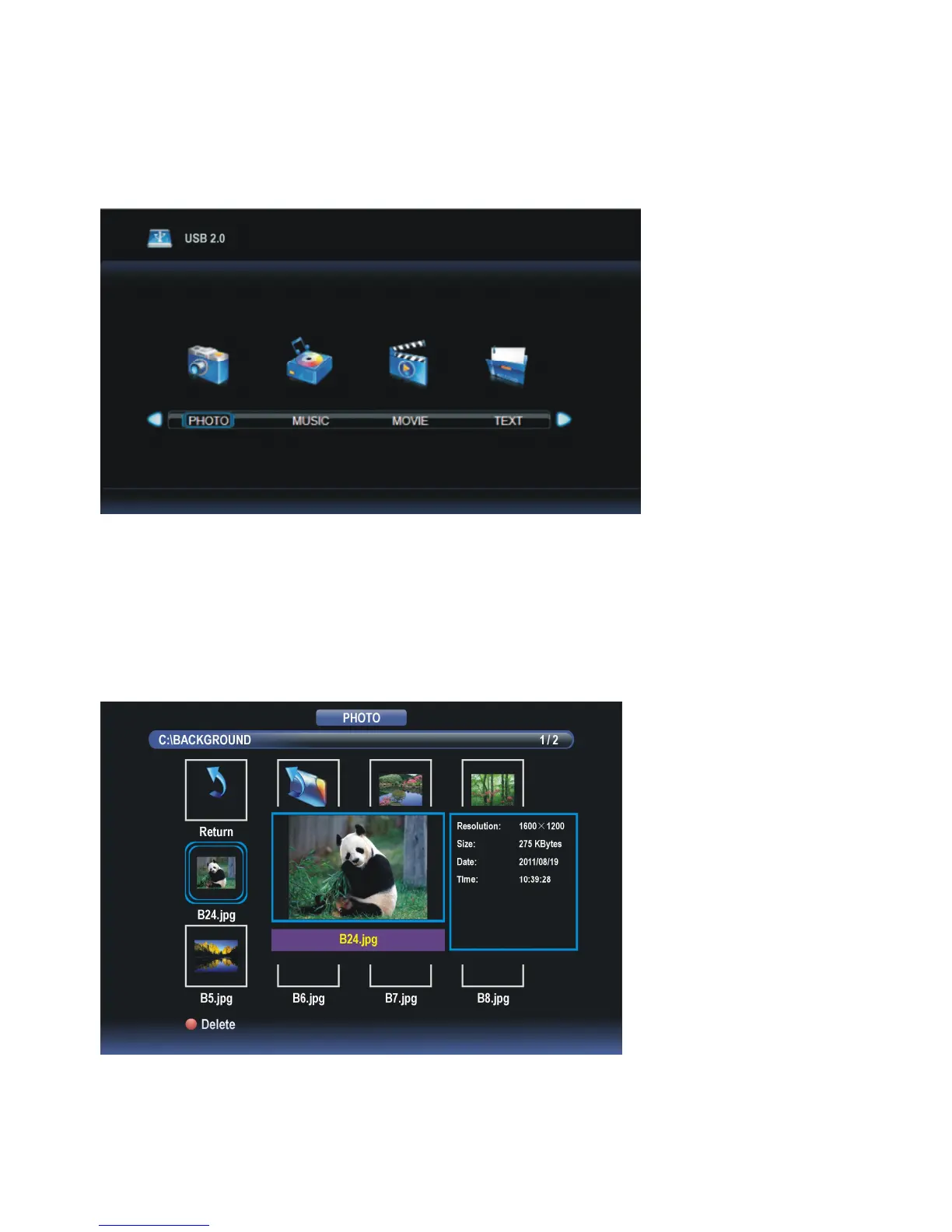
MEDIA PLAYBACK
- Insert a USB memory device into USB1 slot.
- Press TV/AV button on the unit or remote control to switch this unit to Media mode.
- Press EXIT button on remote control to return to previous menu page.
1. PHOTO
- Press LEFT or RIGHT navigation button to select PHOTO item.
- Press OK button to enter it and press LEFT or RIGHT navigation button to select desired
disk.
- Press OK button to enter it and press navigation buttons to select desired folder.
- Press OK button to enter it and press navigation buttons to select desired Photo file.



 To Next Page