14
Setup
Setup
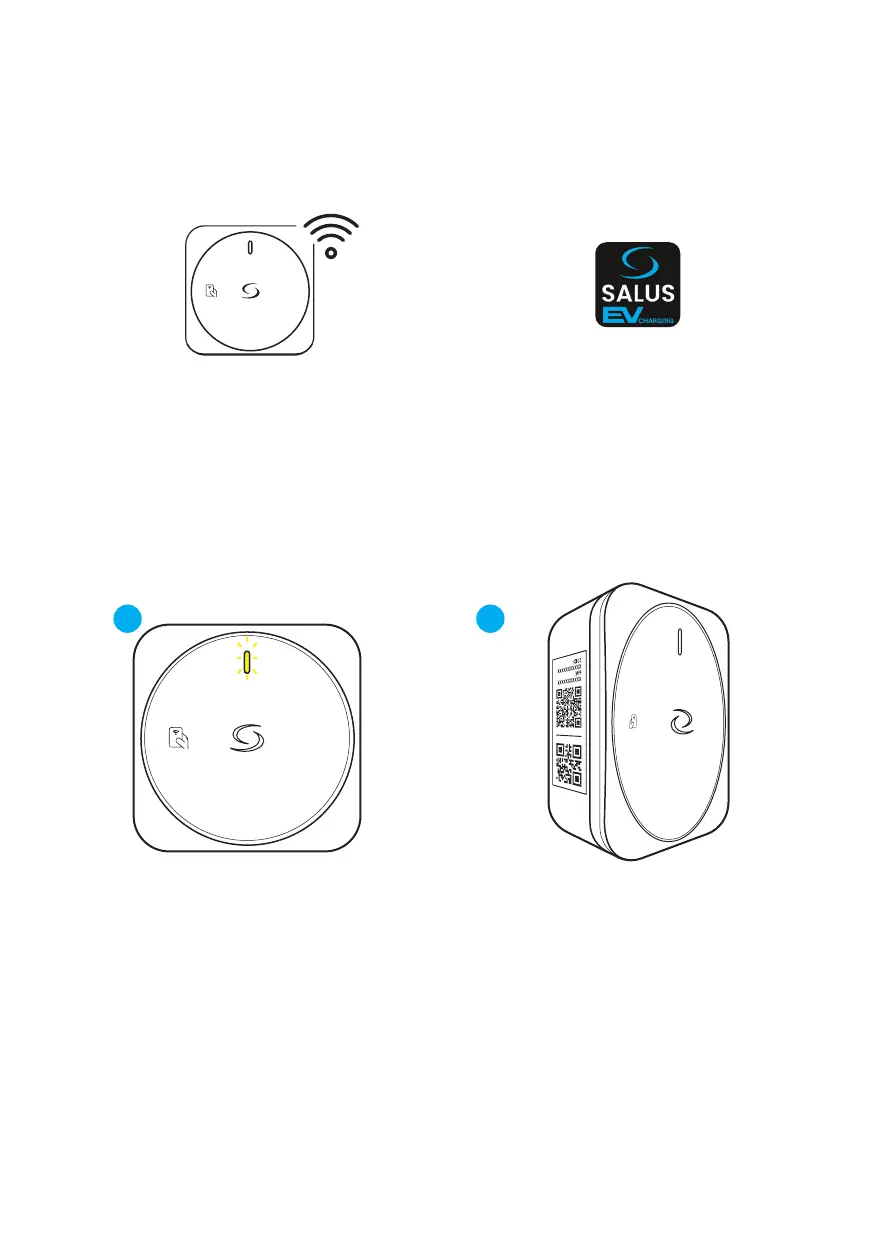
Connect your EV Charger to the Inter-
net via Wi-Fi.
Use the smartphone app to register it
to your account.
Step 1 : Set up Wi-Fi Connection to the Internet
After powering ON, the EV charger will
broadcast a Wi-Fi Access Point for 5
minutes. LED ashes YELLOW.
* The Wi- Connection setup must be nished
within 5 minutes.
1.1 1.2
Scan the QR code #1 printed on the char-
ger label to connect automatically
Or
Connect manually using the SSID and
password printed on the label
Use a mobile device in order to connect
to the EV charger access point.


 To Next Page