15
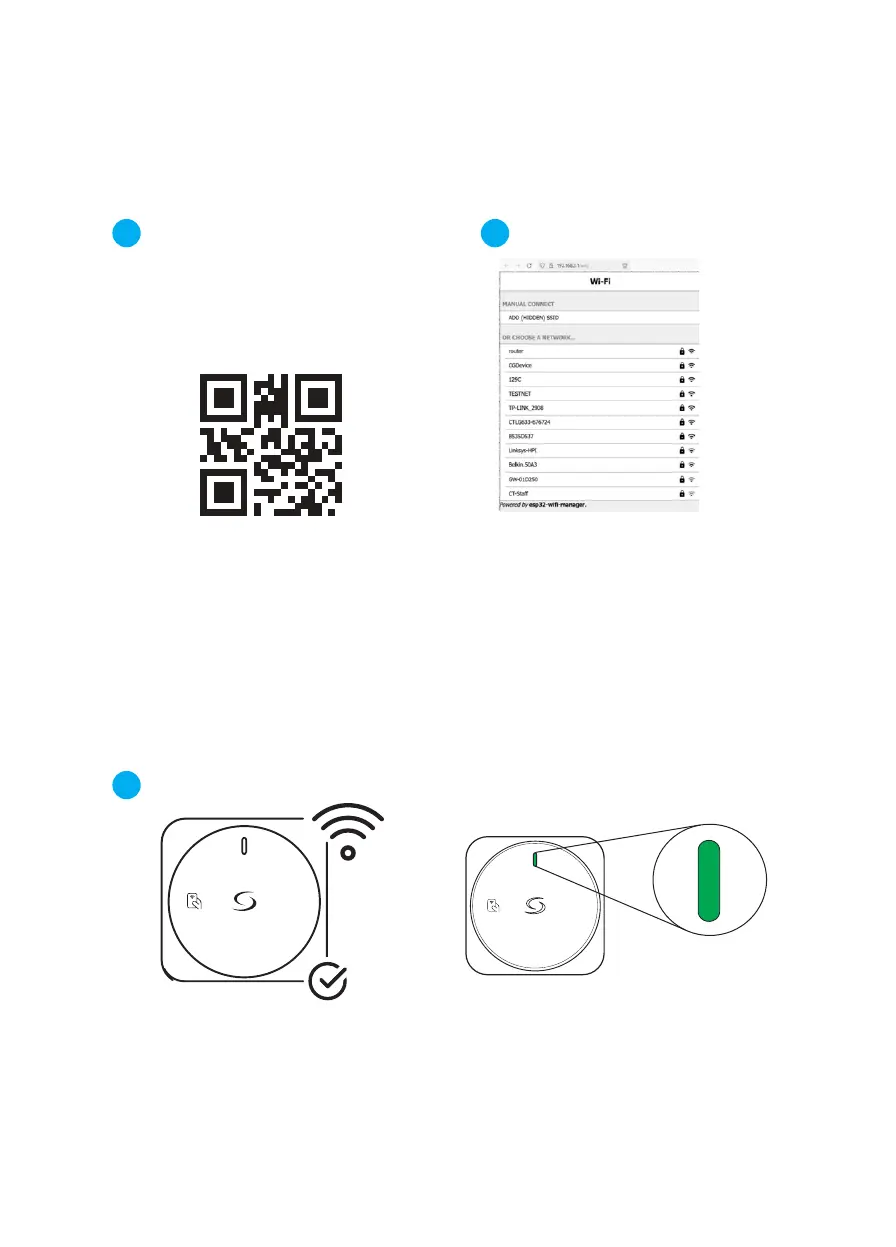
Otherwise, scan the QR code above in
order to access the Wi-Fi set up page.
or
Open the browser and enter
192.168.3.1 in the address bar.
Once connected, the web browser on
the mobile device should open auto-
matically and show the EV Charger
Wi-Fi set up page.
1.3 1.4
1.5
On the Wi-Fi setup page, select a
network from the list and enter the
password to connect the EV charger.
The EV charger is now connected
to the Wi-Fi network.
Setup
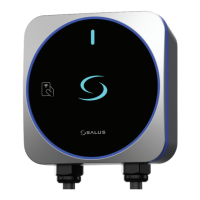
When connected, the LED
will show a solid gren light


 To Next Page