16
Setup
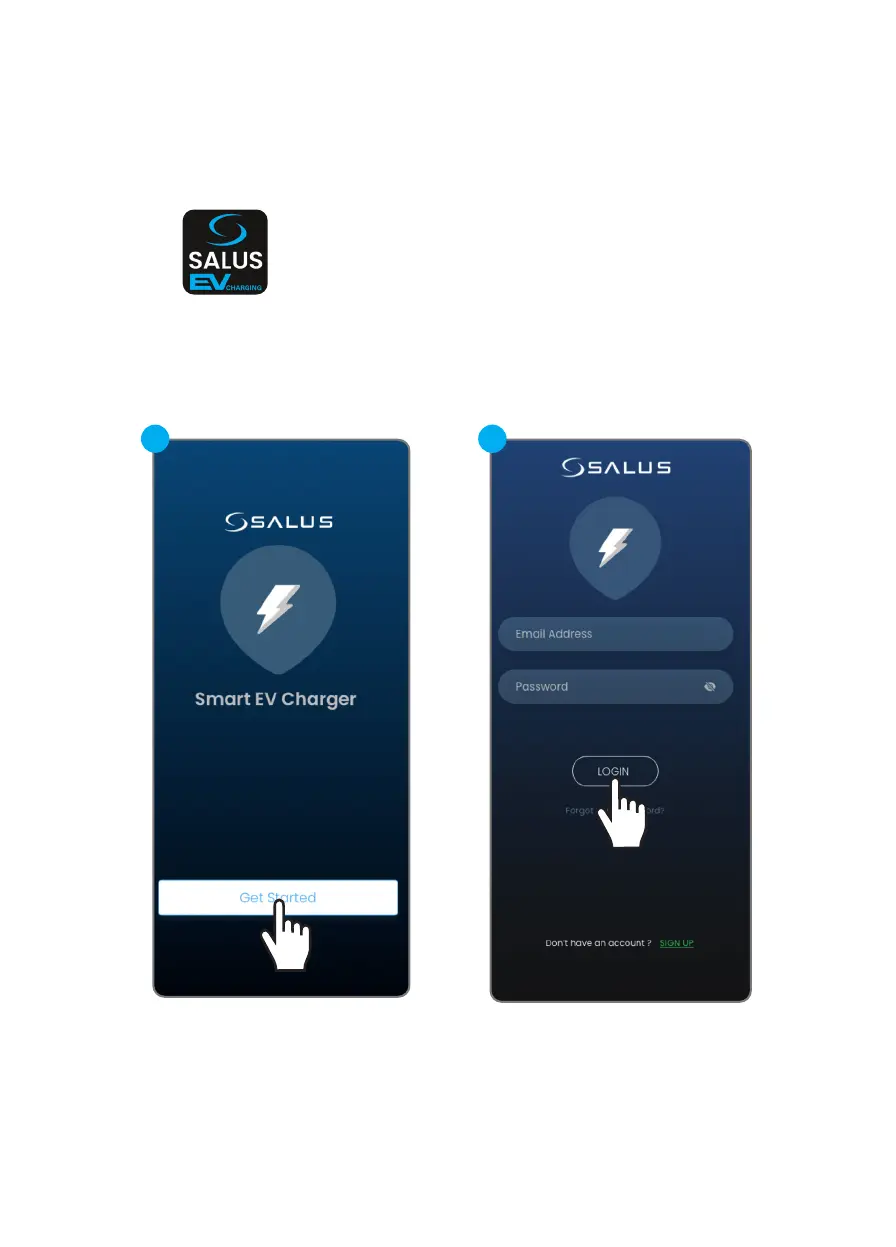
Step 2: Download the smartphone App to continue the set up
Download the Salus EV charger App and register an user account.
Please note: If you already have an Salus Premium Lite account,
it will be compatible with the Salus EV Charging app as well.
Step 3 : (If needed) Create a Smart EV Charger account
In order to create a account we must
select the SIGN UP option.
3.2
3.1


 To Next Page