EasyManua.ls Logo

Salus SC102ZB - User Manual

Salus SC102ZB
35 pages
Print Icon
To Next Page IconTo Next Page
Loading...
SMC-IOM-SC102ZB-ST103ZB-2020.02v1_2020-02-10
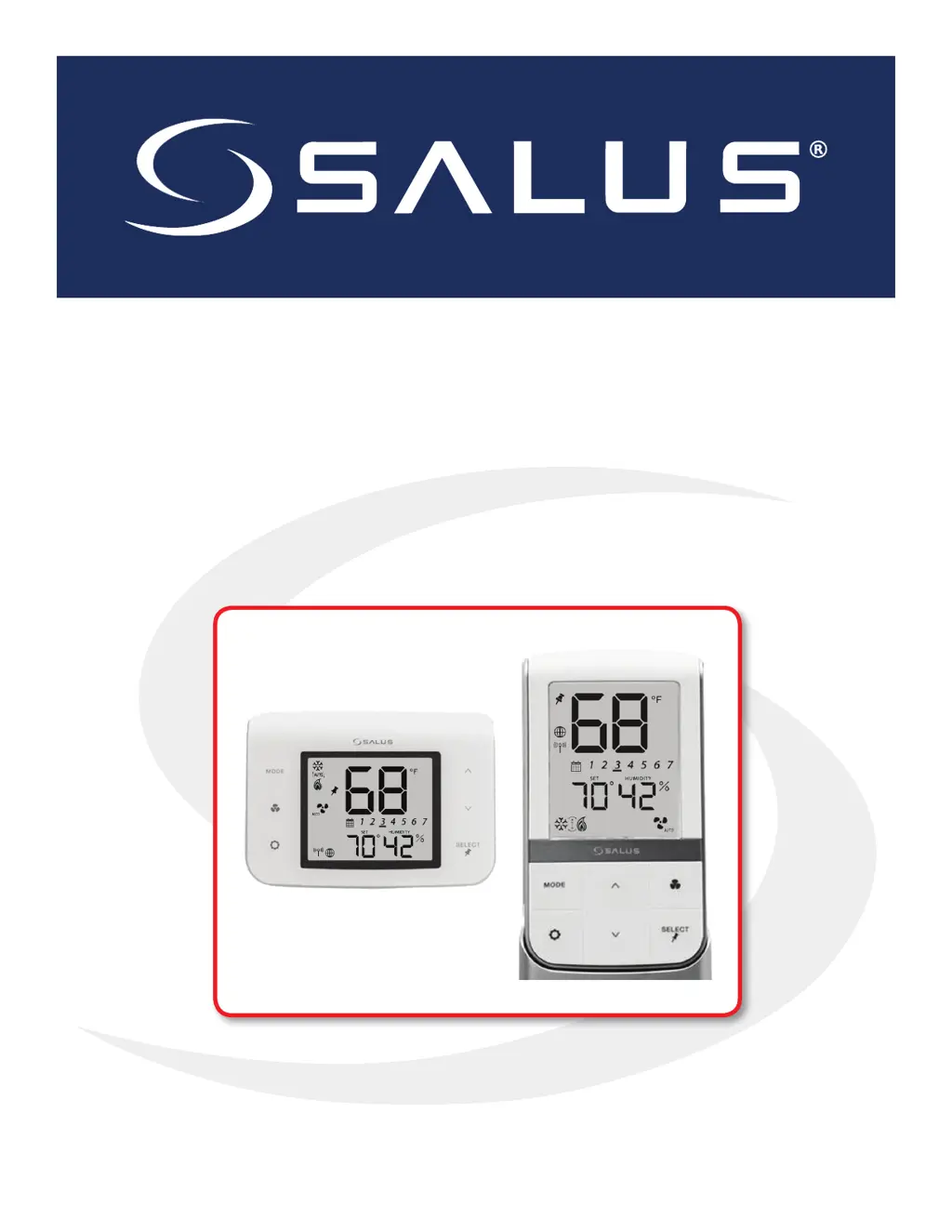
Installation & Operation Manual
SC102ZB Fan Coil Controller
ST103 Wireless Fan Coil Remote

Other manuals for Salus SC102ZB

Questions and Answers

  • L
    Lisa TaylorAug 13, 2025
    What to do if Salus Controller displays Error 04 related to room temperature sensor?
    • A
      adavisAug 13, 2025
      If the Salus Controller displays Error 04, it indicates an open circuit in the room temperature sensor. Here's what you should do: * If the sensor is set to Internal (Default), replace the thermostat or use an external sensor. * If the sensor is set to External (Settings), and Parameter 12 is set to the external sensor, check the wiring or ensure the sensor is connected. * If the sensor is set to External and Parameter 12 is set to Zigbee remote, follow the "Find & Bind" sequence defined in the IOM.
  • R
    Robert HarrisonAug 16, 2025
    What to do if Salus Controller displays Error 03 related to room temperature sensor?
    • R
      Robert HughesAug 16, 2025
      If your Salus Controller shows Error 03, it means the room temperature sensor circuit is shorted, or the sensor is damaged. To resolve this: * If the sensor is set to External (Settings), and Parameter 12 is set to the external sensor, check for a short circuit. * If the sensor is set to Internal (default), replace the thermostat or use an external sensor.
  • E
    elizabethmeyerAug 20, 2025
    What to do if Salus Controller displays Error 02 related to pipe supply sensor?
    • J
      James RitterAug 20, 2025
      If your Salus Controller displays Error 02, it indicates a shorted or damaged pipe supply sensor. Here's how to address it: * Check the connection of the pipe supply sensor to the terminals. * Check for shorts in the pipe supply sensor leads. * Replace the sensor if necessary.
  • C
    Christina GriffithAug 25, 2025
    How to fix Error 01 on Salus Controller related to pipe supply sensor?
    • M
      Michelle LoveAug 25, 2025
      If your Salus Controller shows Error 01, it means the pipe supply sensor circuit is open, or the sensor is not connected. To fix this, you should: * Check the connection of the pipe supply sensor to the terminals. * Replace the sensor if needed.
  • M
    Michelle PittmanAug 27, 2025
    What to do if Salus SC102ZB shows Error 04: Room temperature sensor circuit is open?
    • M
      Makayla RobbinsAug 27, 2025
      If the Salus Microphone system displays Error 04 related to an open room temperature sensor circuit: * If the sensor is set to Internal (Default), replace the thermostat or use an external sensor. * If the sensor is set to External (Settings), and Parameter 12 (Appendix A) is set to the external sensor, check the wiring or ensure the sensor is connected. * If the sensor is set to External and Parameter 12 is set to Zigbee remote, follow the “Find & Bind” sequence defined in the IOM.
  • J
    Jill RamirezAug 31, 2025
    What to do if Salus Microphone system displays Error 03: Room temperature sensor circuit is shorted?
    • C
      Carlos PonceAug 31, 2025
      If the Salus Microphone system displays Error 03 indicating a shorted room temperature sensor circuit or a damaged sensor: * If the sensor is set to External (Settings) and Parameter 12 (Appendix A) is set to external sensor, check for a short circuit. * If the sensor is set to Internal (default), replace the thermostat or use an external sensor.
  • N
    noah99Sep 4, 2025
    What to do if Salus SC102ZB displays Error 02: Pipe supply sensor circuit is shorted?
    • T
      Tina LongSep 4, 2025
      If the Salus Microphone system displays Error 02, indicating a shorted or damaged pipe supply sensor, check the connection of the pipe supply sensor to the terminals, check for shorts in the pipe supply sensor leads, and replace the sensor.
  • K
    Kristen West DDSSep 8, 2025
    What to do if Salus Microphone system displays Error 01: Pipe supply sensor circuit is open?
    • G
      garyhallSep 8, 2025
      If the Salus Microphone system displays Error 01, indicating an open pipe supply sensor circuit or a disconnected sensor, check the connection of the pipe supply sensor to the terminals and replace the sensor.

Summary

Introduction

System Overview

Explanation of the Zigbee-based system and its components.

Product Safety Information

Important safety information regarding codes, regulations, and intended use.

SC102 ZB Fan Coil Controller Installation

Existing Wired Thermostat Removal

Procedure for removing an existing thermostat before installation.

ST103 ZB Wireless Fan Coil Remote Installation

SS909 ZB Remote Temperature Sensor Installation

Device Joining & Pairing

SC102 ZB Controller Network Prep

Preparation steps for joining the SC102ZB controller to a network.

ST103 ZB Remote Network Prep

Preparation steps for joining the ST103ZB remote to a network.

SS909 ZB Sensor Network Prep

Preparation steps for joining the SS909ZB sensor to a network.

Pairing via Gateway and Internet

Guide to pairing devices with the SG888ZB gateway via the SALUS Smart Home app.

Pairing without Internet

Steps for pairing devices without an internet connection.

Thermostat Configuration

Settings Button Operation

How to use the SETTINGS button to adjust user-selectable settings.

Troubleshooting

Error Message Reference

Lists common error messages and their corrective actions.

Appendix A: Parameter List

Salus SC102ZB Specifications

General IconGeneral
BrandSalus
ModelSC102ZB
CategoryMicrophone system
LanguageEnglish

Related product manuals