EasyManua.ls Logo

Salus ST100ZB - User Manual

Salus ST100ZB
41 pages
Print Icon
To Next Page IconTo Next Page
Loading...
SMC-GM-CWSG-M5-2019.11v1_2019-11-24
Connected Wireless System Guide
Module 5 – Connected Fan Coil Controls

Questions and Answers

  • K
    Kyle WebsterAug 4, 2025
    What to do if Salus Microphone system shows Error 04: Room temperature sensor circuit is open?
    • J
      Jose EdwardsAug 4, 2025
      If the Salus Microphone system displays Error 04 related to an open room temperature sensor circuit: * If the sensor is set to Internal (Default), replace the thermostat or use an external sensor. * If the sensor is set to External (Settings), and Parameter 12 (Appendix A) is set to the external sensor, check the wiring or ensure the sensor is connected. * If the sensor is set to External and Parameter 12 is set to Zigbee remote, follow the “Find & Bind” sequence defined in the IOM.
  • V
    vandersonAug 12, 2025
    What to do if Salus Microphone system displays Error 03: Room temperature sensor circuit is shorted?
    • W
      wallacemarkAug 12, 2025
      If the Salus Microphone system displays Error 03 indicating a shorted room temperature sensor circuit or a damaged sensor: * If the sensor is set to External (Settings) and Parameter 12 (Appendix A) is set to external sensor, check for a short circuit. * If the sensor is set to Internal (default), replace the thermostat or use an external sensor.
  • P
    Patty WardAug 19, 2025
    What to do if Salus ST100ZB displays Error 02: Pipe supply sensor circuit is shorted?
    • T
      Tyrone SimmonsAug 19, 2025
      If the Salus Microphone system displays Error 02, indicating a shorted or damaged pipe supply sensor, check the connection of the pipe supply sensor to the terminals, check for shorts in the pipe supply sensor leads, and replace the sensor.
  • M
    mitchellmicheleAug 27, 2025
    What to do if Salus Microphone system displays Error 01: Pipe supply sensor circuit is open?
    • Q
      qrandolphAug 27, 2025
      If the Salus Microphone system displays Error 01, indicating an open pipe supply sensor circuit or a disconnected sensor, check the connection of the pipe supply sensor to the terminals and replace the sensor.

Summary

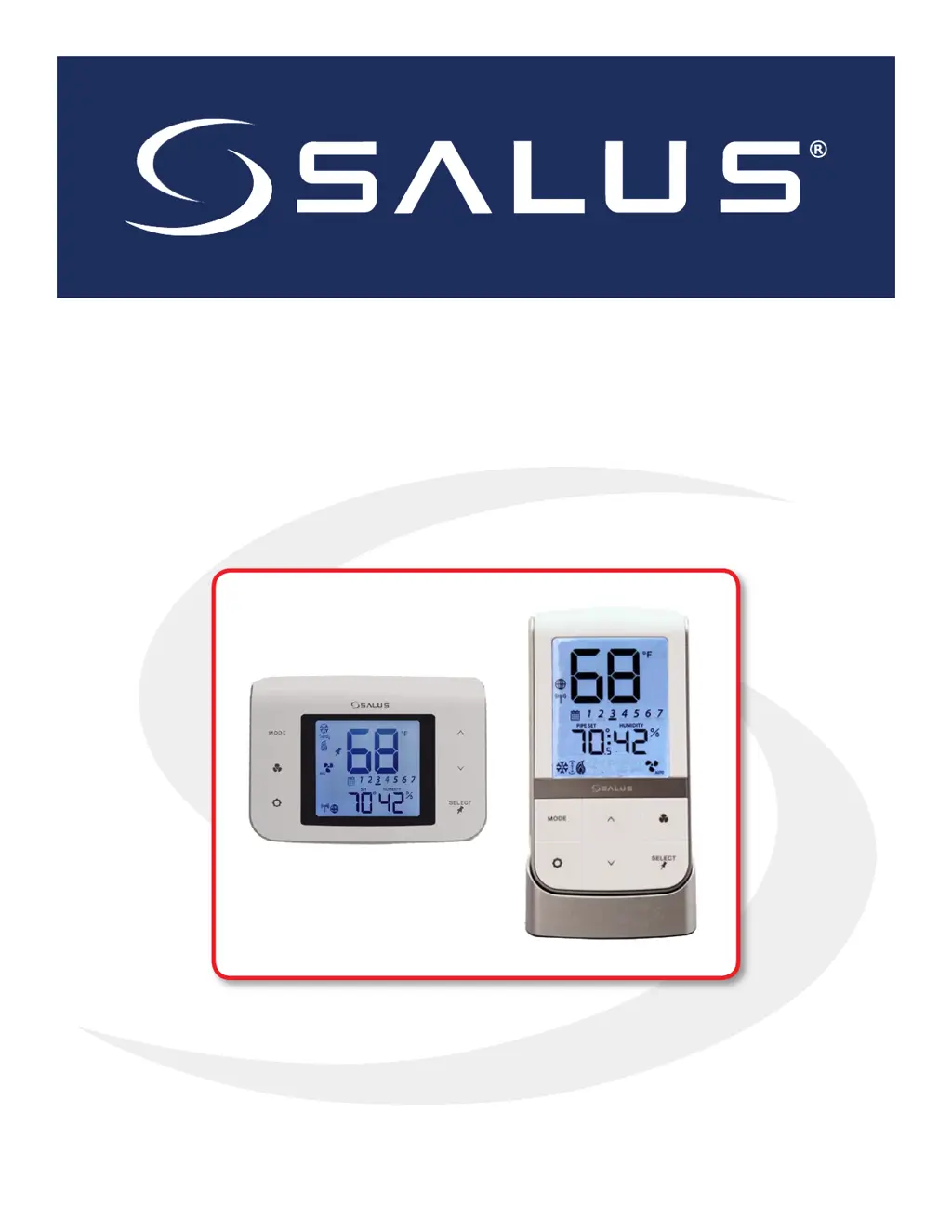
ST100 ZB Line Power Fan Coil Thermostat

ST101 ZB Low Voltage Fan Coil Thermostat

Thermostat Installation

Step-by-step guide for wiring and mounting the ST101ZB thermostat.

SC102 ZB Wireless Fan Coil Controller; ST103 ZB Wireless Fan Coil Remote

Remove Thermostat (if replacing existing thermostat)

Instructions for safely removing an existing thermostat before installation.

SC102 ZB Fan Coil Controller Installation

Step-by-step guide for wiring and mounting the SC102ZB controller.

ST103 ZB Wireless Fan Coil Remote Installation

Guides for wall or desk mounting the ST103ZB wireless remote.

Pairing Instructions - Fan Coil Controls

Joining the SG888 ZB Gateway Network

How to connect devices to the SG888ZB gateway via the app.

Configuring Fan Coil Controls with SALUS Smart Home Application

Guides on setting up fan coil controls through the SALUS Smart Home app.

Device Configuration - Fan Coil Controls

Schedule

Details on setting up daily and weekly heating/cooling schedules.

Device Troubleshooting

Troubleshooting

Common error messages and their corrective actions.

Appendix A - Parameter List

Salus ST100ZB Specifications

General IconGeneral
BrandSalus
ModelST100ZB
CategoryMicrophone system
LanguageEnglish

Related product manuals