3-2
Step 1. Review and record the existing thermostat wiring conguraiton:
- Remove thermostat from wall plate to expose wiring terminals
- Take a photograph or note the wire colors and connections (see wiring reference table below)
- Attach wire labels to each of the wires
Remove Thermostat (if replacing existing thermostat)
Table 3.1: Wire Designation Record
Terminal
Designation
Wire Color
Function
4-Pipe System 2-Pipe System
L Black 120/240 VAC Line Power 120/240 VAC Line Power
N White 120/240 Neutral 120/240 Neutral
WY Red Heating Valve Actuator Heating/Cooling Valve Actuator
YA Blue Cooling Valve Actuator Auxiliary Heat
Gl Brown Fan Signal – Low Speed Fan Signal – Low Speed
Gm Orange Fan Signal – Medium Speed Fan Signal – Medium Speed
Gh Yellow Fan Signal – High Speed Fan Signal – High Speed
Ac Accessory Contact Accessory Contact
Ac Accessory Contact Accessory Contact
Tp Supply Pipe Temperature Sensor Supply Pipe Temperature Sensor
Tx External Temperature Sensor External Temperature Sensor
Ts Temperature Setback Temperature Setback
Tc Tp/Tx/Ts Common Tp/Tx/Ts Common
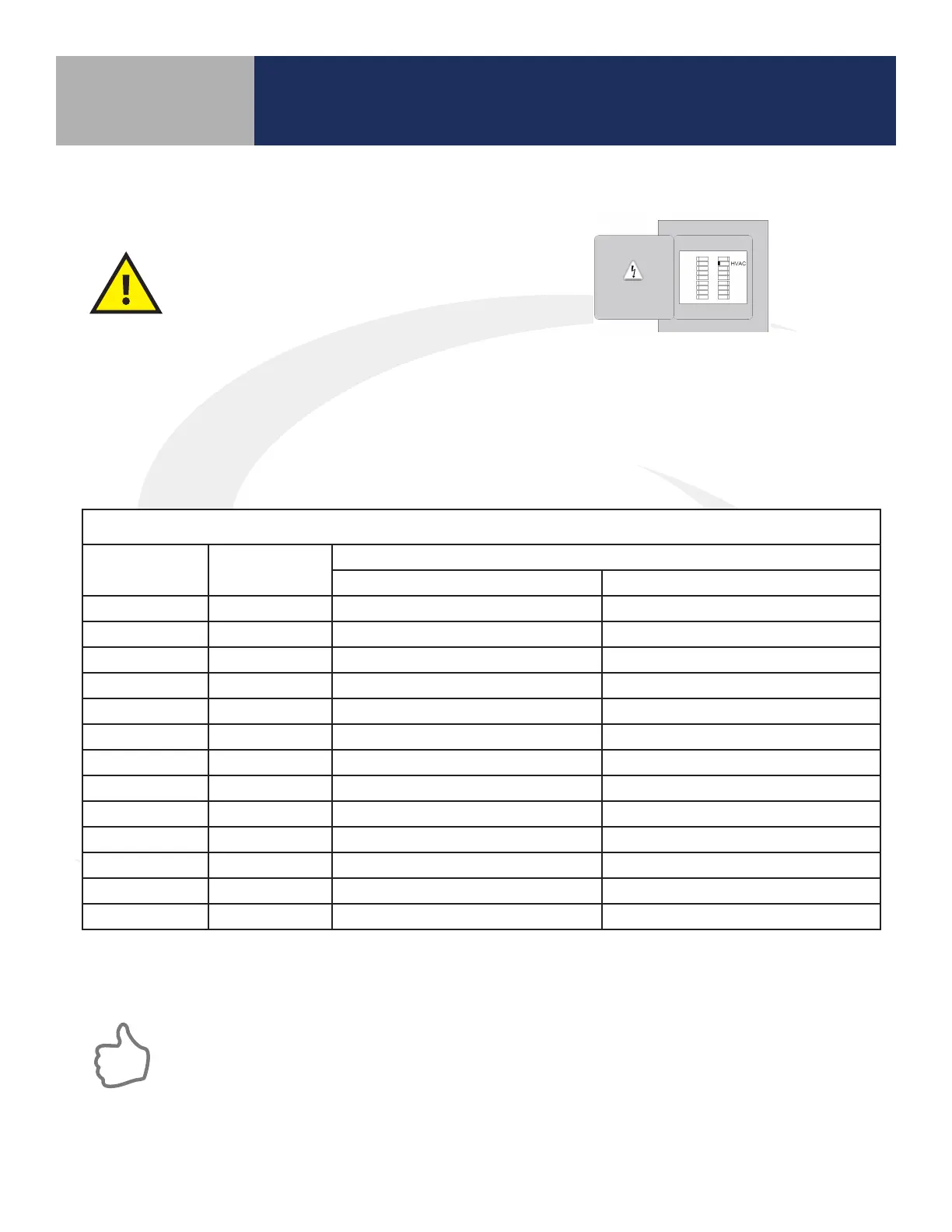
Before removing the existing thermostat, turn
o power to the fan coil system.
Module 5 – Connected Fan Coil Controls
ST100ZB Line Power Fan Coil Thermostat
Section 3
Step 2. Label each wire when disconnecting them from thermostat terminals and remove the thermostat
mounting plate.
Paint the mounting surface, if desired, before mounting the new thermostat back plate to
ensure complete wall coverage.



 To Next Page