EasyManua.ls Logo

Salus ST103ZB - User Manual

Salus ST103ZB
35 pages
Print Icon
To Next Page IconTo Next Page
Loading...
SMC-IOM-SC102ZB-ST103ZB-2020.02v1_2020-02-10
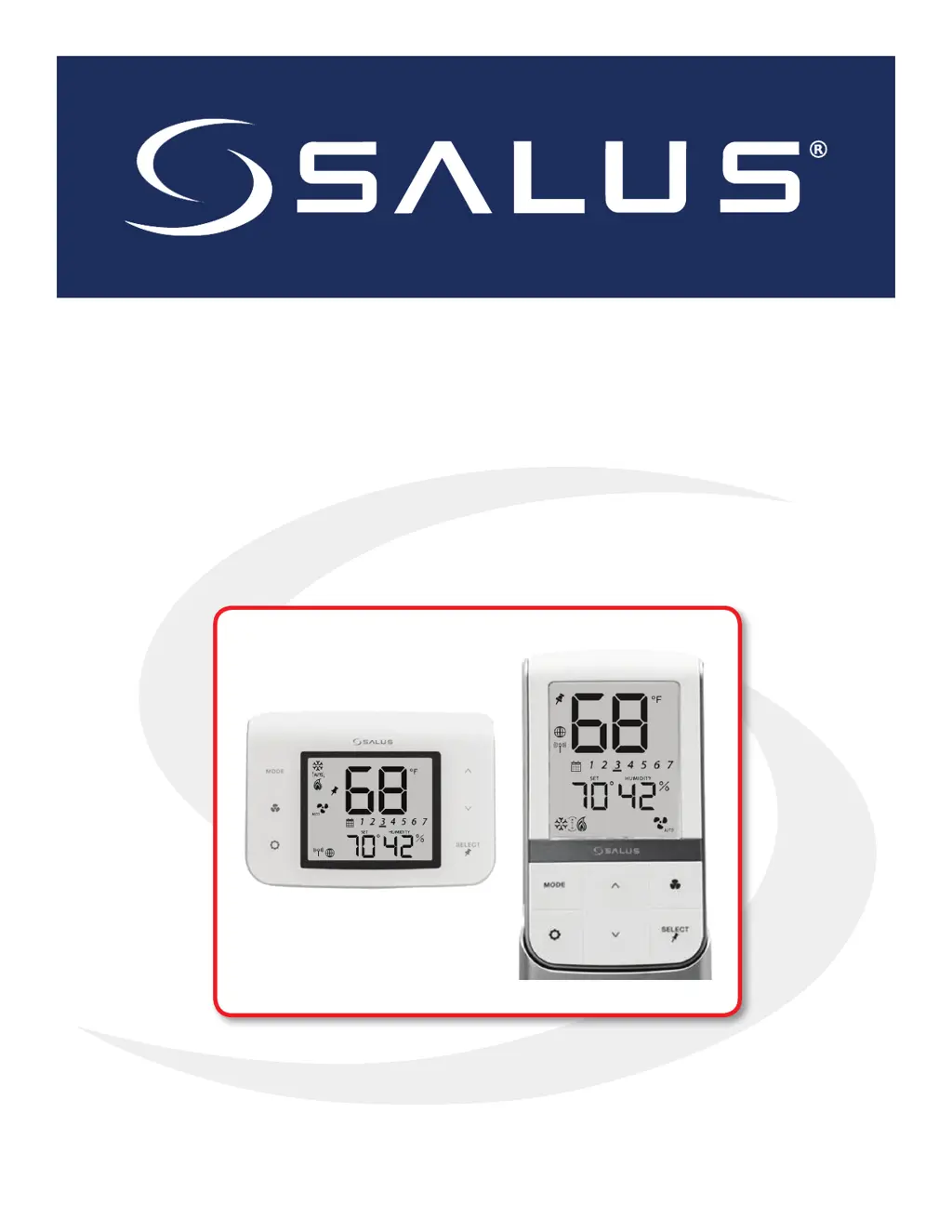
Installation & Operation Manual
SC102ZB Fan Coil Controller
ST103 Wireless Fan Coil Remote

Other manuals for Salus ST103ZB

Questions and Answers

  • S
    Sarah RiosAug 13, 2025
    What to do if Salus Controller displays Error 04 related to room temperature sensor?
    • R
      rzimmermanAug 13, 2025
      If the Salus Controller displays Error 04, it indicates an open circuit in the room temperature sensor. Here's what you should do: * If the sensor is set to Internal (Default), replace the thermostat or use an external sensor. * If the sensor is set to External (Settings), and Parameter 12 is set to the external sensor, check the wiring or ensure the sensor is connected. * If the sensor is set to External and Parameter 12 is set to Zigbee remote, follow the "Find & Bind" sequence defined in the IOM.
  • S
    Sarah SmithAug 17, 2025
    What to do if Salus Controller displays Error 03 related to room temperature sensor?
    • S
      stephensronaldAug 17, 2025
      If your Salus Controller shows Error 03, it means the room temperature sensor circuit is shorted, or the sensor is damaged. To resolve this: * If the sensor is set to External (Settings), and Parameter 12 is set to the external sensor, check for a short circuit. * If the sensor is set to Internal (default), replace the thermostat or use an external sensor.
  • D
    dominicphamAug 21, 2025
    What to do if Salus Controller displays Error 02 related to pipe supply sensor?
    • S
      Stephanie MccoyAug 21, 2025
      If your Salus Controller displays Error 02, it indicates a shorted or damaged pipe supply sensor. Here's how to address it: * Check the connection of the pipe supply sensor to the terminals. * Check for shorts in the pipe supply sensor leads. * Replace the sensor if necessary.
  • L
    Laura RayAug 25, 2025
    How to fix Error 01 on Salus Controller related to pipe supply sensor?
    • X
      xhernandezAug 25, 2025
      If your Salus Controller shows Error 01, it means the pipe supply sensor circuit is open, or the sensor is not connected. To fix this, you should: * Check the connection of the pipe supply sensor to the terminals. * Replace the sensor if needed.
  • J
    johnmillsAug 28, 2025
    What to do if Salus Microphone system shows Error 04: Room temperature sensor circuit is open?
    • B
      burnsbruceAug 28, 2025
      If the Salus Microphone system displays Error 04 related to an open room temperature sensor circuit: * If the sensor is set to Internal (Default), replace the thermostat or use an external sensor. * If the sensor is set to External (Settings), and Parameter 12 (Appendix A) is set to the external sensor, check the wiring or ensure the sensor is connected. * If the sensor is set to External and Parameter 12 is set to Zigbee remote, follow the “Find & Bind” sequence defined in the IOM.
  • M
    Megan GonzalezSep 1, 2025
    What to do if Salus ST103ZB Microphone system displays Error 03: Room temperature sensor circuit is shorted?
    • M
      melissajenkinsSep 1, 2025
      If the Salus Microphone system displays Error 03 indicating a shorted room temperature sensor circuit or a damaged sensor: * If the sensor is set to External (Settings) and Parameter 12 (Appendix A) is set to external sensor, check for a short circuit. * If the sensor is set to Internal (default), replace the thermostat or use an external sensor.
  • C
    Carolyn HarperSep 4, 2025
    What to do if Salus ST103ZB Microphone system displays Error 02: Pipe supply sensor circuit is shorted?
    • M
      Mr. Jerry SimpsonSep 5, 2025
      If the Salus Microphone system displays Error 02, indicating a shorted or damaged pipe supply sensor, check the connection of the pipe supply sensor to the terminals, check for shorts in the pipe supply sensor leads, and replace the sensor.
  • W
    Willie JohnsonSep 9, 2025
    What to do if Salus ST103ZB displays Error 01: Pipe supply sensor circuit is open?
    • A
      Angela GonzalezSep 9, 2025
      If the Salus Microphone system displays Error 01, indicating an open pipe supply sensor circuit or a disconnected sensor, check the connection of the pipe supply sensor to the terminals and replace the sensor.

Summary

Introduction

Product Safety Information

Important safety warnings and precautions for the installation and use of the product.

SC102 ZB Fan Coil Controller Installation

Existing Thermostat Removal Procedure

Step-by-step guide for removing an existing wired thermostat before installation.

SC102 ZB Controller Mounting Options

Instructions for mounting the SC102ZB Fan Coil Controller wiring mount to various junction boxes.

ST103 ZB Wireless Fan Coil Remote Installation

ST103 ZB Wall Plate Mounting

Instructions for mounting the ST103ZB Wireless Fan Coil Remote onto a wall plate.

ST103 ZB Desk;Cabinet Top Mounting

Instructions for placing the ST103ZB Wireless Fan Coil Remote on a desk stand or cabinet top.

SS909 ZB Remote Temperature Sensor Installation

Device Controls: Keypad and Display

Device Joining and Pairing

Thermostat Configuration

Settings Button Operation

Using the SETTINGS button for humidity, temperature units, sensor location, setback, and clock format adjustments.

Time, Date, Year, and Program Mode Configuration

Configuring time, date, year, and program modes, including schedule setup on page 22.

Schedule Interval and Set Point Configuration

Setting schedule time intervals, heating/cooling set points, and temperature offsets on page 23.

Special Function Codes

Accessing and using special function codes for identify, test, and parameter setup modes.

Troubleshooting

Error Messages and Corrective Actions

List of common error messages and their corresponding solutions for troubleshooting.

Parameter List

Parameter List Details

Comprehensive list of all adjustable parameters, their values, defaults, and descriptions.

Salus ST103ZB Specifications

General IconGeneral
ModelST103ZB
WirelessYes
TypeWireless Microphone System
Frequency Range2.4 GHz
CompatibilityZigbee
Power SourceBattery

Related product manuals