40 | SAMLEX AMERICA INC.
SECTION 4 | Parameter Setup
P a s w o r d c o r r e c t
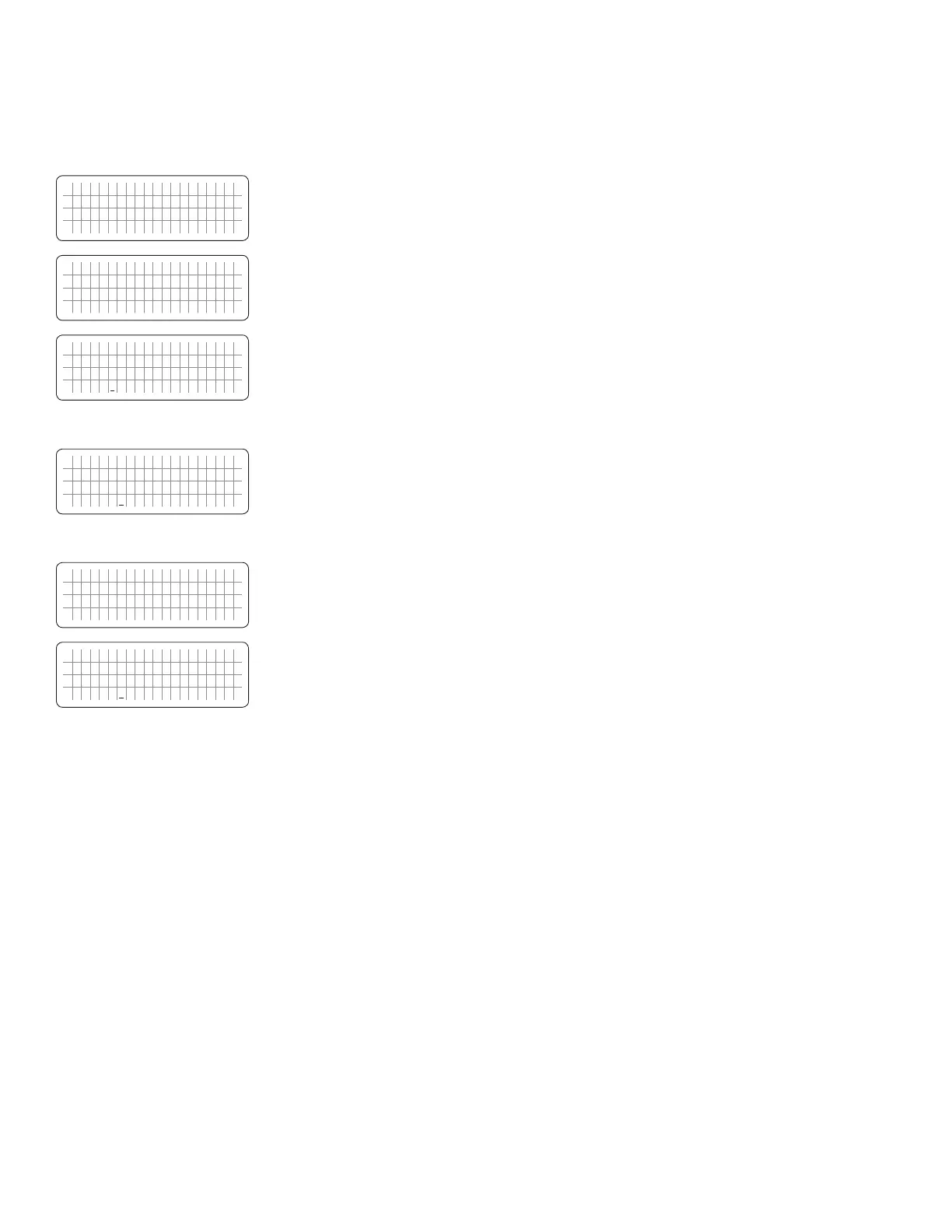
• Flashes twice when Password is correct. (8052)
P a s w o r d e r r o r ! !
• Flashes twice when Password is not correct.
S e l e c t G r o u p
O T H E R F U N C T I O N
* P A S W O R D D I S A B L E
0 = D i s a b l e
• Screen as on the left will appear with a blinking cursor "_" under "0".
6. Use Up ñ Key to change 0 to 1.
S e l e c t G r o u p
O T H E R F U N C T I O N
* P A S W O R D D I S A B L E
1 = E n a b l e
• Screen as on the left will appear. Command will change to 1=Enable
with a blinking cursor "_" under "1".
7. Press Enter Key for longer time (3 to 4 sec) to write the new selection "1=Enable"
W r i t e s u c c e s s !
• New selection will be written with the message "Write
success!" as shown on the left.
S e l e c t G r o u p
O T H E R F U N C T I O N
* P A S W O R D D I S A B L E
1 = E n a b l e
• Screen as on left will appear conrming that the password has been
disabled.
8. Press "Back Key" two times to go back to the Operating Mode Screen.
4.4 GROUP 1 PARAMETER SETUP: CHARGE CURVE
4.4.1 Programming Ranges and Default / Factory Preset Values or Parameters Under Group 1 -
CHARGE CURVE
Table 4.3 gives details of programming ranges and default values of parameters under Group 1 - "CHARGE CURVE".
Refer to Fig 4.2 under Section 4.1.3.1 for the Menu Map for navigating through various parameters under this Group.


 To Next Page
 Loading...
