98 | SAMLEX AMERICA INC.
SECTION 5 | SD Card
5.2.3 Operating Screens when SD Card is Inserted for Data Logging
Data logging will be carried out automatically as soon as the SD Card is inserted in the SD Card Slot of EVO-RC.
[Provided parameter “DATALOG TIME” (Section 4.8.2.10) has NOT been set to “0 = Disable”)].
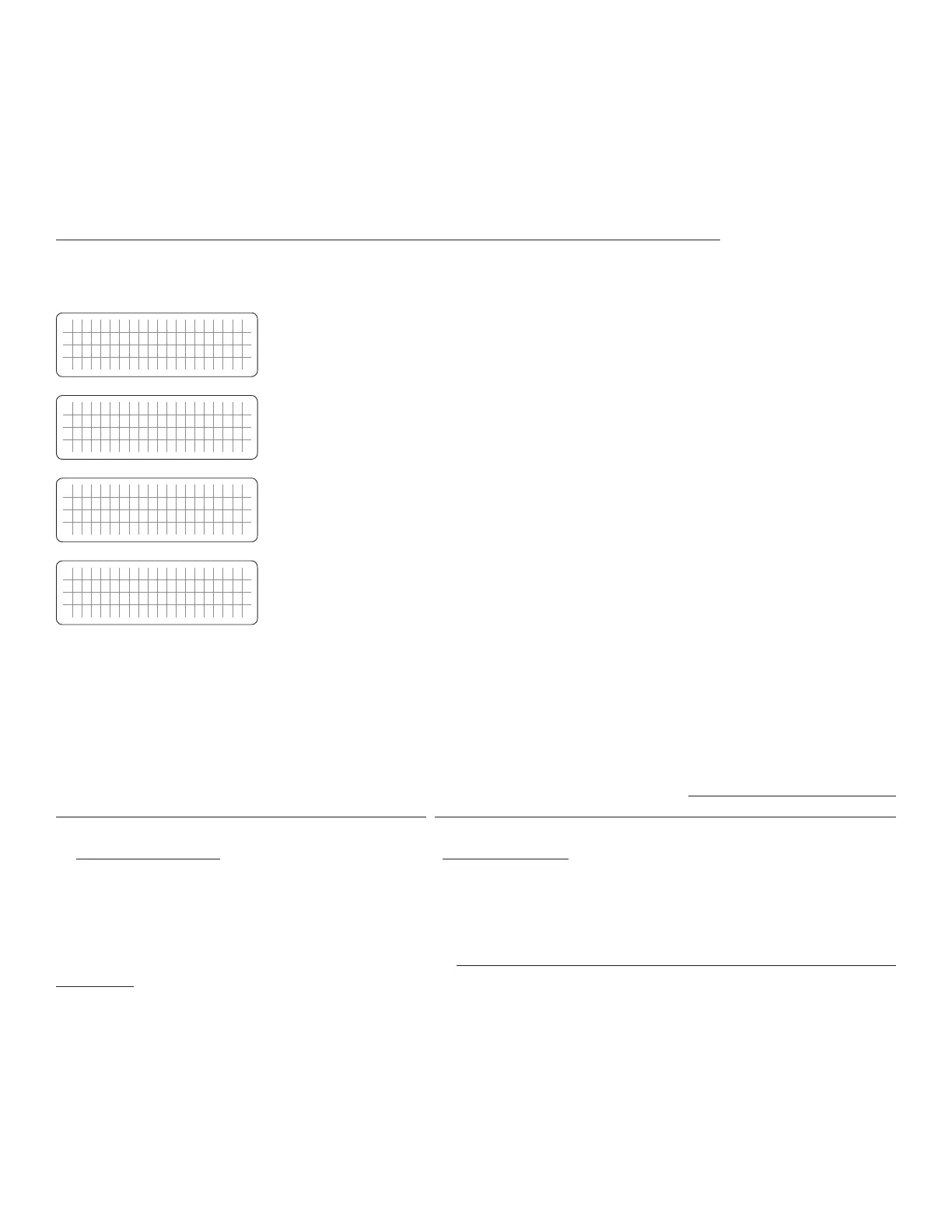
Operating screens are shown below:
F i l e c r e a t i n g . . .
Data log function has been initiated and new le is being created. Do not remove
the SD card when le creating is displayed.
Read error, the data log function/update/upload will stop.
S D C a r d
W r i t e e r r o r !
Write error. The Data logging function will stop.
1. Card full. Data logging function has stopped.
2. There is not enough space to create Data Log File Folder or to save le with saved
programmed parameters.
NOTE: Once there is enough space to create a Data Log File Folder and subsequently,
it runs out of capacity due to recording newer data, it will start to overwrite on older
les.
5.2.4 Disabling Data Logging
In the factory default condition, data logging has been enabled at 1 sec recording interval [Parameter "DATALOG TIME"
(Section 4..8.2.10) has been set to option "1=1 sec"]. Hence, data loggin will commence as soon as SD Card is inserted.
To disable data logging, parameter "DATALOG TIME" (Section 4.8.2.10) has to be set at option "0=Disable".
5.3 DATA LOG FILES AND VIEWING DATA LOG FILES USING MICROSOFT EXCEL
The Data Log Files are writen as Text Files (.txt) in the DATALOG Folder on the SD Card’s Root Directory. Table 5.1 is an
image of the DATALOG Folder showing example of the Data Log Files. The File Name Format is month/day/hour/minute.
txt (MMDDhhmm.txt). Each le has 512 rows of records. (Each row has multiple data elds as described at Section 5.2.2
and 5.2.3). Each le size is 128kb.


 To Next Page
 Loading...
