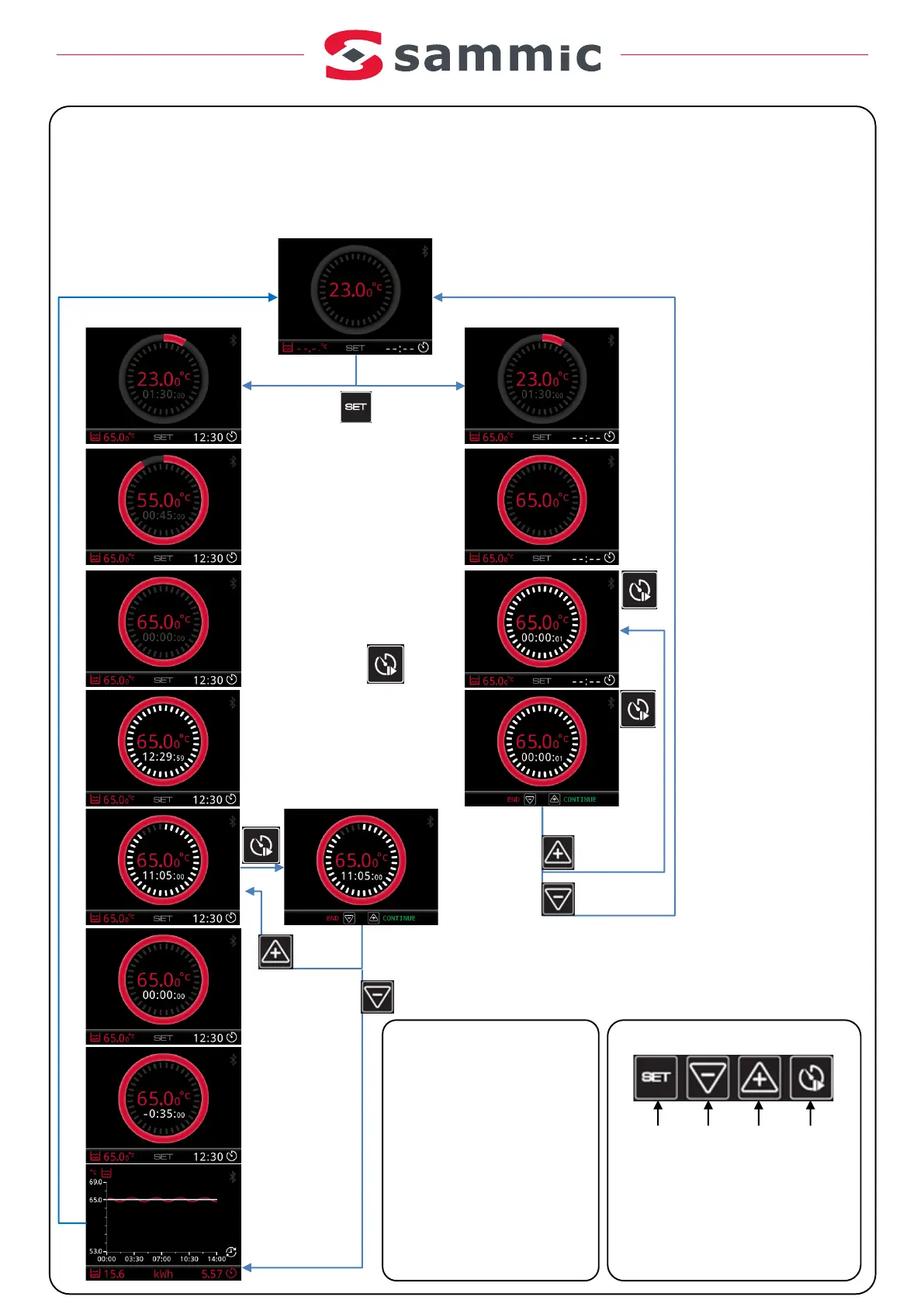
With timer
Timer running
Datastorage
HEATING!
Estimates the time
remaining toreach the
desired temperature.
Peep, Peep...!!!
The bath is READY.
Press any button
tocancel the acoustic warning.
Place the vacuum packed food in the
bath and press PLAY
CONTINUE
END
Peep, Peep...!!!
End of time
Peep, Peep...!!!
It continues counting
down the time, until
you press any
button.
End!
SUMMARY of the
cycle.
Press any
button for a
newcycle.
CONTINUE
END
1 2 3 4
1.- SET.Toadjust and accept.
2.- Reduce. Lower.
3.- I ncrease. Raise.
4.- S tart/stop timer
Buttons
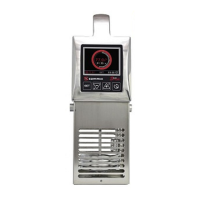
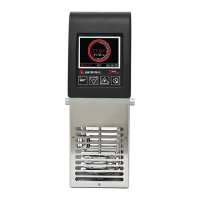
Working with the SmartVide 4/6/8
- During at imer cycle, if there is apower
cut, it returns toits current state.
- If acycle is running, end the cycle by
pressing the 4button before turning of
the machine. Otherwise, the machine
will understand that there hasbeen a
power cut and the cy cle will resume
where it left of.
Notes(*)
Without timer
Setting the
temperature and
time.
Indefinite
time
Force end of cycle


 To Next Page