9
EN
and the flashing will stop and it will
change to:
· mm press
or and
· yyyy press or and
3. TIME
· xx H
or and
· xx MIN
or and
• Pump hours: Press in the first
three seconds. Resets the pump’s operating
hours.
• LCD screen test: Press
in the first
3 sec. Tests the LCD screen is made to check
the segments of the display: ALL symbols light
up for 2s.
• Bluetooth No. (printer option models):
Press
in the first 3 sec. to activate
the
icon and a four digit number in the
alphanumeric display: “SU XXXX“. This
number must match the number shown in the
mobile application (APP).
• Programme version: Press
in the
first 3 sec. to display the version number in the
alphanumeric display of the program that the
electronic board uses.
At the end of each adjustment press
to switch the machine off, and switch it on again
to access other settings or normal operation.
CREATE AND PRINT LABELS:
• In the application developed for mobile/tablet,
the user has a list of up to 50 products in which
the following can be written:
· Establishment name: “30 characters”
· Product: “40 characters”
· Packaging date: E.g. “10/11/2016”
(Automatic according to the date of the
machine)
· Vacuum: E.g. “99%” Gas: E.g. “20%”
(Automatic according to the vacuum and gas
value by the machine)
· Temperature conservation: in °C, °F
according to the settings in the application for
label printing (APP)
· Best before date: enter the days to expiry
and the expiry date calculated from the
packaging date will be calculated.
• The product “0” is displayed on the display
as “MANUAL LABEL” and only allows label
printing with the automatic values “Packaging
Date” and “BLANK”. The rest are free for
manually writing on the label.
SMARTPHONE/TABLET APP
DESCRIPTION
Load the application on a mobile phone or
tablet:
• Android System: “Play Store”
• iPhone system: “Apple Store”
1. Open the SAMMIC VACUUM application
KEY: “LABEL PRINTING” (only models
equipped with Bluetooth board)
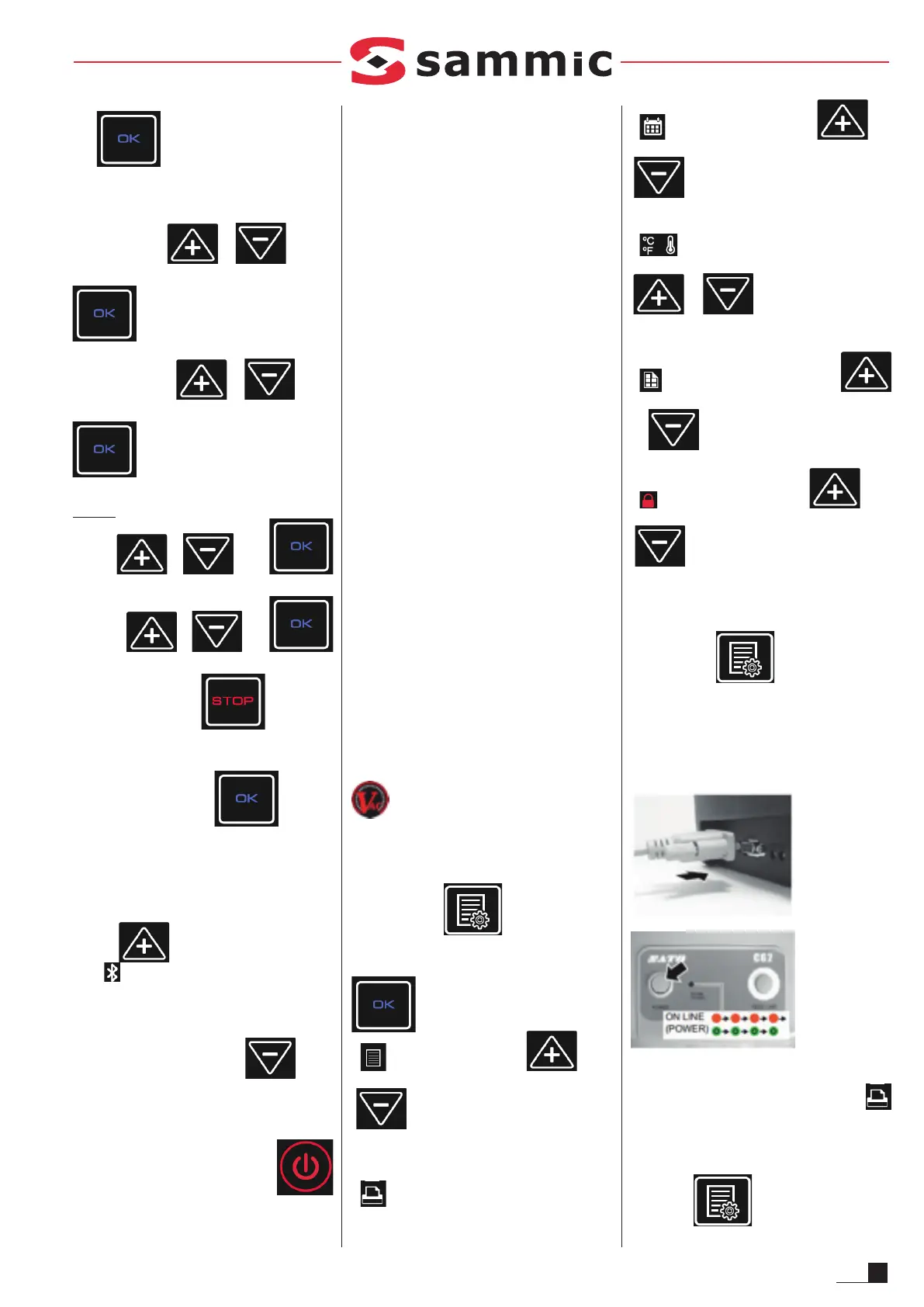
Press the key
to access the label
printing menu. Successively press
to access:
• PRODUCT LIST, press or
to show the product name, product
number and associated program on the
display.
•
PRINTER CONNECTED: automatically
turns on when the printer is connected.
•
DAYS TO EXPIRY: press or
to select the expiry in number of days.
The label will show the resulting expiry date.
•
STORAGE TEMPERATURE: press
or to select the temperature
required to guarantee product conservation.
•
NUMBER OF LABELS: press
or
to select the number of labels
printed in each cycle.
•
LOCK PROGRAM: press or
to select ON/OFF. If activated, the
vacuum cycle programming keys are blocked
in order to guarantee that the packaging
parameters are not changed.
• To exit, press
again.
LABEL PRINTING:
• Place the roll of labels following the instructions
in the printer manual.
• Connect the printer with the supplied cable.
• Turn on the printer: Press “POWER”, the “ON
LINE” pilot light will turn red, then green.
is activated during the packaging cycle at the
sealing phase when the label is printed.
• To print more than one label during the cycle:
Press the
key to access the label



 To Next Page