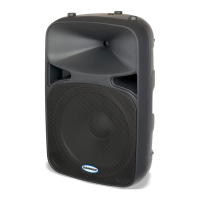
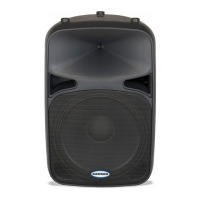
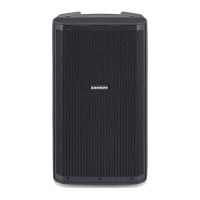
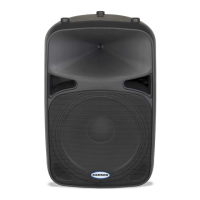
Auro D412/D415Owners Manual
7
Quick Start
The following steps will help you set up your Auro D412/D415 loudspeakers.
Setup
1. Turn the Level control on the rear panel fully counterclockwise.
2. Set the Bass and Treble EQ controls to the 12 o’clock position.
3. Turn the Power switch OFF.
Connections
1. Connect either a line-level signal from your mixer (or other source) or a microphone to the Input jack on the
Auro D412/D415 rear panel.
2. Connect the supplied power cable to the IEC socket on the back of the loudspeaker. Plug the power cable
into an AC outlet.
3. Note: Always make sure that the AC outlet is congured with the correct voltage as indicated on the rear
panel of the Auro loudspeaker.
Operation
1. Switch the Auro’s Power switch to the ON position.
2. Run an audio signal from your mixer, or talk into the microphone.
3. Slowly raise the Auro’s Level control until you have reached the desired level.
4. If the volume from the speakers gets really loud, or you see the Peak indicator blinking frequently, turn
down the Level control on the Auro D412/D415 a little until the Peak indicator does not light, or only lights
occasionally with signal peaks.


 To Next Page