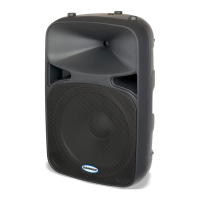
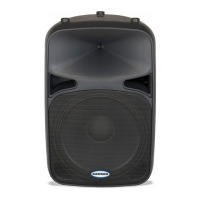
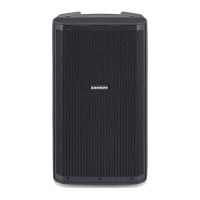
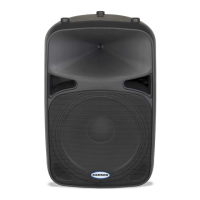
Auro D412/D415Owners Manual
9
Connecting a Microphone
Using a Microphone
• Be sure that the Auro D412/D415 Power switch is set to the o position.
• Turn the LEVEL control fully counterclockwise to the o position.
• Connect the power cable to an AC socket.
• Using a standard XLR cable, plug a microphone into the Auro’s XLR INPUT.
• Switch the Power switch to the ON position.
• While speaking or singing into the microphone, slowly raise the LEVEL control until you have reached
the desired level.
• For larger sound reinforcement you can run several monitors using the Line Output to daisy-chain one
Auro to another.


 To Next Page