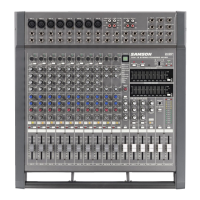
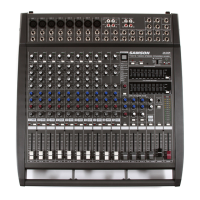
5
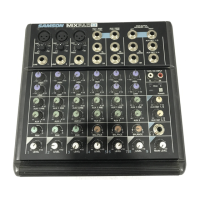
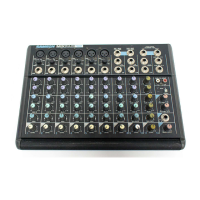
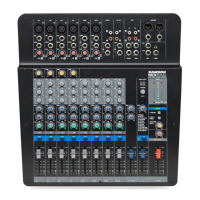
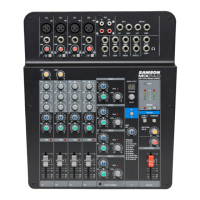
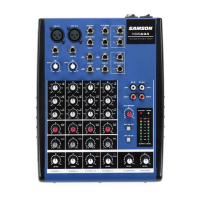
Front and Rear Panel Layout
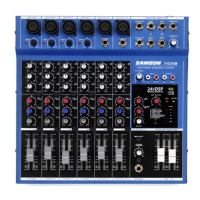
FRONT PANEL
1 MIC – Input connector for Low-Noise Microphone pre-
amp.
2 LINE –Input connector for Line level inputs.
3 GAIN – Used to set the input level of the mic pre and line
input.
4 HIGH FREQUENCY – Controls the high band of the
Channel Equalizer, +/- 15 dB at 12KHz.
5 MID FREQUENCY – Controls the mid band of the Channel
Equalizer, +/- 15 dB at 2.5KHz.
6 LOW FREQUENCY – Controls the low band of the Channel
Equalizer, +/- 15 dB at 80Hz.
7 AUX – Pre fader auxiliary send that can be used with an
external effects processor, or to create a cue or monitor
mix.
8 PAN – Controls the channel’s position between left and
right in the stereo bus.
9 PEAK – Red LED will illuminate indicating when the
GAIN has been adjusted too high.
10 LEVEL – Audio taper fader provides smooth control over
level changes.
11 RIGHT LINE – 1/4-inch phone input connector for the right
line input for the stereo channels.
12 LEFT LINE - 1/4-inch phone input connector for the Left
Line input for the stereo channels.
13 AUX RET – Input connector from external line level
sources.
14 AUX SEND – Line level output from the Auxiliary bus.
15 HEADPHONE JACK – Connect stereo headphones here.
16 CR OUTPUT– Left and Right Control Room output connec-
tors for connecting a monitor system.
17 MIX OUTPUT – Left and Right main Mix output connec-
tors.
18 2 TRACK INPUTS – Connect the output from a DAT,
Cassette, Mini Disk or Hard Disk Recording system.
19 2 TRACK OUTPUTS – Connect to the input of a DAT,
Cassette, Mini Disk or Hard Disk Recording system.
20 AUX RETURN – Used to mix in level of the effects
return.
21 PHANTOM – Indicates that the 48 Volt Phantom
Power is on.
22 POWER – Indicates the MDR624 is powered up.
23 OUTPUT METER - Eight segment display with VU
ballistics indicates main Mix level.
24 2 TRACK TO MIX - Switch used to mix the 2 track
input with the mix from the channel inputs.
25 2 TRACK TO CR – Switches between the main Mix
and the 2 Track in the Control Room output.
26 MAIN LEVEL – Used to control the overall volume of
the Left and Right main Mix outputs.
27 C ROOM/HEADPHONE – Adjusts the volume of the
control room speakers or headphones.
28 BALANCE – Controls the channel’s position between
left and right in the stereo inputs.
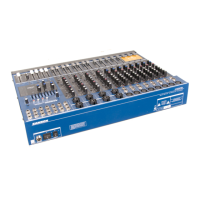
REAR PANEL
A POWER – Switches on the MDR624’s main power.
B PHANTOM – Engages the 48-Volt Phantom power
supply to microphone pre-amps.
CAC ADAPTOR INLET – Connect External AC power
supply here.
Front and Rear Panel Layout


 To Next Page