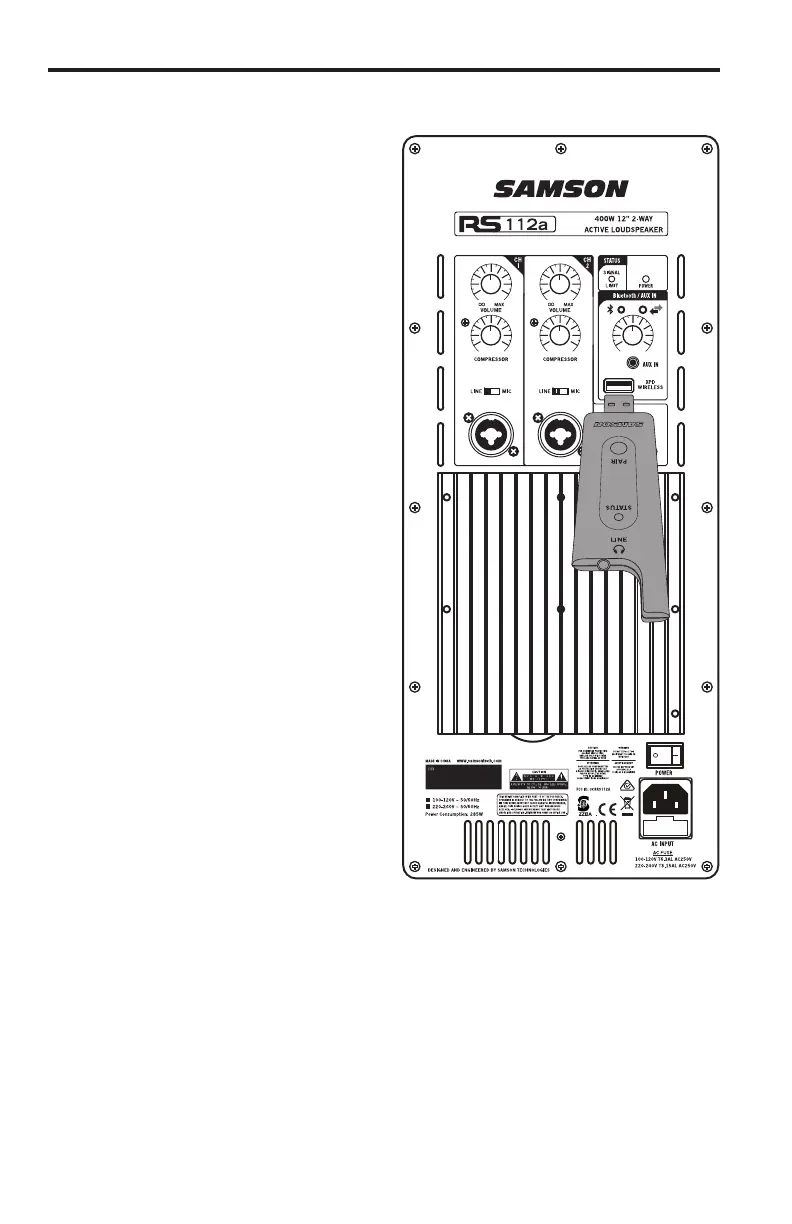
1. Plug the Samson XPD USB
receiver into the XPD Wireless USB
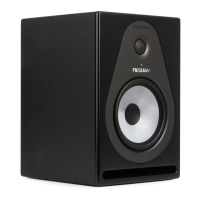
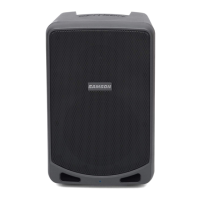
jack on the rear panel of the RS
Loudspeaker.
2. Turn the Bluetooth/Aux In Volume
knob on the RS Loudspeaker
completely counterclockwise.
3. Place a fresh set of AA (LR6)
batteries in the transmitter battery
holder, taking care to observe the
polarity markings, then replace the
cover.
4. Turn on the power to the transmitter
by pressing and holding Power
switch; the indicator light on the
transmitter and receiver will light
amber.
5. Speak or sing into the mic at a
normal performance level and raise
the Bluetooth/Aux In Volume control
until the desired level is reached.
Connecting XPD Wireless Microphone (sold separately)
9RS112A / RS115A
USC





 To Next Page