EasyManua.ls Logo

Samsung 403 - Top 5 Troubleshooting Tips; Cant Connect with Network or Apps; No Picture;Sound or Distorted Picture;Sound with External Device; Poor Picture Quality

Samsung 403
49 pages
Print Icon
To Next Page IconTo Next Page
To Previous Page IconTo Previous Page
Loading...
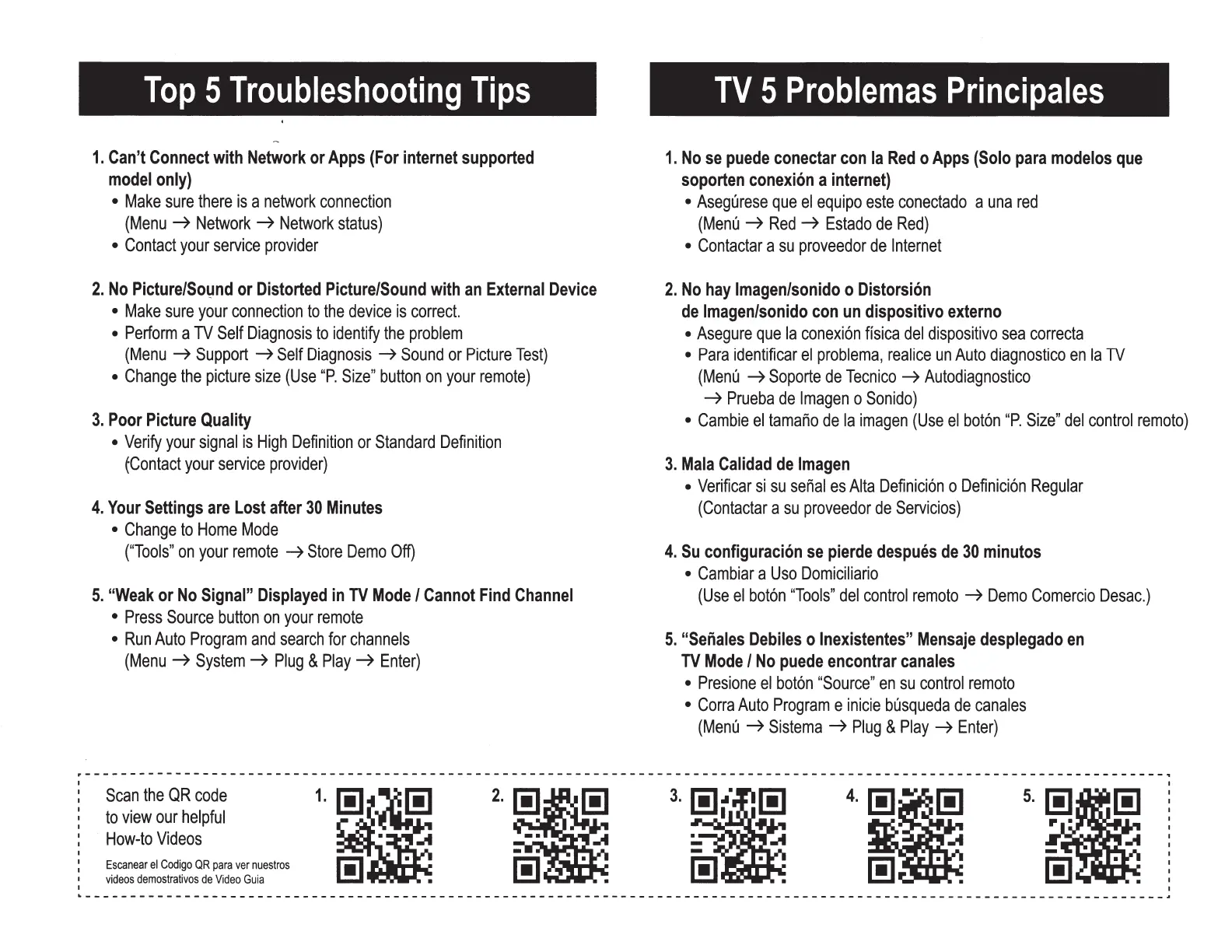
Top
5
Troubleshooting
Tips
1.
Can't
Connect
with
Network
or
Apps
(For
internet
supported
model
only)
Make
sure
there
is
a
network
connection
(Menu
~
Network~
Network
status)
Contact
your
service
provider
2.
No
Picture/So1,1nd
or
Distorted
Picture/Sound
with
an
External
Device
Make
sure
your
connection
to
the
device
is
correct.
Perform
a
TV
Self
Diagnosis
to
identify
the
problem
(Menu
~
Support
~Self
Diagnosis
~
Sound
or
Picture
Test)
Change
the
picture
size
(Use
"P.
Size"
button
on
your
remote)
3.
Poor
Picture
Quality
Verify
your
signal
is
High
Definition
or
Standard
Definition
~Contact
your
service
provider)
4.
Your
Settings
are
Lost
after
30
Minutes
Change
to
Home
Mode
("Tools"
on
your
remote
~Store
Demo
Off)
5.
"Weak
or
No
Signal"
Displayed
in
TV
Mode
I
Cannot
Find
Channel
Press
Source
button
on
your
remote
Run
Auto
Program
and
search
for
channels
(Menu
~
System
~
Plug
&
Play
~
Enter)
TV
5
Problemas
Principales
1.
No
se
puede
conectar
con
Ia
Red
o
Apps
(Solo
para
modelos
que
soporten
conexion
a
internet)
Asegurese
que
el
equipo
este
conectado
a
una
red
(Menu
~
Red
~
Estado
de
Red)
Contactar
a
su
proveedor
de
Internet
2.
No
hay
lmagen/sonido
o
Distorsion
de
lmagen/sonido
con
un
dispositivo
externo
Asegure
que
Ia
conexion
fisica
del
dispositivo
sea
correcta
Para
identificar
el
problema,
realice
un
Auto
diagnostico
en
Ia
TV
(Menu
~
Soporte
de
Tecnico
~
Autodiagnostico
~
Prueba
de
Imagen
o
Sonido)
Cambie
el
tamar'io
de
Ia
imagen
(Use
el
boton
"P.
Size"
del
control
remota)
3.
Mala
Calidad
de
Imagen
Verificar
si
su
ser'ial
es
Alta
Definicion
o
Definicion
Regular
(Contactar
a
su
proveedor
de
Servicios)
4.
Su
configuracion
se
pierde
despues
de
30
minutos
Cambiar
a
Uso
Domiciliario
(Use
el
boton
"Tools"
del
control
remota
~Demo
Comercio
Desac.)
5.
"Senales
Debiles
o
lnexistentes"
Mensaje
desplegado
en
TV
Mode
I
No
puede
encontrar
canales
Presione
el
boton
"Source"
en
su
control
remota
Corra
Auto
Program
e
inicie
busqueda
de
canales
(Menu
~
Sistema
~
Plug
&
Play
~
Enter)
-----------------------------------------------------------------------------------------------------------------------~
Scan
the
QR
code
to
view
our
helpful
How-to
Videos
Escanear
el
Codigo
OR
para
ver
nuestros
videos
demostrativos
de
Video
Guia
1
.•
1!1
. .
4
.•
1!1
. .

Related product manuals