EcoSensorandScreenBrightness
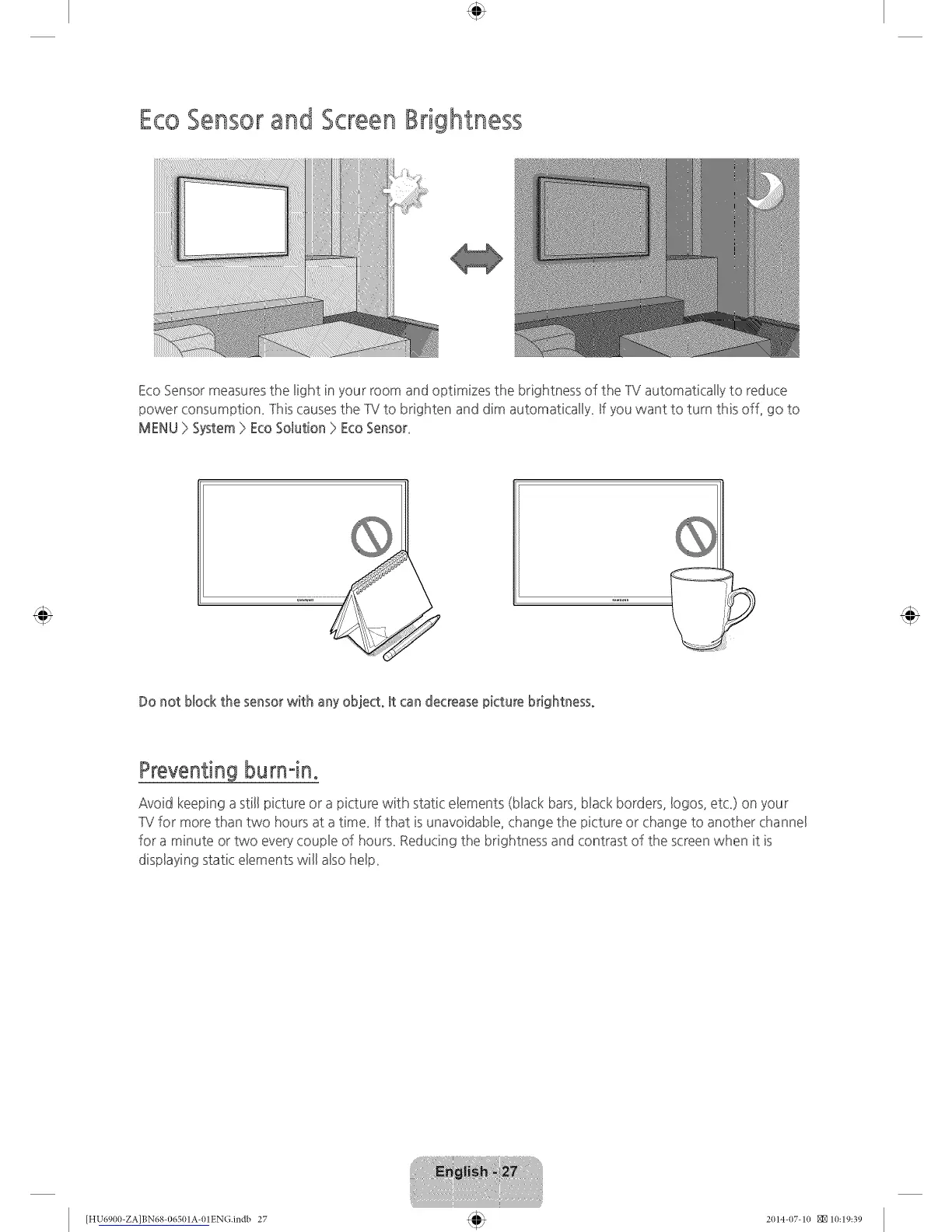
Eco Sensor measures the light in your room and optimizes the brightness of the IV automatically to reduce
power consumption_ lhis causesthe 1V to brighten and dim automaticaHy_ Ufyou want to turn this off_ go to
MENU }>System }>EcoSolution }>EcoSensor_
Do not bbck the sensor with any object° It can decrease picture brightness°
Preventingburnqno
Avoid keeping a still picture or a picture with static elements (black bars, black borders, !ogos, etc_)on your
1V for more than two hours at a time_ If that is unavoidable, change the picture or change to another channel
for a minute or two every couple of hours_Reducing the brightness and contrast of the screen when it is
displaying static elements will also heb_
[HU6900-ZA]BN68-06501A-01EN(}.indb 27 2(114-(17-1(I _10:19:39









 To Next Page