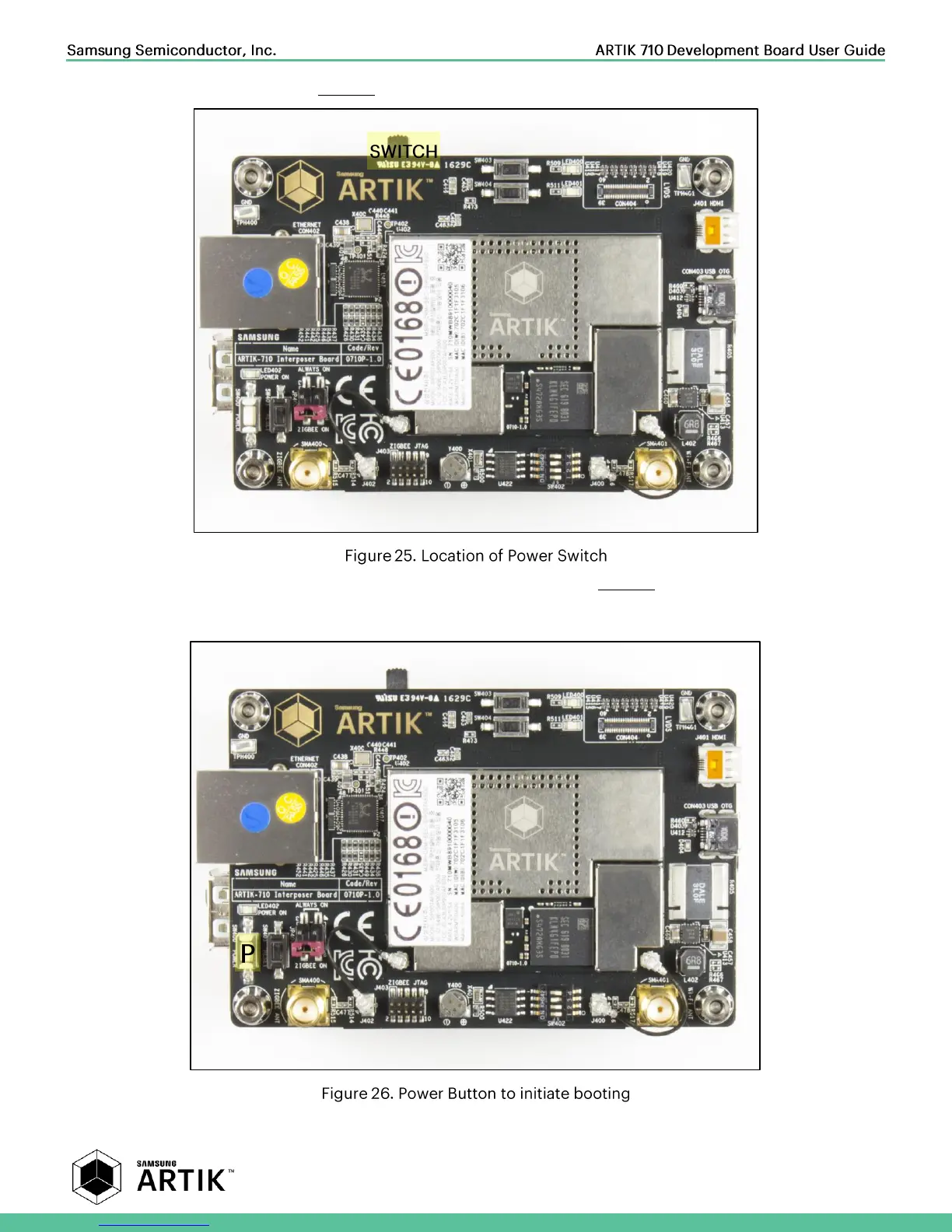
Turn on the power switch as shown in Figure 25.
Once the power switch is turned on, push the power button (SW2), as depicted in Figure 26, for about 1 second. Once
released the booting process will start and you should see booting messages from your console, using the serial connection
that you previously established.



 To Next Page