120
My Music
The Music Player can be used to play music files that you have
transferred from your PC. You can play your music with the flip
open or closed.
Playing Music with the Flip Closed
Note:
The touchpad keys (Rewind, Play and Fast Forward) are only active
when the Sub-Display is active. If the Sub-Display is not active, press
and hold one of the other external keys (Lock/Unlock Key, or Volume
Key) to activate the Sub-Display.
The touchpad responds to a light touch. Using excessive force when
pressing the touchpad keys may damage the touchpad.
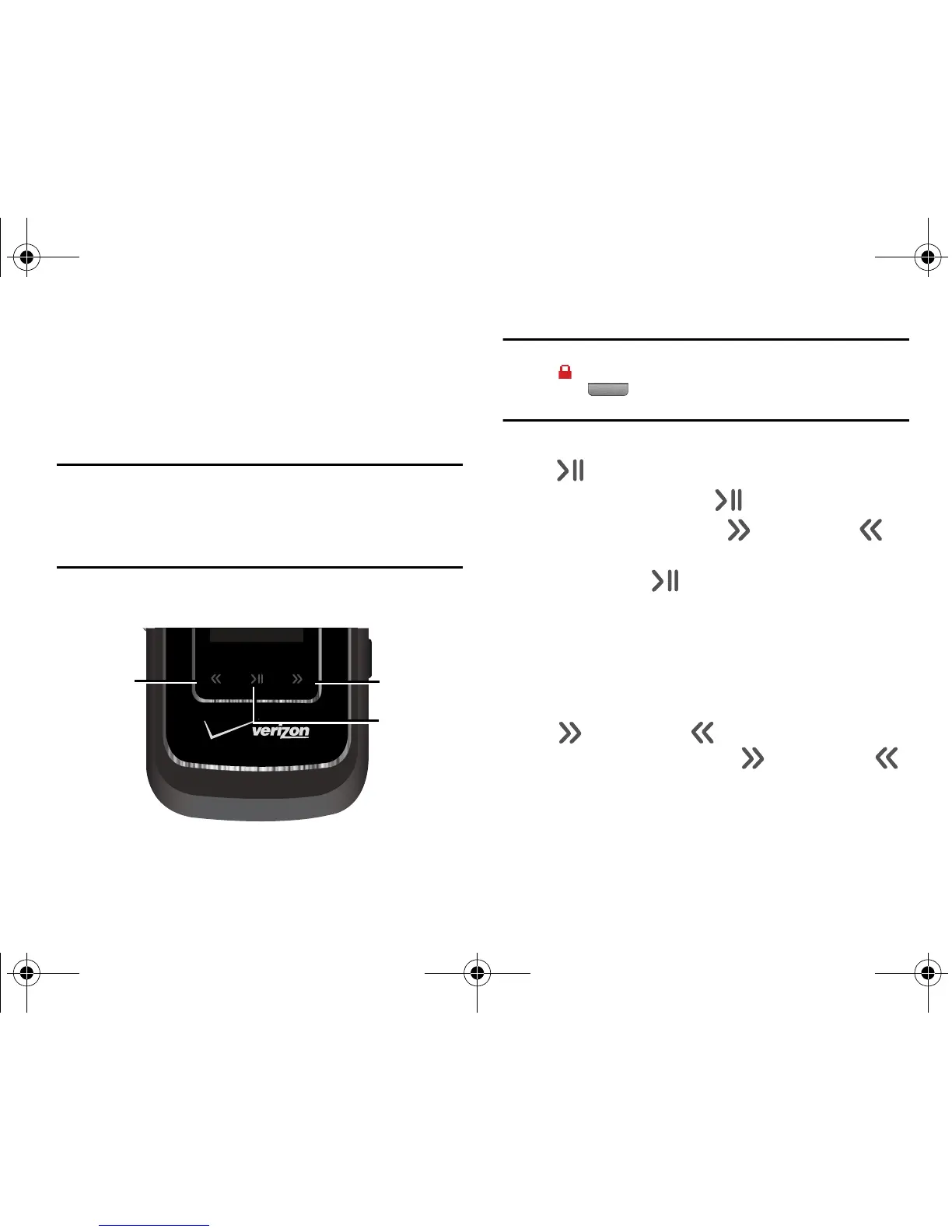
The external keys which you will use are labeled below.
Note:
When the touchpad keys (Rewind, Play and Fast Forward) are locked
the
Lock
icon appears in display. If the keys are locked press and
hold the ( )
HOLD
key (on the right side of the phone) to Lock/
Unlock the touchpad keys.
1. With the flip closed, touch and hold the
Play/Pause
key
().
2. Touch the
Play/Pause
key ( ) for
V CAST MUSIC
.
3. Touch the
Fast Forward
key ( ) or
Rewind
key ( ) to
highlight one of the following option and touch the
Play/Pause
key ( ):
•
Play All
•
Shuffle
•
+Playlists
•
+Songs
4. During music playback, you can use the
Fast Forward
key
() or
Rewind
key ( ) to skip between tracks. Press
and hold the
Fast Forward
key ( ) or
Rewind
key ( )
to move forward or rewind the current song.











 To Next Page