42
Section 5: Understanding Your Contacts
This section allows you to manage your daily contacts by storing
their name and number in your Address Book.
Opening Contacts Menu
The Contacts menu provides access to powerful features such as
adding Groups, creating and sending vCards, and viewing the
phone number assigned to your phone by Verizon Wireless.
Note:
The menu navigation instructions for this section uses the default
My Place
display theme,
Grid menu
layout.
1. Open the flip in portrait mode and press
MENU
. Press
the
Directional key to highlight the Contacts
menu and press .
2. Press the
Directional key up or down to highlight the
Contacts menu item of your choice, then press to
select it.
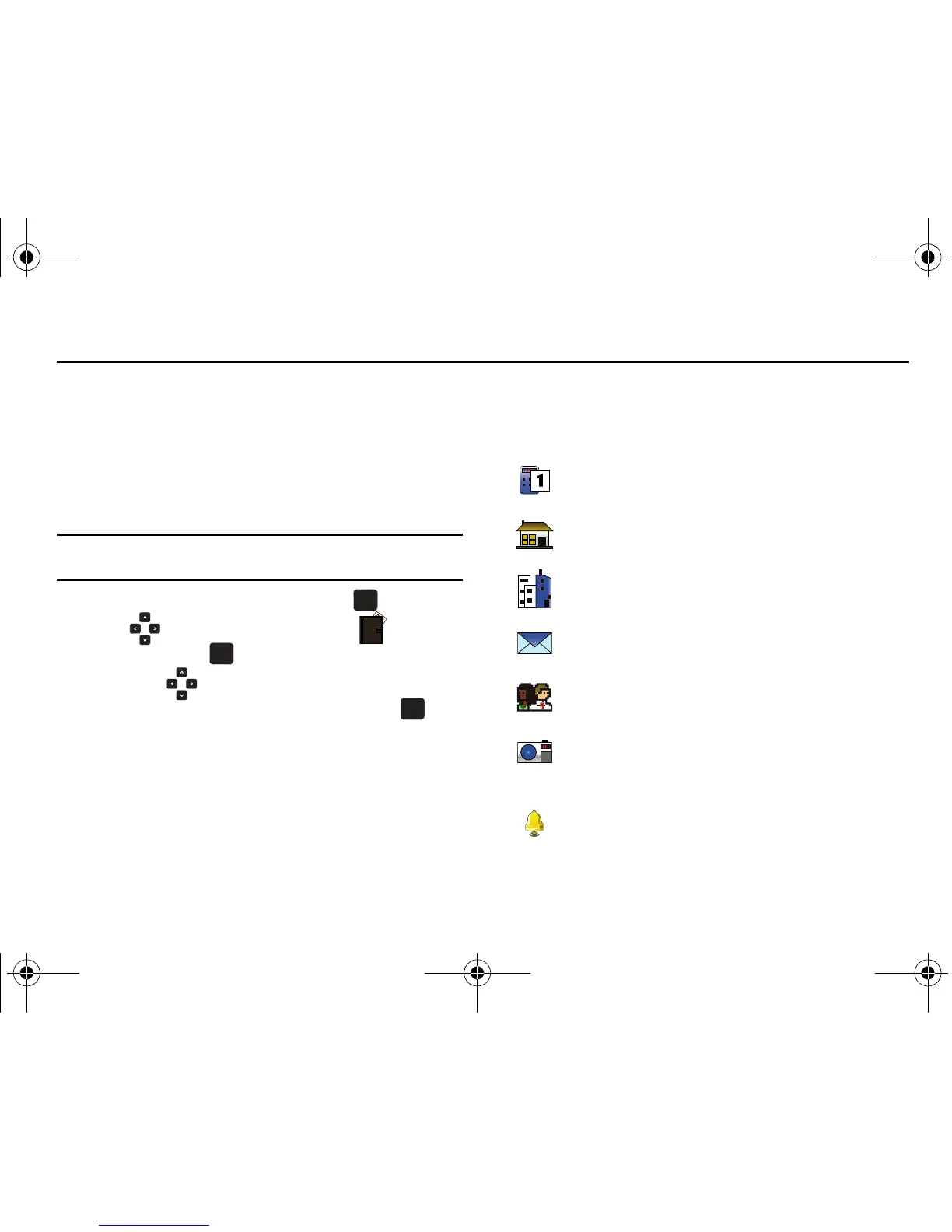
Contacts Icons
You can assign multiple entries to a contact. The icons in the
following table represent all available entry types.
Mobile 1 icon
. Enter a mobile number for the entry in this
field.
Home icon
. Enter a home number for the entry in this field.
Work icon
. Enter the work number for the entry in this field.
Email 1 icon
. Enter an Email address for the entry in this field.
Group icon
. Select an available group to associate with the
entry in this field.
Picture icon
. Select an available pre-loaded image or
downloaded image from Picture ID to associate with the
contact.
Ringtone icon
. Select a ringtone to associate with the entry
in this field.
u750.book Page 42 Sunday, April 5, 2009 8:40 PM











 To Next Page