20
Bottom Display Icons
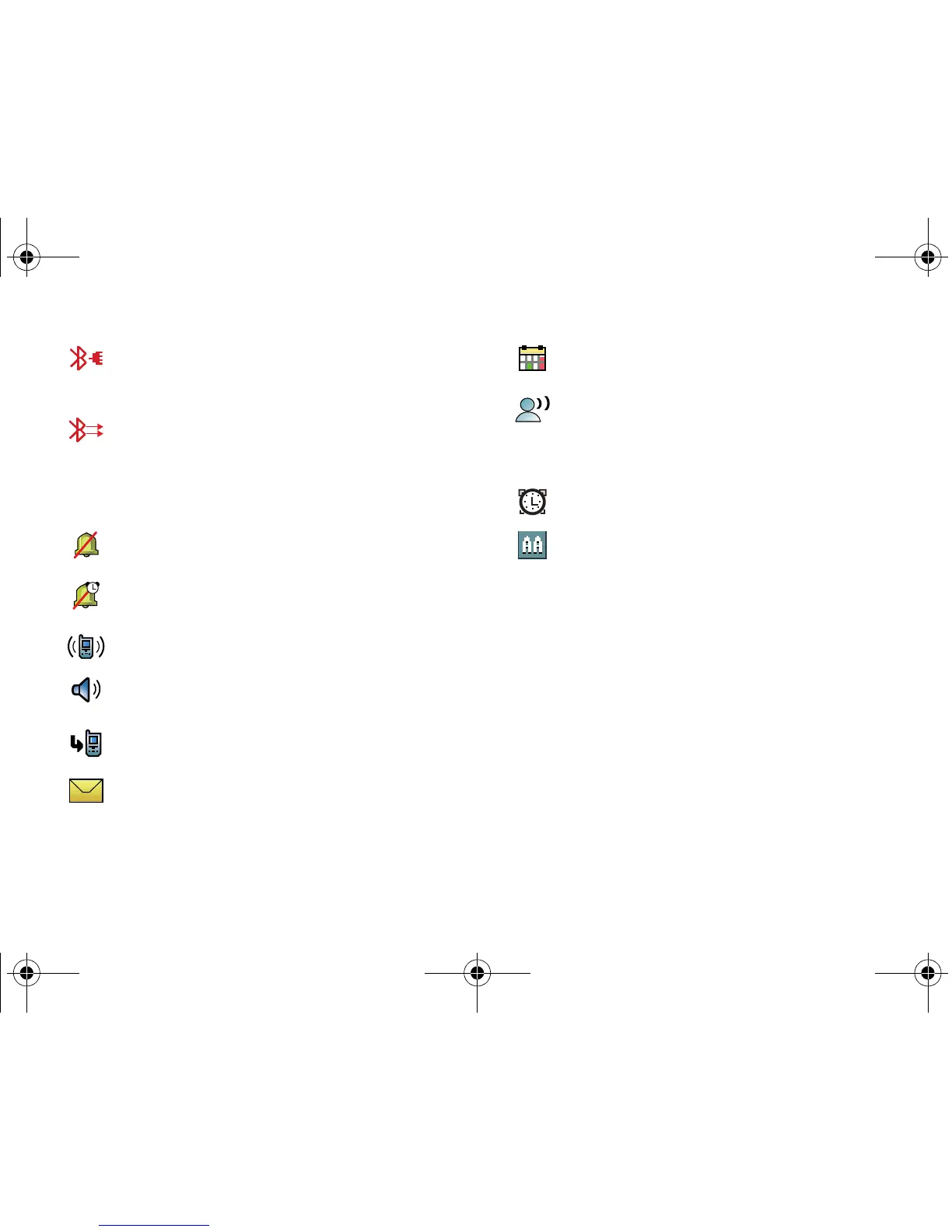
Bluetooth Connected
: Indicates Bluetooth wireless
technology is turned on and is paired with another
Bluetooth-enabled device.
Bluetooth Active
: Indicates that Bluetooth wireless
technology is connected to another device and receiving or
pushing data.
All Sounds Off
: The ringer is silenced for all alerts, incoming
calls, and incoming messages.
Alarm Only
: Your phone will only ring when the set alarm
sounds.
Vibrate On
: Your phone vibrates upon receiving a call.
Speakerphone
: Your phone switches to speakerphone
instead of earpiece.
Missed Calls
: Your phone displays this icon when calls are
missed.
New Msgs
: You’ve received a new text, page or web alert
message. You’re also notified of a new message by
animations and sound.
Calendar Appt:
Your phone displays this icon when you have
a calendar event scheduled.
Voicemail:
You’ve received a voicemail message, page or
web alert message. You have one or more unread voicemail
messages in your voicemail box. (Only applicable on the
Verizon Wireless Network.)
Alarm On
: Indicates that your phone has a set alarm.
Auto Answer
: Automatic answer is enabled. Your phone
automatically picks up calls after the designated time with
the stereo headset or when your Bluetooth headset or
Bluetooth hands-free car kit is connected.
u750.book Page 20 Sunday, April 5, 2009 8:40 PM











 To Next Page