9
English
Power Smart FeaturesPower Smart Features
Power Smart Features
4
Dry mode
Use the Dry mode in rainy or humid weather.
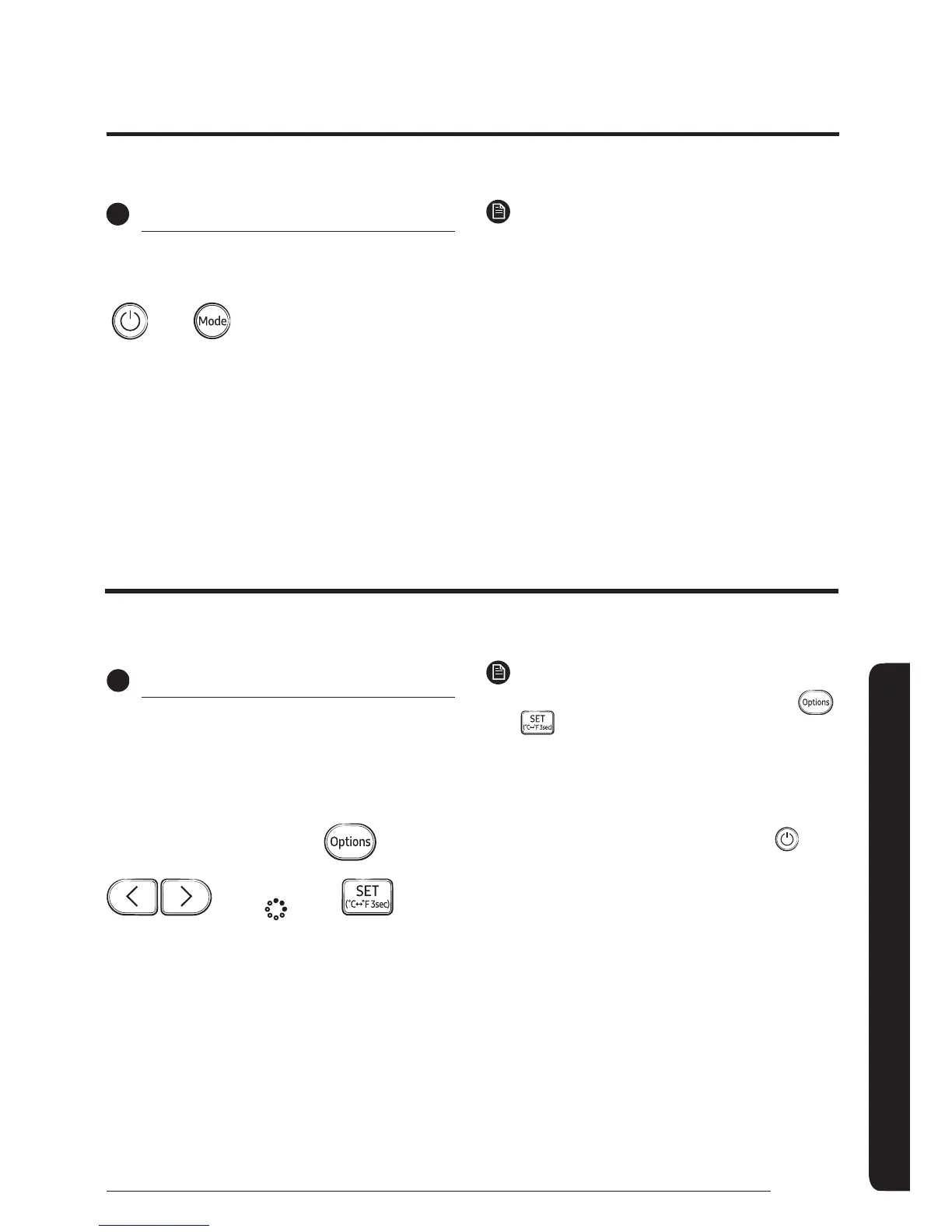
Select Dry.
NOTE
࡙ You cannot change fan speed in the Dry mode.
࡙ The greater the difference between the set
temperature and the current temperature is, the
greater the amount of air that is dehumidified is.
The dehumidifying function of the Samsung air conditioner keeps an enclosed space dry and comfortable.
Dehumidifying Operation
5
S-Plasma Ion function
Use the S-Plasma Ion function to purify your room
with negative ions produced by the air conditioner.
This function is available in the Auto, Cool, Dry, Fan,
and Heat modes.
In the Auto, Cool, Dry, Fan
or Heat mode
Select
NOTE
࡙ To cancel the S-Plasma Ion function, press the
button again.
࡙ When the S-Plasma Ion function is additionally
selected in the Fan mode, you cannot change the set
temperature.
࡙ If air conditioning and S-Plasma Ion functions are on
and you want to stop both functions, press
on the
air conditioner.
࡙ When the S-Plasma Ion function is additionally
selected while a specific mode is running, there
is little difference in electricity consumption and
operating noise.
The air purification function of the Samsung air conditioner keeps the air in an enclosed space purified.
Air Purifying Operation







 To Next Page