EasyManua.ls Logo

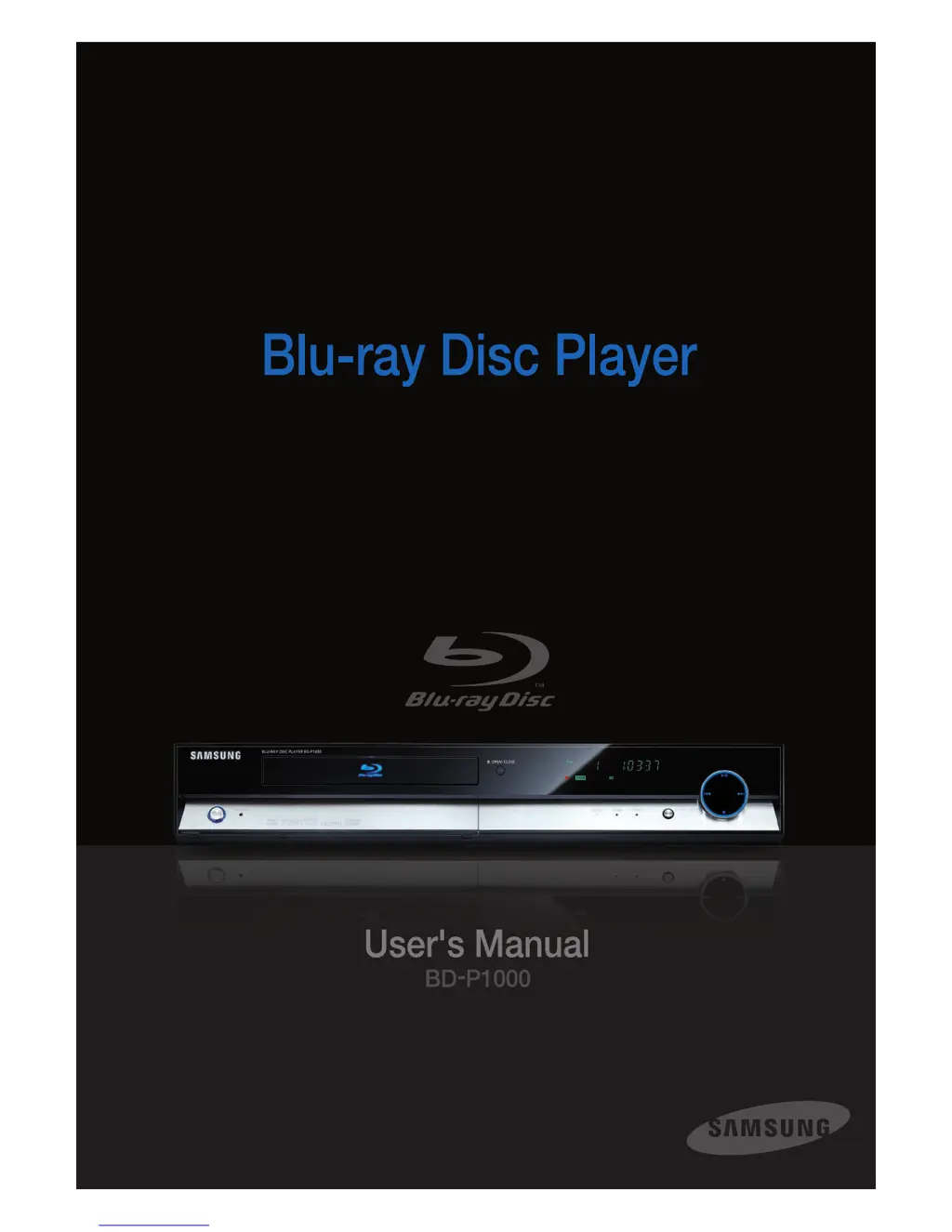
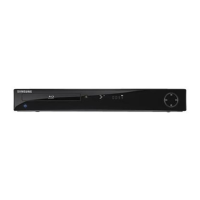
Samsung BD-P1000 - User Manual

Samsung BD-P1000
58 pages
Print Icon
To Next Page IconTo Next Page
Loading...

Other manuals for Samsung BD-P1000

Questions and Answers

  • S
    Sabrina AndersonAug 18, 2025
    What to do if no operations can be performed with the Samsung BD-P1000 Blu-ray Player remote control?
    • M
      Matthew MorganAug 19, 2025
      If your Samsung Blu-ray Player's remote control isn't working, try these steps: First, check and replace the batteries. Then, ensure you're within 6.1 meters (20 feet) of the player. As a last resort, remove the batteries, press and hold any button(s) for a few minutes to reset the remote's microprocessor, and then reinstall the batteries.
  • F
    fstevensAug 20, 2025
    How to reset a forgotten password on Samsung BD-P1000?
    • A
      Alyssa MasseyAug 21, 2025
      To reset a forgotten password on your Samsung Blu-ray Player, press and hold the power button on the front panel for more than 5 seconds without any disc inside. This will revert all settings, including the password, to factory defaults. Use this method only when absolutely necessary.
  • S
    Steven GuzmanAug 23, 2025
    How to reset forgotten password on Samsung BD-P1000?
    • D
      Douglas WilliamsAug 23, 2025
      To reset a forgotten password on your Samsung Blu-ray Player, press the button on the front panel for more than 5 seconds without any disc inside. This will revert all settings, including the password, to the factory defaults. Use this method only when absolutely necessary.
  • J
    Jessica GutierrezAug 26, 2025
    Why is there no HDMI output from my Samsung BD-P1000 Blu-ray Player?
    • L
      Lorraine ObrienAug 26, 2025
      If you're not getting HDMI output from your Samsung Blu-ray Player, check that the video output is set to HDMI. Also, verify the connection between your TV and the Blu-ray player's HDMI jack. Finally, ensure that your TV supports the HDMI input resolution (576p/480p/720p/1080i/1080p).
  • M
    Matthew KleinAug 27, 2025
    What to do if my Samsung BD-P1000 disc does not play?
    • F
      Faith HermanAug 27, 2025
      If your Samsung Blu-ray Player isn't playing a disc, make sure the disc is inserted correctly with the label side facing up. Also, verify the region code of the Blu-ray disc or DVD to ensure it's compatible with your player.
  • G
    Gary WadeAug 30, 2025
    Why is there no audio from my Samsung Blu-ray Player?
    • T
      Theresa HunterAug 30, 2025
      If you're not getting any audio from your Samsung Blu-ray Player, ensure that you have selected the correct Digital Output option in the Audio Options Menu.
  • G
    George LawsonSep 1, 2025
    What to do if the screen is blocked on my Samsung Blu-ray Player?
    • J
      Jennifer LawrenceSep 1, 2025
      If the screen on your Samsung Blu-ray Player is blocked, try pressing and holding the power button on the front panel for more than 5 seconds without a disc inside. This will reset all settings to factory defaults. Also, check the video output mode.
  • M
    Megan TorresSep 3, 2025
    Why is 5.1 channel sound not being reproduced on my Samsung BD-P1000?
    • A
      Adam YoungSep 3, 2025
      5.1 channel sound will be reproduced on your Samsung Blu-ray Player only when: the Blu-ray disc player is connected to the proper amplifier, the disc is recorded with 5.1 channel sound, the disc has the “5.1 ch” mark, your audio system is correctly connected and working, and the Audio Output in the SETUP Menu is set to Bitstream.
  • B
    Brenda BarrettSep 6, 2025
    Why is the picture noisy or distorted on my Samsung BD-P1000 Blu-ray Player?
    • R
      Robert PaceSep 6, 2025
      If the picture on your Samsung Blu-ray Player is noisy or distorted, check the disc for dirt or scratches. Clean the disc if necessary.
  • M
    Maurice WoodSep 8, 2025
    What to do if the icon appears on screen of my Samsung Blu-ray Player?
    • K
      Kristen SullivanSep 8, 2025
      If an icon appears on the screen of your Samsung Blu-ray Player, it could be due to restrictions in the BD/DVD's software or lack of support for a feature. Consult the instruction book for explanations related to the current problem and follow the recommended procedure. If the problem persists, contact your nearest Samsung authorized service center.

Summary

Safety Warnings

Electric Shock Hazard

Warning about risk of electric shock if cover is removed.

Laser Product Caution

Caution regarding hazardous radiation exposure from laser.

Precautions and Handling

Important Safety Instructions

Read and follow all safety instructions before use.

Handling and Maintenance Cautions

Precautions for operating, moving, and cleaning the player.

Disc Compatibility

Playable Disc Types

Lists and describes disc formats the player can read.

Non-Playable Disc Types

Lists disc formats the player cannot read.

Disc Type Details and Protection

Copy Protection Systems

Explains AACS, copyright restrictions, and Macrovision technology.

Disc Handling and Storage

Disc Handling Cautions

Important precautions for handling discs to prevent damage.

Product Description

Front Panel Overview

Detailed description of buttons, indicators, and slots on the front panel.

Component Interfaces

Rear Panel Connections

Explains the various audio and video output ports on the rear.

Remote Control Guide

Remote Control Button Functions

Detailed explanation of each button's function on the remote control.

Unpacking and Remote Setup

Setting Up the Remote Control

Instructions for programming the remote to control a TV.

Video Output Selection

Selecting Video Output Mode

How to choose between HDMI, Component, or Video/S-Video output.

Playback Basics

Before Starting Playback

Initial steps and settings before starting disc playback.

Playing Discs and Memory Cards

How to Play a Disc

Step-by-step guide on how to insert and start playing a disc.

Playing Audio and MP3 Discs

Playing Audio CDs (CD-DA)

Steps for playing standard audio CDs.

Playing MP3 Files from Discs

Instructions for playing MP3 files from discs.

Playlist and Picture Viewing

Viewing Pictures and Slideshows

Steps for viewing JPEG images and setting up slideshows.

System Setup Navigation

On-Screen Menu Navigation

How to open and navigate the player's on-screen menu system.

Language and Audio Settings

Setting Language Options

How to set preferred languages for audio, subtitles, and menus.

Setting Audio Options

How to configure audio output and sound settings.

Audio Configuration Details

Setting Speaker Options

Configuring speaker settings and test tones.

Audio and Video Setup

Speaker Setup Configuration

Detailed configuration for speaker placement and levels.

Setting Video Display Options

Adjusting TV aspect ratio, black level, and resolution settings.

Video Output Configuration

Parental Control Setup

Setting Up Parental Lock

How to set up and use the parental lock feature for content control.

Parental Control Settings

Setting the Rating Level

How to set content rating levels to restrict playback.

Troubleshooting Common Issues

Advanced Troubleshooting

Samsung BD-P1000 Specifications

General IconGeneral
BrandSamsung
ModelBD-P1000
CategoryBlu-ray Player
LanguageEnglish

Related product manuals