cootso'---'---"-tS..L..----
_
KEY FEATURES OF YOUR NEW DUO
HD PLAYER
3 What's included
SAFETY INFORMATION
4 Warning
~.
5
Precautions
0
0
GETTING STARTED
Before Reading the User's Manual
.~
9
m
10
Disc Type and Characteristics
~-
(h
13 Disc Storage & Management
DESCRIPTION
14
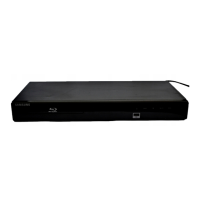
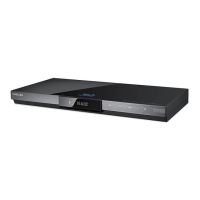
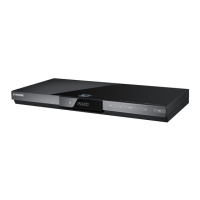
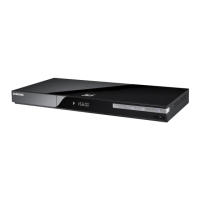
Front Panel
14
Front Panel Display
15
Rear Panel
REMOTE CONTROL
16
Tour
of
the Remote Control
18
Setting the Remote Control
18
Regarding the Battery
19
Controllable
TV
Codes
CONNECTIONS
20
Connecting
to
a
TV
with an HDMI Cable
21
HDMI Auto Detection Function
22
Connecting
to
a TV with
DVI
Cable
23 Connecting to a
TV
(Component)
24 Connecting to a
TV
(S-Video)
25 Connecting
to
a TV(Video)
26
Connecting
to
an Audio System
(2
Channel
Amplifier)
27 Connecting
to
an
Audio System
(7.1
Channel Amplifier)
28 Connecting
to
an Audio System (Dolby
Digital, DTS Amplifier)
29 Connecting
to
an
Audio System (HDMI
supported Amplifier)
30 Connecting
to
the Internet
BASIC FUNCTIONS OF YOUR
31
Before Playing
DUO HD PLAYER
32
On-Screen Menu Navigation
32 Playing a Disc
33 To
playa
twin-format HD
DVD
disc
33
Using the Search and Skip Functions
34 Slow Motion Play/Step Motion Play
SYSTEM SETUP
35
Setting the Clock
LANGUAGE SETUP
36 Setting
up
the Language Options
English
_7



 To Next Page