13
Use a stylus and the touch screen
Learn basic actions to use the stylus and touch
screen.
To avoid scratching the touch screen, do not use •
sharp tools.
Do not allow the touch screen to come in contact •
with other electrical devices. Electrostatic
discharges can cause the touch screen to
malfunction.
Do not allow the touch screen to come in contact •
with water. The touch screen may malfunction in
humid conditions or when exposed to water.
For the optimal use of the touch screen, remove
the protection lm before using your phone.
Tap: Touch the screen once with the stylus to •
select the highlighted menu or option.
Tap-and-hold: Tap and hold the stylus on an •
item to perform.
Drag: Tap and hold the stylus on the screen •
and drag the stylus to move the scroll bar.
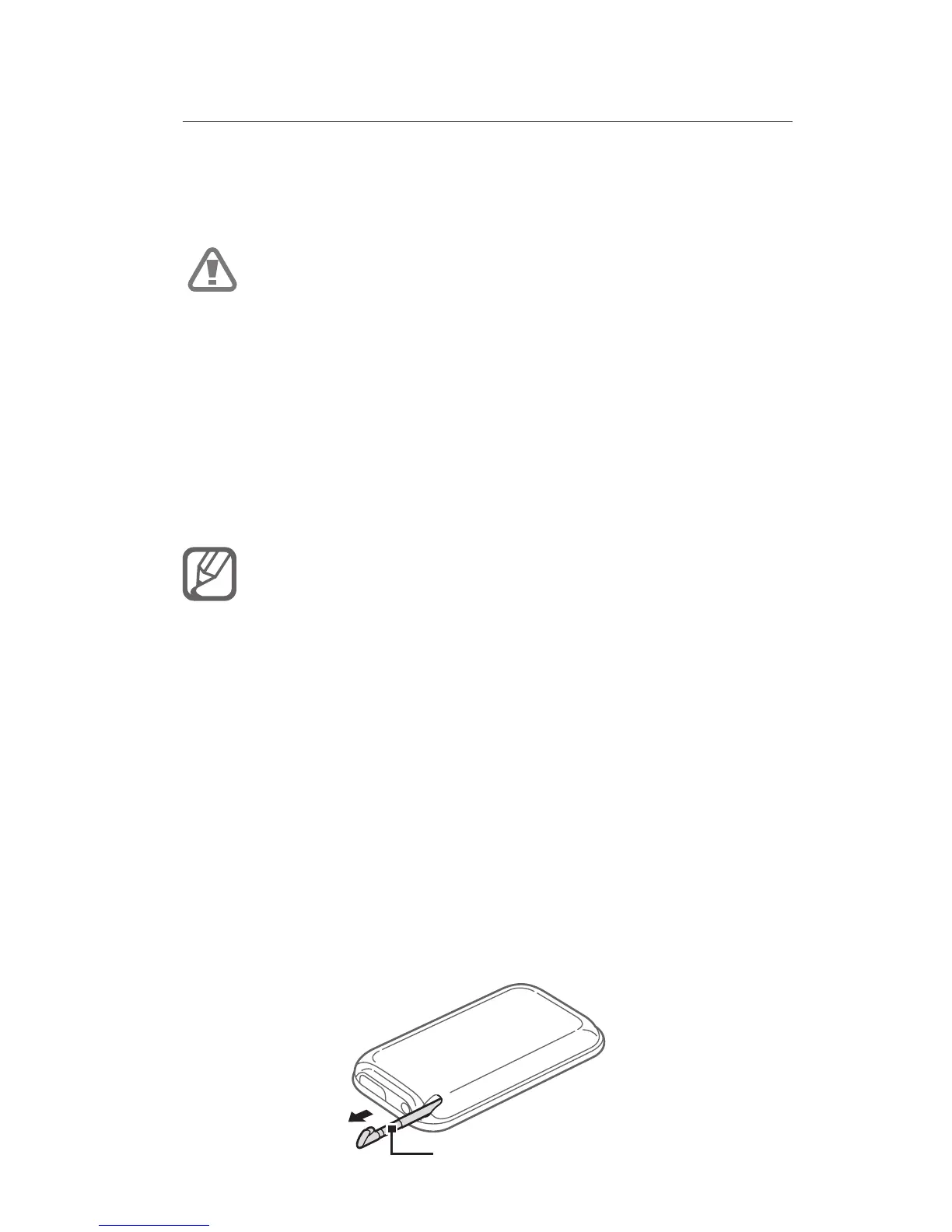
A special slot for storing the stylus is included on
the back of your phone.
Stylus



 To Next Page