25
Listen to music
To listen to the FM radio
In Menu mode, select 1. FM radio.
Select ► to start the FM radio.2.
Select 3. Yes to start automatic tuning.
The radio scans and saves available stations
automatically.
The rst time you turn on the FM radio, you will be
prompted to start automatic tuning.
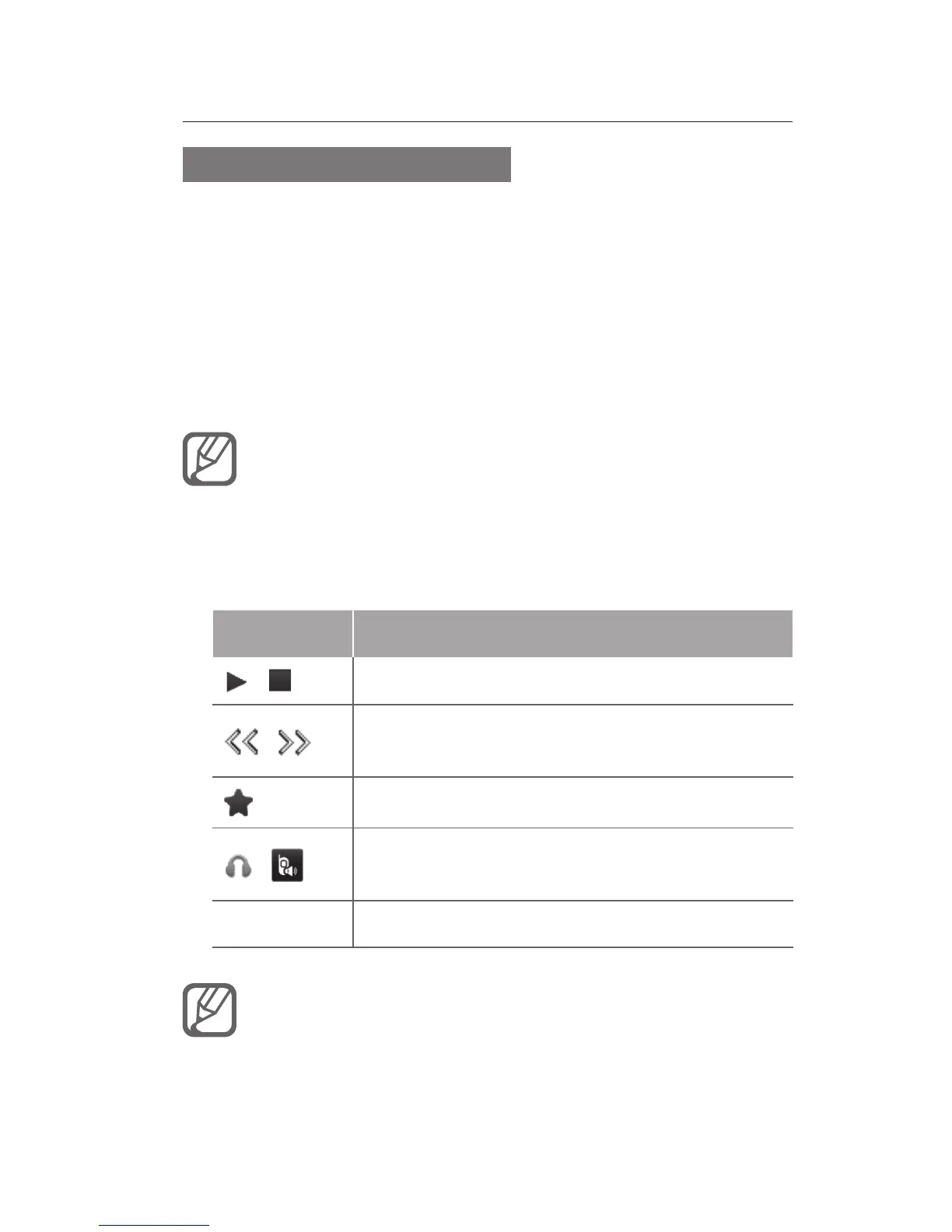
Control the FM radio using the following icons 4.
and keys:
Icon/Key Function
/
Turn the FM radio on or off
/
Tune a radio station; Select a saved
radio station (tap and hold)
Access the favourites list
/
Change the sound output to headset or
phone's speaker
Volume Adjust the volume
Listening to the FM radio without a headset may •
reduce battery charge more quickly.
When the current radio signal is weak, plug in •
the supplied headset.



 To Next Page